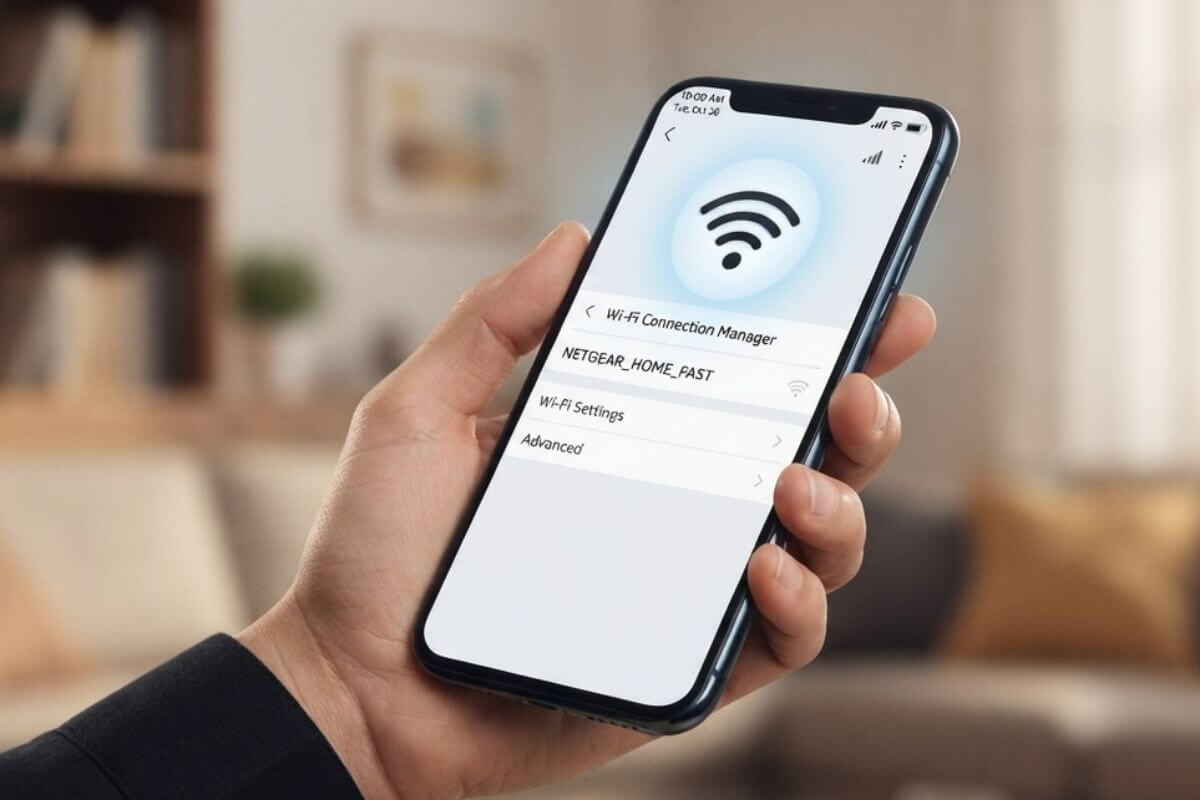
You land in a new city, open your laptop at the airport lounge, and join the first Wi-Fi network that appears on your screen. A few minutes later, you’re syncing work files, signing into cloud platforms, and handling sensitive tasks without thinking twice.
That quick decision to connect is often where problems begin. Taking a moment to verify a new internet connection before you rely on it can help protect your personal information, keep your work uninterrupted, and prevent avoidable security issues while you’re away from home.
Connecting to an unfamiliar network can expose your device and personal information to unnecessary risks if you don’t know who operates it or how it’s secured.
Public Wi-Fi is especially challenging because it isn’t always configured with strong protections, and malicious actors can create convincing lookalike networks using names that closely resemble legitimate ones.
Beyond security concerns, unreliable connections can interrupt remote work, online meetings, or access to important travel services.
According to research from the Wi-Fi Alliance, many people still struggle to identify suspicious wireless networks, making a few simple verification steps well worth the effort before connecting.
Travel often means relying on internet connections outside your control, whether at airports, hotels, cafés, or shared workspaces.
Using an unknown network without checking it first can increase the chances of unauthorized access to accounts or sensitive information, particularly if you’re signing into work platforms, financial services, or cloud storage.
There is also the practical side of staying connected. If the connection turns out to be unstable or illegitimate, you could suddenly lose access to navigation, communication tools, or important travel information when you need them most.
Also Read: Department of Posts, TRAI Sign MoU to Survey Mobile Network Performance Across 5.68 Lakh Villages
What’s Different About Remote Work Connections vs. Casual Browsing
Not every online activity places the same demands on an internet connection.
Reading the news or checking email requires far fewer resources than participating in video conferences, uploading large files, or working inside cloud-based business platforms.
A network that feels perfectly adequate for casual browsing may struggle once your workload becomes more demanding.
Choosing reliable internet for remote work therefore requires looking beyond whether a connection simply appears available and considering whether it can consistently support the tasks you need to complete.
Step 1: Verify the Network’s Identity Before Joining
Before connecting to any unfamiliar network, make sure it genuinely belongs to the business or location providing internet access.
Fake wireless networks are designed to look legitimate, often using names that differ by only a single character or punctuation mark.
Rather than selecting the first familiar-looking option, ask a member of staff for the exact network name. This simple check is especially useful in hotels, airports, cafés, and other busy locations where several similar network names may appear on your device at the same time.
Step 2: Match the Connection Type to Your Work Requirements
Not every internet connection is designed for the same purpose, so choosing the right one depends on how you plan to use it.
Hotel and public Wi-Fi can be suitable for checking email, reading websites, or handling other light online tasks, but performance and reliability often vary as more people connect.
If your work depends on stable access, alternatives such as a travel hotspot, a local SIM card, or an eSIM generally provide a more dependable mobile connection than a shared public network.
These options also reduce the risks associated with using heavily shared infrastructure, making them a practical choice for professionals who need reliable connectivity while traveling.
In destinations where traditional mobile coverage is limited, satellite internet can provide an alternative solution, offering connectivity even when other services are unavailable.
Also Read: Jio, Kotak Neo Roll Out Zero-Fee Investment Offer for Jio Users
Step 3: Lock Down Your Own Device and Traffic
Choosing a trustworthy network is only one part of staying secure online. Your own device should also be configured with sensible security measures before you begin working or sharing personal information.
Keeping your operating system updated, limiting unnecessary connections, and protecting your internet activity all contribute to a safer experience, regardless of where you’re connecting from.
Always Use a VPN on Unfamiliar Networks
Using a trusted VPN service on unfamiliar networks adds an extra layer of privacy by encrypting your internet traffic, making it significantly more difficult for third parties on the same connection to monitor your online activity.
This is particularly valuable when accessing work platforms, cloud services, or personal accounts while traveling.
If you want to evaluate whether this type of protection fits your needs before subscribing, details on CyberGhost’s free trial are on their official page.
The trial provides an opportunity to explore the service across multiple devices and experience its security features before deciding on a long-term plan, making it a practical option for frequent travelers and remote professionals who regularly connect through unfamiliar networks.
Enable Firewall, Disable Sharing, and Update Software
Keeping your device properly configured is just as important as choosing the right network. Make sure your firewall is enabled, disable file and printer sharing when using public connections, and install software updates whenever they become available.
These simple measures help reduce common attack surfaces and ensure your device is protected against known vulnerabilities before you connect to a new network.
Use Two-Factor Authentication for Work Accounts
Two-factor authentication provides an additional layer of account protection by requiring a second verification step after entering your password.
Even if login credentials are compromised, this extra requirement makes unauthorized access significantly more difficult and helps safeguard sensitive work and personal accounts.
Also Read: Vodafone Idea Launches Rs 200 Entertainment Pack With Access to OTT Platforms and Live TV
Step 4: Test Speed and Stability Before You Rely on It
A connection that appears strong at first glance may not deliver consistent performance once you begin working.
Spending a minute running a speed test before an important meeting or large file transfer can quickly reveal whether the network is capable of supporting your workload. Tools such as Google Speed Test make it easy to measure download speed, upload speed, and latency in just a few moments.
It’s also worth remembering that network performance often changes throughout the day as more users come online, so a connection that performs well during quieter periods may slow considerably during peak hours.
Checking both speed and overall stability gives you a clearer picture of whether the connection is suitable for productive remote work.
Step 5: Check the Security Setup of the Connection
Before relying on any internet connection, take a moment to review how it is secured. Networks protected with modern encryption standards such as WPA2 or WPA3 generally provide stronger protection than open networks, which transmit information with far fewer safeguards.
Unexpected login pages, missing authentication, certificate warnings, or unusual security prompts should all be treated with caution.
It is also a good idea to disable automatic Wi-Fi connections so your device does not silently reconnect to unfamiliar networks without your knowledge.
Step 6: Review Data Limits, Costs, and Roaming Terms
Connection quality is important, but understanding the practical costs of staying online is equally valuable. Many mobile providers reduce speeds after certain data thresholds or apply different conditions once you begin roaming internationally.
Reviewing your plan before you travel helps you understand how much data is included, whether roaming is covered, and if additional charges may apply.
You can also use OpenSignal to compare mobile network coverage and performance in your destination before relying on cellular data. Choosing a service with transparent pricing and predictable data allowances can help you avoid unexpected costs while ensuring you remain connected throughout your trip.
Step 7: Have a Backup Plan Ready Before You Need It
Even the most reliable internet connection can become unavailable without warning. Preparing an alternative before you actually need it helps minimize interruptions and allows you to continue working if your primary connection fails.
Carrying a travel hotspot, an additional eSIM, or a local SIM card provides valuable flexibility when moving between locations, while downloading important documents in advance ensures you can continue working even during temporary outages or periods without internet access.
Also Read: India Confirms First Telecom Manufacturing Zone in Madhya Pradesh
Staying Connected and Secure Wherever You Work
Reliable internet has become an essential part of modern travel and remote work, but choosing a connection should involve more than simply selecting the strongest available signal.
Verifying that a network is legitimate, selecting the most appropriate connection type, securing your own device, checking network performance, reviewing available security protections, understanding potential roaming costs, and preparing a backup option all contribute to a safer and more dependable online experience.
Running through this simple checklist before connecting only takes a minute, yet it can help prevent unnecessary disruptions, protect sensitive information, and give you greater confidence when working from hotels, airports, cafés, or virtually anywhere your travels take you.
If this article saved you time or helped you decide better, consider supporting our work.
 Support Telecomtalk