
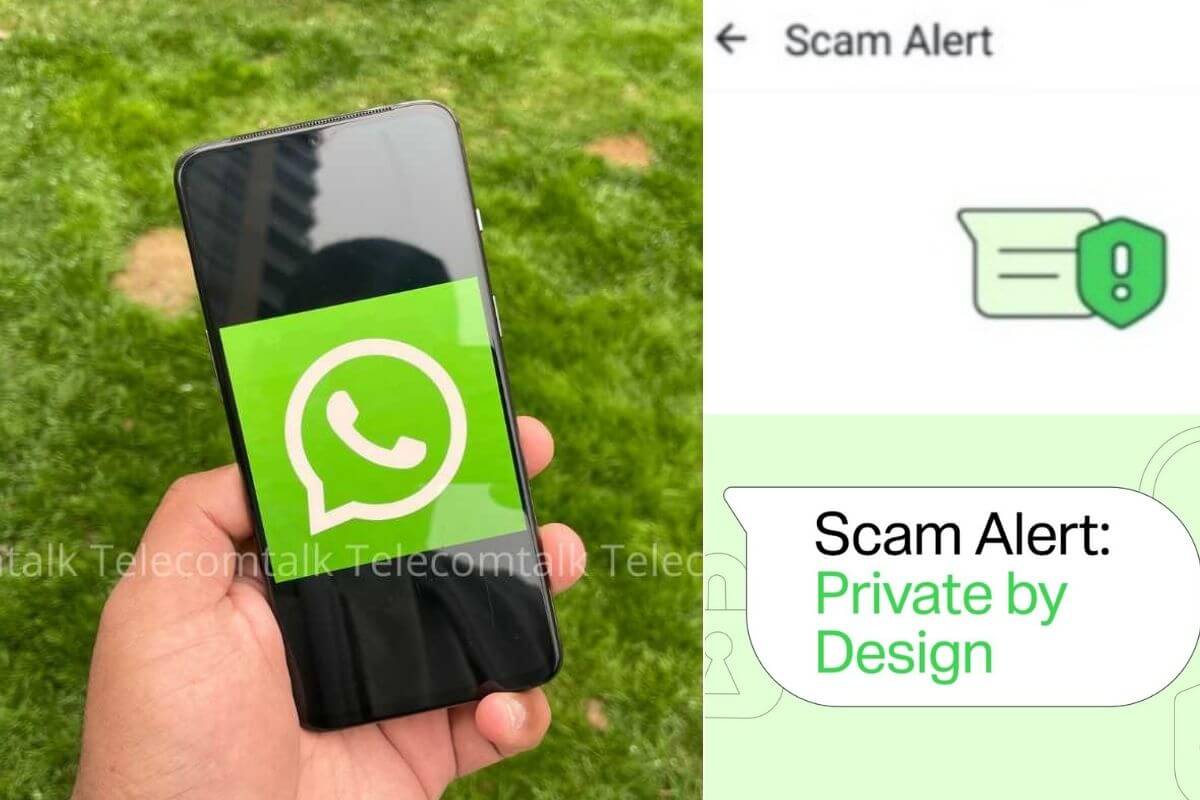
WhatsApp has been working on a new feature called the Scam Alert, which can be toggled on or off in the settings. After months of development and testing, Meta, which owns WhatsApp, released an official update on this feature and launched a beta program for some users. According to reports, Meta uses historical data and an on-device machine learning model to detect red flags that indicate potential scam messages from unknown contacts. It then notifies the user that they can trust, block, or report the chat.
Key Highlights
- Meta’s WhatsApp brings a new Scam Alert Feature to Android users.
- WhatsApp will use its own AI model to analyse user inputs and historical data to assess messages from unknown senders.
- WhatsApp has just rolled out a beta version of the Scam Alert feature to some users.
Let’s take a look at what this feature is all about.
Also Read: Airtel Makes Starlink Connectivity Free for 30 Days, Supports WhatsApp and SMS
WhatsApp Scam Alert Feature – What It Is and How It Works Explained
As the name suggests, Scam Alert for WhatsApp will serve as an additional layer of security for end users. According to a report from WABetaInfo, Meta’s WhatsApp has already released beta version 2.26.34.1 for Android to a select group of users.
The sender will not be notified if the receiver is using the Scam Alert feature. WhatsApp uses Meta’s AI model to detect whether a message from an unknown contact is a potential scam. If detected, it notifies the user with options to trust, block, or report.
Based on the user’s input, AI models prevent such messages from spreading further and improve WhatsApp’s accuracy in detecting scams.
Users can find the Scam Alert settings and toggle it on or off.
Navigate to Settings → Account to enable or disable the feature.
Also, Meta confirmed that the messages will be end-to-end encrypted and that users will be able to report messages.
Messages will remain private and will not be exposed to Meta or WhatsApp. The beta version of the Scam Alert feature has been released, and a public update may arrive in September.
WhatsApp has been working on several updates.
Also Read: WhatsApp Bug Might Be Linked to Galaxy S24, S25 Overheating
WhatsApp has introduced several updates recently. One is a new security feature called “passkey encryption,” which lets users unlock the app as an alternative to Face ID and fingerprint scanners, adding an extra layer of protection to your WhatsApp; now Meta has upgraded it to require a password instead of a PIN.
WhatsApp also introduced support for video calls through the WhatsApp web app, where, just like in Teams and Zoom meetings, you get options for call transfer and a waiting room to control who can enter a meeting.
Following Kunal Shah’s takeover as WhatsApp’s Global CEO, many changes and security updates have been announced.
FAQs
What is the WhatsApp Scam Alert feature?
WhatsApp Scam Alert is a new security feature that detects potential scam messages from unknown contacts and warns users before they interact.
How does WhatsApp Scam Alert work?
WhatsApp uses historical data and an on-device machine learning model to identify red flags indicating a potential scam. Users can then choose to trust, block, or report the chat.
Can users turn WhatsApp Scam Alert on or off?
Yes. The feature can be toggled in WhatsApp settings. Users can go to Settings → Account to enable or disable Scam Alert.
Will the sender know that Scam Alert detected their message?
No. The sender will not be notified when the recipient uses the Scam Alert feature.
What happens when a user blocks or reports a suspected scam?
The user's action can help prevent similar messages from spreading and improve WhatsApp's AI scam-detection accuracy.


