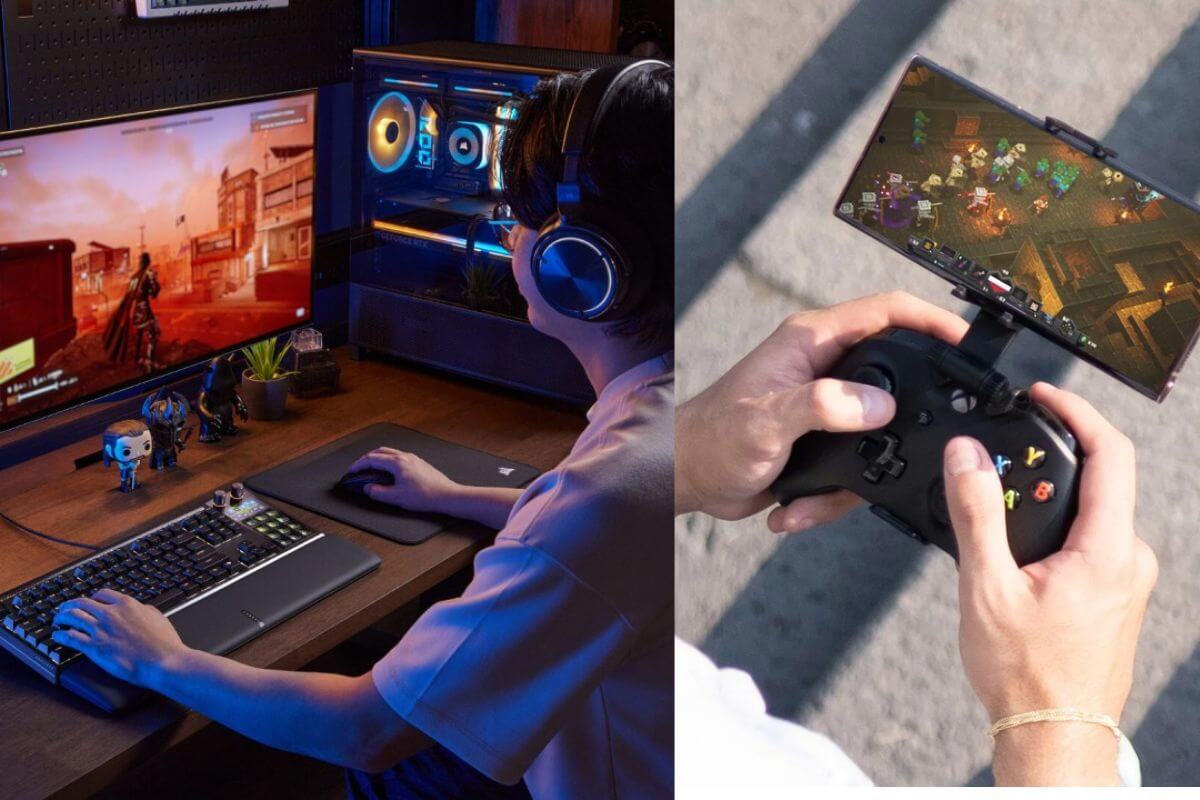
Cloud Gaming vs Downloaded Games: Why Your Internet Connection Matters More Than You Think
Here is a detailed comparison of which requires a better internet connection: Cloud Gaming or Downloaded Games, along with the pros and cons of both. Here is all we know:
Cloud gaming is changing how people access video games. Instead of purchasing powerful hardware and storing every title locally, players can stream games over the internet on compatible devices. However, conventional downloaded games remain the preferred option for many PC and console gamers.
Make Telecom Talk My Trusted Source
Key Highlights
In modern gaming, streaming games through the cloud has been gaining popularity, but does it work as well as downloading and installing a game locally on your machine? Here we have a comparison to see which one needs a better internet connection.
The comparison shows that cloud gaming is more sensitive to internet connectivity because you need a stable connection throughout the session. This includes sending input from your mouse, keyboard, or joystick to the remote server hosting the game, which must occur with minimal delay.
Cloud gaming has an edge over hardware and storage because downloading games, especially AAA titles, uses a lot of space. Even with a gaming PC, you still stream the game from a server.
Both formats depend on internet connectivity but use it differently. Cloud gaming requires a stable connection throughout each session, while downloaded games demand the most during installation and updates. So, which one needs better internet?
How Cloud Gaming Works
Cloud gaming runs a game on a remote server rather than on the player’s device. The server processes the graphics, gameplay, and other elements before transmitting the resulting video stream to the user.
Commands entered via controller, keyboard, or mouse are sent back to the server over the internet.
This exchange must happen continuously with minimal delay.
If the connection is unstable, players may experience blurry visuals, input lag, audio interruptions, or disconnection.
Internet speed is only one part of the cloud-gaming experience. Latency, network consistency, Wi-Fi quality, and the distance to the gaming server can be equally important.
Downloaded games are installed directly on a PC or console. The device’s processor and graphics hardware handle most of the work locally, reducing the need for a continuous high-speed connection during gameplay.
PC players can access individual games or use subscription-based libraries. For example, those exploring Xbox Game Pass PC can download supported titles and run them locally on compatible hardware.
The initial download can place significant strain on the broadband connection, especially since modern games can be tens or even hundreds of gigabytes in size.
Large patches, expansion packs, and seasonal updates also result in substantial downloads.
Once installed, a single-player game may require little or no internet connection unless it includes online authentication, cloud saves, or other connected features. Online multiplayer games still require an active connection but generally do not stream the entire game as video.
A faster connection helps both formats, but cloud gaming is considerably more sensitive to connection quality.
Downloaded games benefit from higher speeds because they reduce the time required to install games and updates.
A slow connection might turn a large download into a wait of several hours, but it will not necessarily affect offline gameplay after installation.
Cloud gaming cannot separate the download process from the playing experience. Game visuals and audio must be delivered continuously. Even a fast connection can struggle if it experiences frequent fluctuations, packet loss, or high latency.
A stable wired broadband connection is generally more dependable for cloud gaming than congested Wi-Fi.
Players using Wi-Fi may see better results on a modern router, a less crowded frequency band, and a device located close to the access point.
Which One Consumes More Data?
Cloud gaming can consume a substantial amount of data because it continuously streams video while the user plays.
Higher resolutions and frame rates usually increase consumption further.
Several hours of gameplay every day could therefore have a noticeable impact on a broadband plan with a limited monthly allowance.
Downloaded games consume most of their data upfront. A major title can require a very large initial download, followed by periodic updates.
However, locally processed gameplay usually consumes much less data than continuously streaming high-quality game footage.
The comparison ultimately depends on playing habits. Someone who frequently downloads new games may generate considerable traffic, while a cloud-gaming user’s consumption rises with every hour played.
Internet connectivity is not the only consideration. Downloaded games require enough local storage and hardware capable of running them at the desired quality.
Players may need a capable processor, sufficient memory, and a dedicated graphics card for demanding PC titles.
Cloud gaming reduces the burden on local hardware because processing occurs remotely.
It can allow certain games to run on devices that might otherwise be unable to handle them. The trade-off is greater dependence on the internet and the availability of supported cloud-gaming services and servers.
Which Option Needs Better Internet?
Cloud gaming needs a better, more consistent internet connection. It depends on sufficient speed, low latency, and stable performance throughout the session adisruption lasting only a few moments can immediately affect gameplay.
Downloaded games may require more data to install at once, but they are generally more forgiving once installed locally they remain the more dependable choice for users with inconsistent connections, provided their hardware and storage meet the game’s requirements.
For players with fast, stable, and low-latency broadband, cloud gaming offers convenience and reduces the need for powerful local hardware for those who prioritize predictable performance, offline access, and independence from network fluctuations, downloaded games continue to have a clear advantage.
Image Credits: EFTM, Nexushub
A small group of TelecomTalk readers helps keep this platform running. Support us if you find our work valuable.
FAQs
Does cloud gaming require better internet than downloaded games?
Yes, cloud gaming requires a faster, more stable, and lower-latency internet connection since the game streams continuously from a remote server.
How much internet speed is needed for cloud gaming?
The required speed depends on the cloud gaming service, resolution, and frame rate. Higher-quality streaming requires more bandwidth, while a stable connection and low latency are equally important.
Do downloaded games need internet to play?
Not always. Once installed, many single-player games can be played offline. However, some titles require internet access for authentication, updates, cloud saves, or online features.
Which is better: cloud gaming or downloaded games?
It depends on your priorities. Cloud gaming is convenient and lowers hardware and storage needs. Downloaded games offer more predictable performance, offline access, and less reliance on internet stability.
What is more reliable, cloud gaming or downloaded games?
Downloaded games are more reliable for users with unstable internet because most games run locally after installation. Cloud gaming requires a consistent connection throughout the session.
 Support Telecomtalk