 Support Telecomtalk







Andrew Bonwick
Vice President of Product Development at Relm Insurance

Madhav Sheth
CEO of Ai+ Smartphone

Stephen Rose
CEO Render Networks



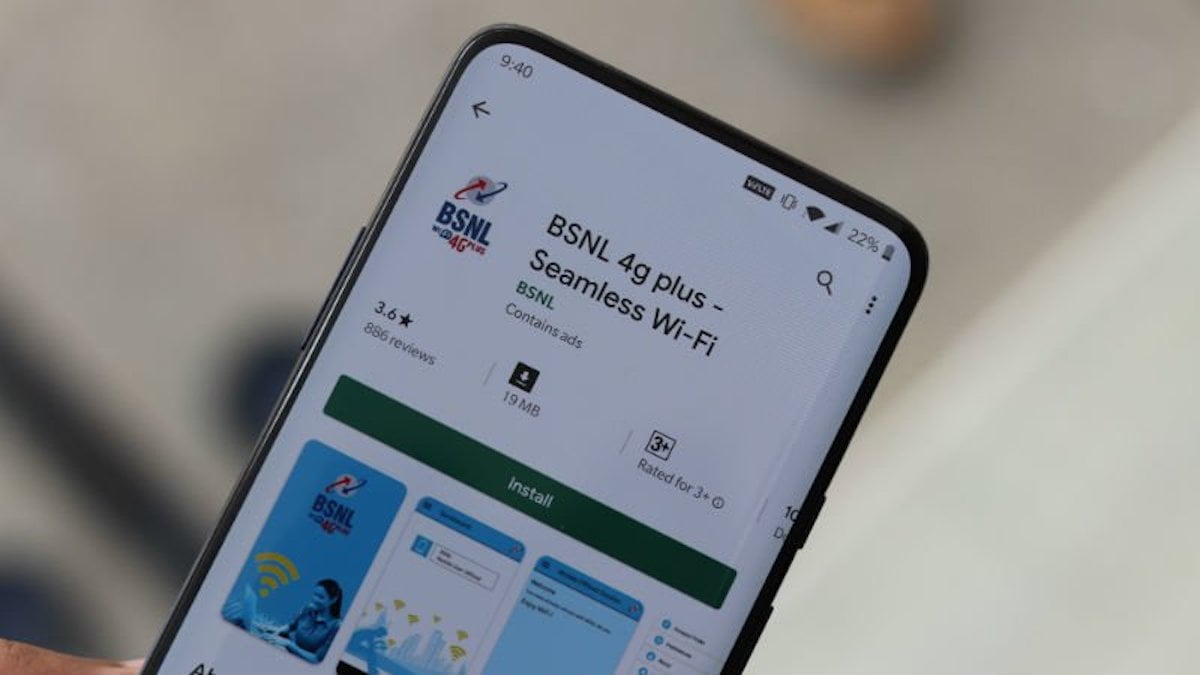
State-owned telco, BSNL wants every Indian to be a netizen. For that, every Indian must have a smartphone or device which can support internet. BSNL is going to spread high-speed internet connectivity throughout India. The locations which telco wants to target are university campuses, libraries, hospitals, colleges, schools, post offices, and other public places such as parks, health centres, and tourist attractions. For this, BSNL is going to set-up its Wi-Fi network which will be accessible to everyone near it for free. Every location where the Wi-Fi will be called a ‘Wi-Fi Hotspot Zone’. The first location to be targeted by the telco to convert it into a Wi-Fi hotspot zone is Varanasi.
- Make Telecom Talk My Trusted Source
-

-


How to Connect to BSNL Wi-Fi?
If you are wondering about how to connect to the BSNL Wi-Fi when you are in the Wi-Fi hotspot zone, you must have a smartphone. Without a smartphone which can connect to the Wi-Fi, you won’t be able to make use of the public Wi-Fi. With that, you need to have an active SIM card on your device as well which can receive messages. So to connect with the BSNL Wi-Fi, all you need to do is go to your Wi-Fi settings. Search and connect with the ‘BSNL Wi-Fi’. Tap on ‘connect’ and then you will be prompted to enter a 10 digit registered mobile number. After entering your mobile number, you need to tap on ‘Get PIN’ option and you will receive a 6 digit PIN via SMS. Enter that PIN and you will be connected with the BSNL Wi-FI.






























