Support Telecomtalk







Andrew Bonwick
Vice President of Product Development at Relm Insurance

Madhav Sheth
CEO of Ai+ Smartphone

Stephen Rose
CEO Render Networks



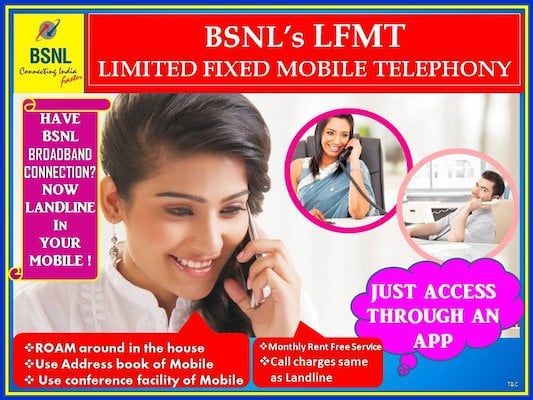
Last year, BSNL or Bharat Sanchar Nigam Limited introduced an app-based Limited Fixed Mobile Telephony (LFMT) service. Initially, the BSNL LFMT service allowed users to make voice calls to other BSNL LFMT subscribers for free. But now, the telco has introduced the voice calling feature for the LFMT service, allowing users to make video calls. So BSNL LFMT users can now make video calls at audio call tariffs, and the service is available for BSNL Broadband users. For availing the video calling service on BSNL LFMT, customers have to follow a procedure which involves the installation of a third-party application. The process is bit cumbersome, but it’s completely worth setting up and can be a good alternative for avid WhatsApp video calling users.
- Make Telecom Talk My Trusted Source






So firstly, the process involves the BSNL LFMT customer log into the company’s official portal (ngn.bsnl.co.in) with their account details. After logging in, customers are required to choose the mobile number which they want to use with the BSNL LFMT service and submit it. Post the submission; they’ll be required to install an application called Grandstream Wave. Post the installation of the application, users are required to set up the account and they’re good to go. This is the same procedure for users looking to set up the free BSNL voice calling through LFMT service.
For the uninitiated, BSNL introduced the Limited Fixed Mobile Telephone (LFMT) service last year, which is a facility of the fixed telephone number with outgoing and incoming calls on smartphones with Wi-Fi facility. For the service to work, users are required to connect with BSNL broadband modem (say on Wi-Fi). After the connection, users have to set up the LFMT service by following the procedure detailed above.