Broadband Internet Can Be Very Easily Boosted By Doing This

Facing issues with your broadband internet connectivity while gaming or streaming videos? As it is important to have a reliable connection offering high-speed internet for FHD and 4K video streaming, online gaming and more, here is an interesting guide for you.

Most readers read for free. A small group from the TelecomTalk community keeps this going. Support only if our work adds value for you.

Highlights

  • It is important to have a reliable connection offering high-speed internet for FHD and 4K video streaming.
  • Make sure your router is positioned such that there is no interference caused in the network.
  • You need to connect to the right channel as the modern-day routers give multiple channels for users to connect to.

Follow Us

Broadband Internet Boosted

In recent years, many users have installed broadband internet in their homes as there is an increase in video consumption and many are also working from home. But it's not all good with broadband, users also face speed issues with their broadband internet connection. Since it is important to have a reliable connection offering high-speed internet for FHD and 4K video streaming, online gaming and more, here is an interesting guide for you.


Boost Your Broadband Internet Connection

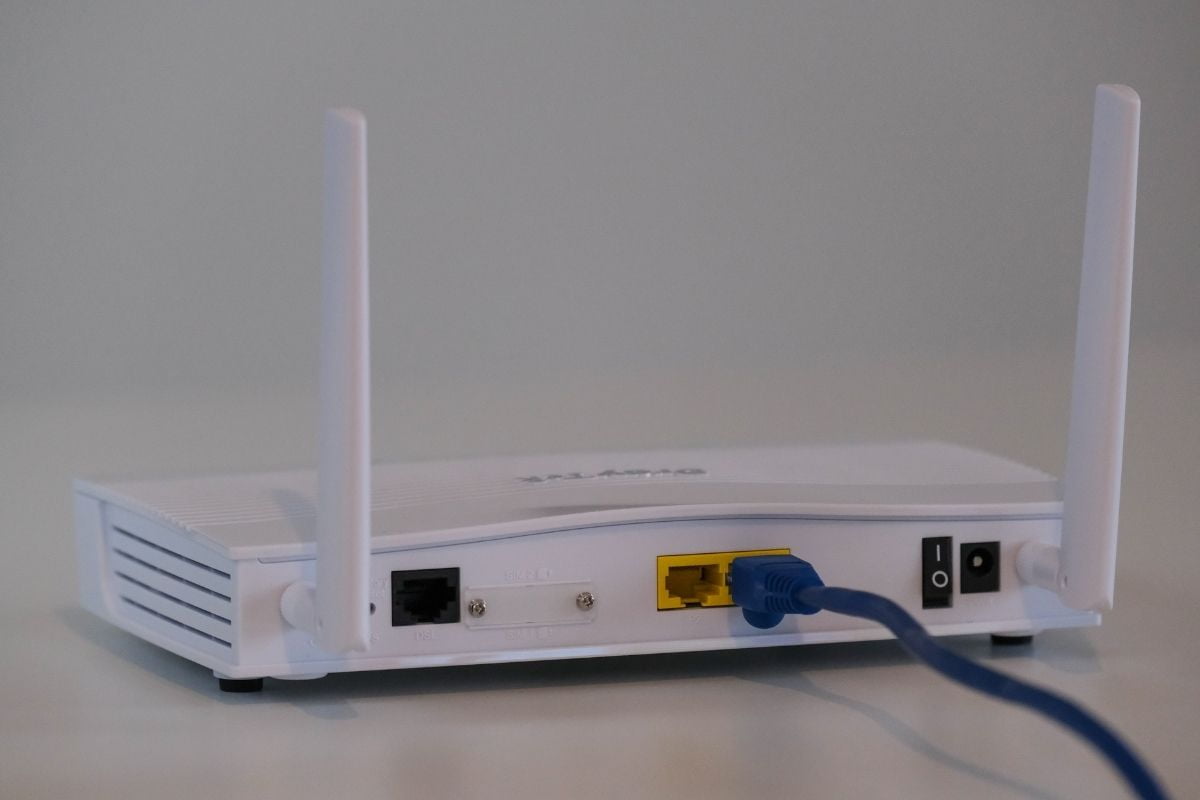
Firstly, you need to check your router and upgrade it to a new one. These days, there are many advanced routers that provide easy configurations and additional data throughput. Once your router is upgraded, you need to keep a check on the direction of the antenna of your router. Make sure the antenna of the Wi-Fi router is to your gaming device’s antenna. You can keep one antenna vertical and another one parallel to deliver the desired output for your gaming, download and video experience.

The other thing that you need to do for an improved broadband internet connection is to evaluate the strength of your Wi-Fi network. Notably, you can do it via any of the apps that are available on the Google Play Store or Apple App Store based on the phone you are using. With these apps, you can find out the dead zones that miss out on Wi-Fi connectivity in your house. This way, your entire house will be connected to the internet.

If you have several devices connected to the Wi-Fi router, then you can disconnect some of them that are not in use from the network, especially during online gaming and heavy streaming. This way, there will be ample bandwidth for the purpose alone.

Occasionally, there will be interference with the Wi-Fi network. In that case, you need to make sure the network is connected correctly. If not, then there will be patchy or bad connectivity. Make sure your router is positioned such that there is no interference caused in the network.


Besides these, the simplest way to fix Wi-Fi issues is to first restart the router and it works well in most scenarios. The network has to be refreshed on a timely basis to make sure it is reliable.

Lastly, you need to connect to the right channel as the modern-day routers give multiple channels for users to connect to. The right one based on your distance from the router will assure better connectivity. Usually, the 5 GHz channel is better when you are close to the router and the 2.4 GHz channel is suggested while you are at a relatively farther distance.

Most readers read for free. A small group from the TelecomTalk community keeps this going. Support only if our work adds value for you.

Reported By

Managing Editor

Chakri is a go-to guy for your next smartphone recommendation. Back in his engineering days, he used to play with smartphones by installing custom ROMs and that passion got him into the tech industry. He still goes nuts about a smartphone knocking his door for review. Currently managing everything at Telecom Talk, Chakri is trying to master PUBG Mobile in his free time.

Recent Comments

Faraz :

This is not complete tarrif hike, if revision of all plans happens then 2 GB per day plan might reach…

Tariff Hike 2026: Airtel Quietly Raises Price of Rs 859…

WIN :

Study about Docomo case that happened in Singapore International court. They will never enter India and tie-up with Tata group…

Tariff Hike 2026: Airtel Quietly Raises Price of Rs 859…

Aslam Rajasthan :

Mts is CDMA STel I don't know so that why

Tariff Hike 2026: Airtel Quietly Raises Price of Rs 859…

S.R. :

Was expecting another price hike soon. But this price hike looks ok. I thought they would charge Rs. 1200 for…

Tariff Hike 2026: Airtel Quietly Raises Price of Rs 859…

Load More
Subscribe
Notify of
guest
2 Comments
newest
oldest most voted
Inline Feedbacks
View all comments