 Support Telecomtalk







Andrew Bonwick
Vice President of Product Development at Relm Insurance

Madhav Sheth
CEO of Ai+ Smartphone

Stephen Rose
CEO Render Networks



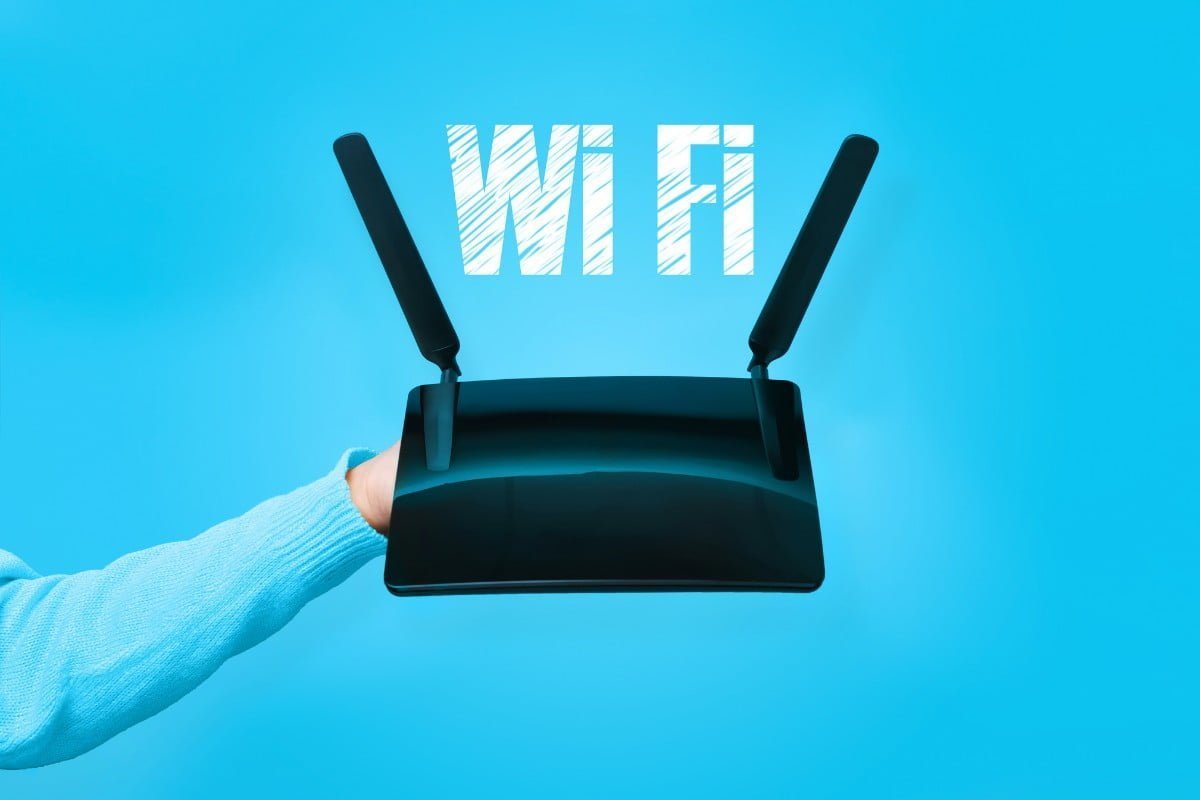
A router facilitates communication between your home’s internet-connected devices and the internet. These devices establish a network with the router, and the router will manage incoming and outgoing internet traffic on that network. In addition to the router, there is a modem. Your home network is unable to access the internet without a modem. The modem’s function is to provide internet from your internet service provider into your residence. It establishes a connection with your router and provides your home network with internet connections.
- Make Telecom Talk My Trusted Source
-

-


Here are a few things you can do with a Wi-Fi router. While the majority of these features are available on most models, some features could only be available on particular Wi-Fi router models.
File Sharing
A Wi-Fi router is frequently used for file sharing. Heavier files might be time-consuming and difficult to transfer using techniques like Bluetooth. You can instantly transfer data between numerous devices at once because they are all connected to your home network. To share a file or folder over a network on Windows 11, all you have to do is right-click the file and select “Give access to > Specific people.” By selecting Share with > Homegroup (Read or Read/Write), you can share files with other devices as well.
Navigate to the Control Panel > Network and sharing centre on the home network. To use the function, select “Change advanced sharing options” from the left panel, then “Turn on file and printer sharing.”






























