Support Telecomtalk







Andrew Bonwick
Vice President of Product Development at Relm Insurance

Madhav Sheth
CEO of Ai+ Smartphone

Stephen Rose
CEO Render Networks



Purchasing a new SIM card and forgetting the phone number is one of the nightmares for mobile users. To aid users, telecom operators provide an array of methods through which you can check your number. Among the lot, renowned telco Vodafone Idea (Vi) gives multiple options to its subscribers through which they can check their phone number. They can also check other important details regarding their Vodafone Idea account like data balance, validity and more. If you are a Vodafone Idea user, follow the article to the end to get a detailed guide on how to check Vodafone Idea number.



- Make Telecom Talk My Trusted Source



Steps to Check Vodafone Idea Number Using USSD Codes
All the telecom operators have defined a special set of USSD codes for different services. Vodafone Idea also offers USSD codes which can be used by users to get information regarding various services. However, USSD codes must be used properly to get the right information.
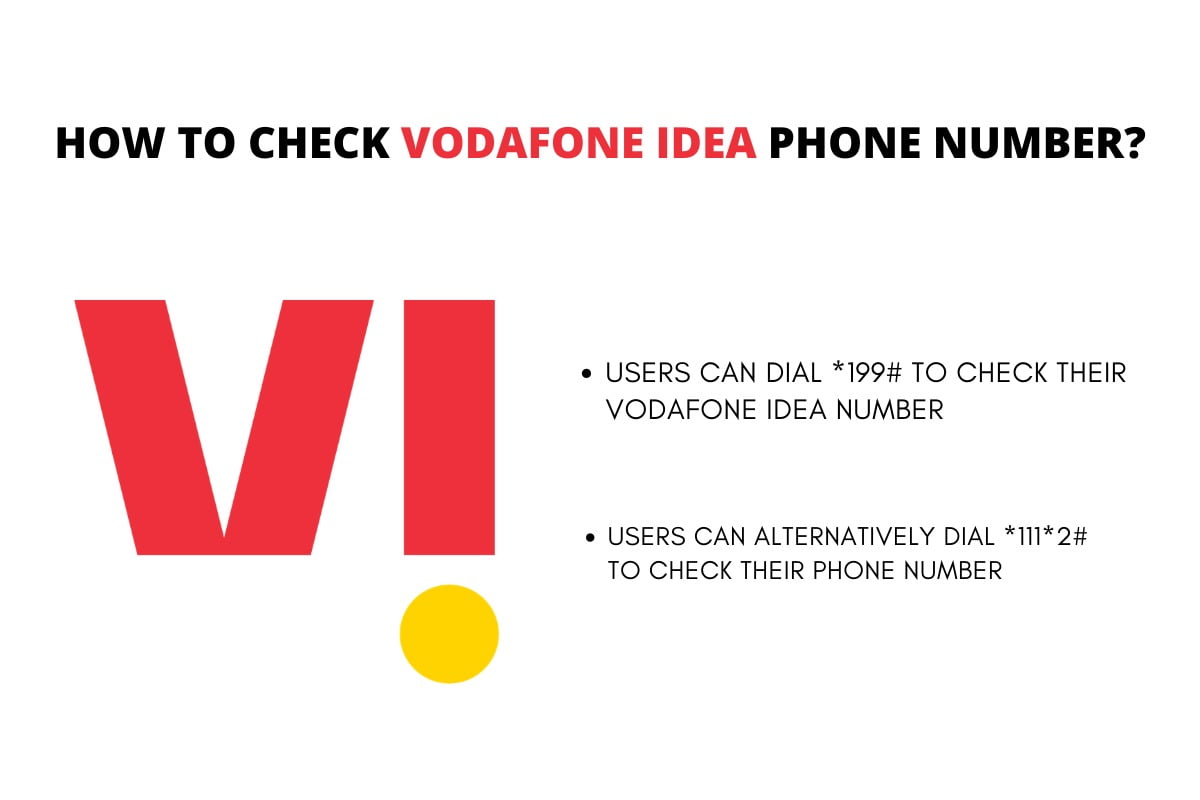
To check the Vodafone Idea number using USSD code, open the dialer app on the phone and dial ‘*199#’ from your Vodafone Idea SIM. Once dialled, you will see a flash message on your screen, which will show your mobile number. Alternatively, you can also dial ‘*111*2#’ to know your Vodafone Idea mobile number. There are multiple set of USSD codes which reveals other information like data balance, validity and more.