Support Telecomtalk






Highlights
- Google has started rolling out a new Signature app to select Android flagship devices, allowing users to create and store digital signatures directly on their smartphones.
- The app currently supports three signature creation methods drawing, typing, or uploading an image though integration with PDFs and documents has not yet been enabled.
- The Signature app appears to be part of Android 17 preparations

Andrew Bonwick
Vice President of Product Development at Relm Insurance

Madhav Sheth
CEO of Ai+ Smartphone

Stephen Rose
CEO Render Networks



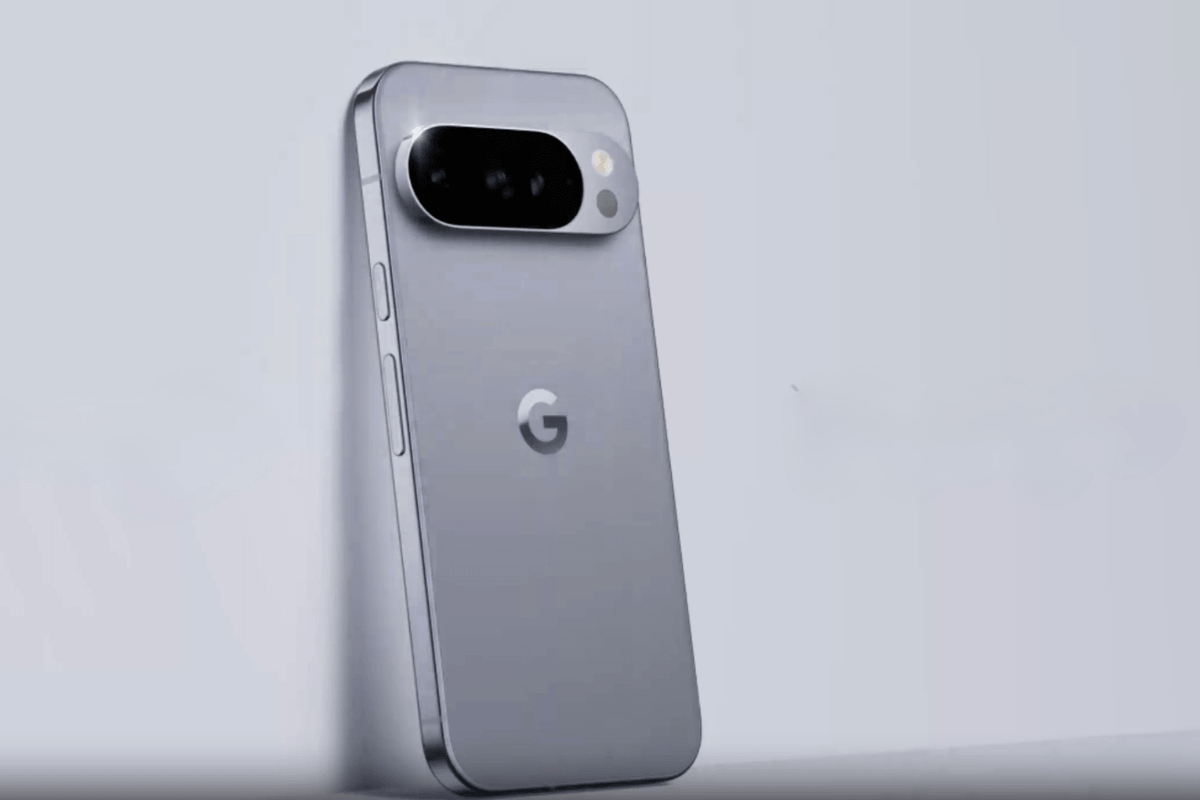
Google is on the top headlines now as it has quietly started rolling out new Android updates via a utility app called the “Signatures App,” which is now being pushed to Pixel devices and some flagship devices from Samsung, Oppo, and even OnePlus.
- Make Telecom Talk My Trusted Source



Key Highlights
- California-based giant, Google starte to rollout updates with a dedicated utilight app called the Signaturte App
- The app is first pushed to its flagship, the Pixel 10 series, followed by Samsung's and OnePlus’s flagships.
- As of now, the feature is only available in Android 17 OS.


Signature App by Google – Usage Explained
As per the confirmation shared, the Signature app is a dedicated utility app that was pushed and directly added to the smartphone, specifically through a PlayStation update,
The update first appeared on the latest Pixel devices like the Pixel 10, then made its way to Samsung’s flagship Android phones like the Z Fold 7 and Galaxy S series, followed by Oppo’s Find X9 Ultra, and finally a handful of OnePlus flagships.
Also Read: Google Fitbit Air Spotted on BIS: India Launch Could Be Near
Talking about its usage, the Sigangure App is a home-built application that can be used to store digital signatures, which can be created and added through three options: Drawing, Typing, and uploading an image.
Although Google has yet to announce how a user can go and add a digital signature to a PDF or any file. Possibly, we might get to see support for integrating this through platforms like DocuSign. As of now, you can only open the app and add a signature.