Support Telecomtalk







Andrew Bonwick
Vice President of Product Development at Relm Insurance

Madhav Sheth
CEO of Ai+ Smartphone

Stephen Rose
CEO Render Networks



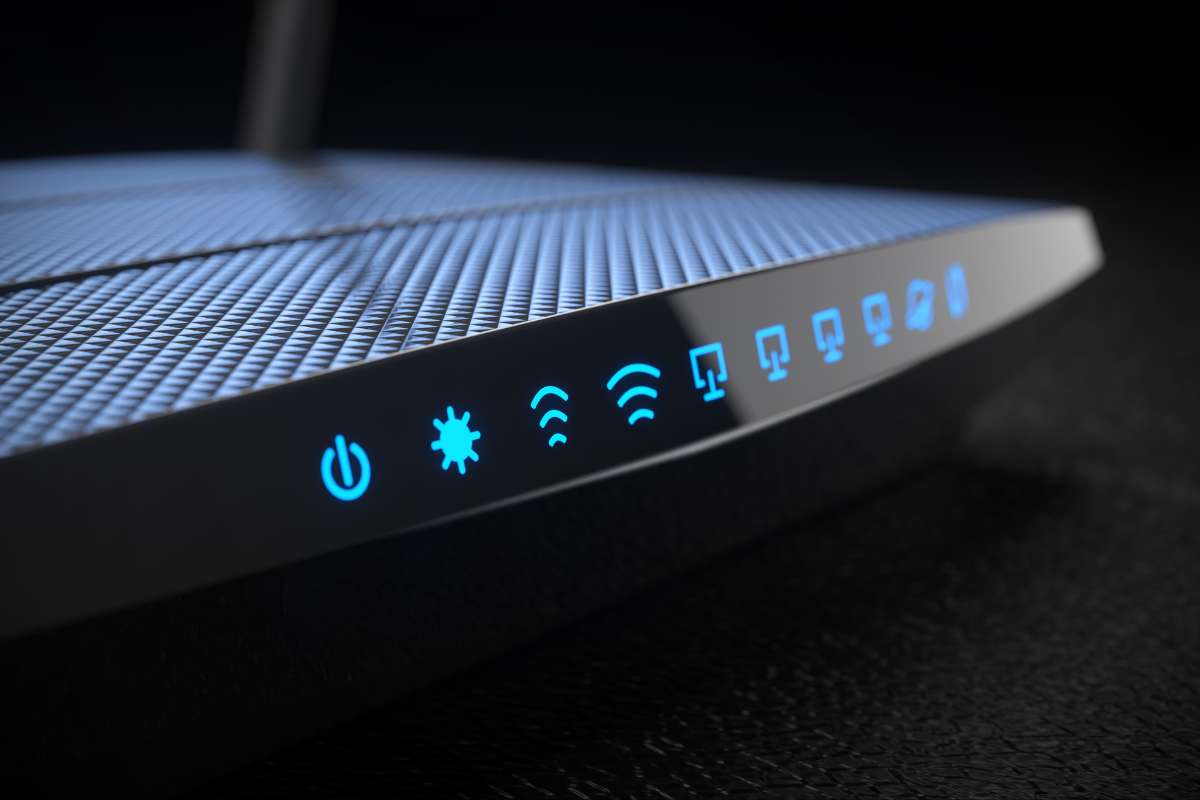
Once you install a Wi-Fi router at your home, you might forget about it until the internet crashes while you are amidst a game or streaming a video. When there is a slow Wi-Fi speed due to some interference, you will witness that files will take a look time to upload to the cloud and your web browser will spin without loading what you intend to browse. Only then, you will realise that you want faster Wi-Fi connectivity.



- Make Telecom Talk My Trusted Source



How To Place Your Wi-Fi Router Best Speeds
With a high-speed Wi-Fi connection, you will be able to stream movies, play online games, and carry on other data-intense tasks with more reliability. If you are looking for tips to position your Wi-Fi router so that it ensures low latency, more reliability and higher data quality, then here are some useful tips.
Centralised location: For a relatively larger coverage area, the Wi-Fi router should be placed in the middle of your home for an even signal strength across your home. You can enclose the wires and cables in such a way it should not spoil the aesthetics of your home.
Mount the router: The Wi-Fi router should be placed such that you can see it. Going by the same, you can mount it on a wall or put it on a shelf instead of placing it within a cupboard. If possible, place the router close to the users for the best Wi-Fi coverage.
Avoid concrete walls and metal objects: Usually, concrete walls, floors and metal objects are known to interfere with the Wi-Fi signals. So, you need to avoid placing the router near these elements. You will get weak signals in the rooms due to the thick concrete walls. So, make sure you place the router in a spot that has the least interference due to these.