

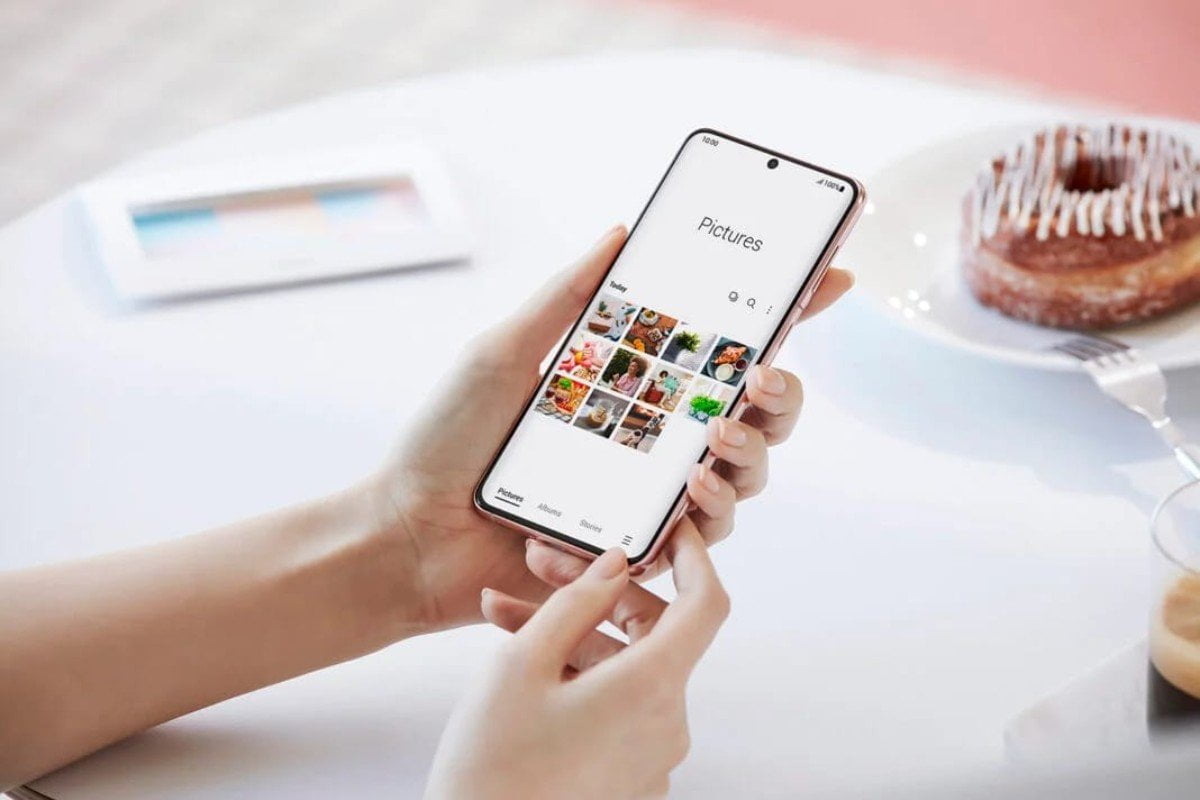
The Windows 11 operating system will be more fully integrated with Samsung Galaxy Android handsets. Now, Windows 11 allows for remote control of these devices Wi-Fi hardware.
In today's smartphones, Wi-Fi hotspot is a crucial feature. A nearby device can connect to the internet using the capability by using the device's network. Data packs or, in some situations, Wi-Fi connections to a local router can be shared by devices without internet access via a Wi-Fi hotspot. When using the functionality, a specified security key is required. Microsoft appears to be attempting to streamline this procedure and provide the convenience of remotely turning on a Wi-Fi hotspot and seamlessly connecting to it. The business officially announced that the Instant Wi-Fi Hotspot functionality would be coming to Windows 11. Users can essentially use it to turn on the Wi-Fi hotspot on the associated smartphone. Not all Windows 11 users have access to the feature just now. The same is being tested by Microsoft using a beta of Windows 11 (build 25231). Microsoft should release the feature to all Windows 11 PCs running the most recent version of the operating system after testing is finished.
How Can Windows 11 Users Make Use of the Instant Wi-Fi Hotspot?
Through Microsoft's Phone Link service, users will be able to access the Instant Wi-Fi Hotspot function in Windows 11. The function requires a computer running Windows 11 (22H2 Build 22621), Bluetooth, Wi-Fi, and Samsung handsets with the Windows Phone Link software (v1.22082.111.0) installed. Interestingly, Samsung Galaxy Android devices are the only ones to offer Instant Wi-Fi Hotspot capability. Currently, the feature is available for Galaxy devices running One UI 4.1.1 or later. The most recent Samsung Galaxy Z Flip and Z Fold models, as well as the Galaxy 21 and the Galaxy S22, would function specifically.
Users must first connect their compatible Samsung Galaxy smartphone to a Windows 11 computer. Once this happens, the device will show up in the Windows 11 Wi-Fi settings. Direct access to this setting is available from the System tray. Directly from their computer, users can activate the phone's Wi-Fi hotspot by clicking “Connect".
With the help of this function, Windows 11 PCs can access information from wireless networks that the Galaxy smartphone is linked to. Previously, users of Windows 11 PCs had to manually activate the Wi-Fi hotspot and input the network password. But it appears that Microsoft and Samsung have streamlined the procedure.