 Support Telecomtalk







Andrew Bonwick
Vice President of Product Development at Relm Insurance

Madhav Sheth
CEO of Ai+ Smartphone

Varun Kashyap & Sridevi Reddy
Co-Founders, Zithara.ai
Transforming Indian Offline Retail and Customer Engagement Using AI


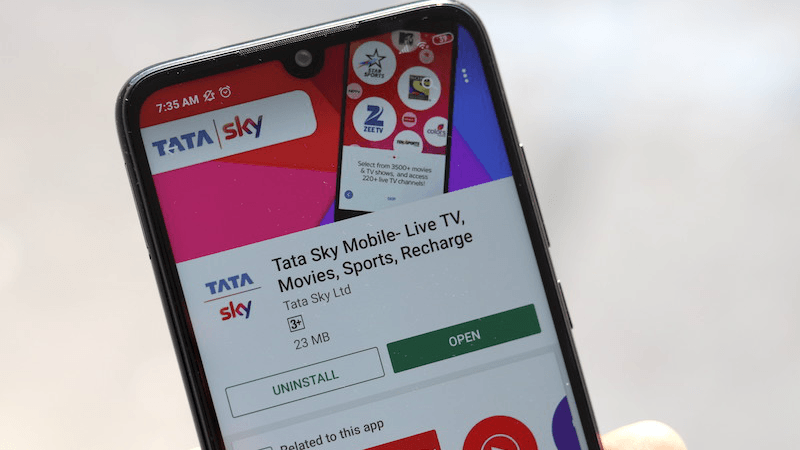
After the introduction of the new tariff regime by the Telecom Regulatory Authority of India (Trai), the broadcasting and the DTH industry went through a lot of changes. The most massive impact of the new tariff regime was the subscribers’ migration to upgrade their old channel selections to the new channels and channel packs which were Trai new rule-compliant. However, the DTH subscribers faced multiple problems during this phase and being one of the largest DTH providers in the country, the problems were extensive for Tata Sky. But, there is one tool using which Tata Sky was able to migrate many subscribers to the new Trai based channel packs – the Tata Sky Mobile app. So there is no doubt that for every Tata sky subscriber, this app might come in handy and that’s why we have decided to make a breezy walkthrough of the Tata Sky app explaining all the features to you.
- Make Telecom Talk My Trusted Source



Tata Sky Mobile App Live TV, Watch List and Other Features
When you first open the Tata Sky app on your phone you will be asked to log in, which you will be able to do using the subscriber ID and password and also the OTP method by entering your registered mobile number. After this, you will be met by the Home Screen where you will be able to see various Live TV options. This is another point worth noting that instead of merely providing a platform to access information about your subscription, Tata Sky has developed its application to support Live TV as well where you will be able to catch shows live.
Currently, thanks to the ongoing elections, Tata Sky is also offering special coverage on Elections 2019, with separate channels dedicated to it listed on the home screen. There are also other sub-sections in the Live TV section like Live sports, Specials, Trending and Live Movies.






























