Support Telecomtalk







Andrew Bonwick
Vice President of Product Development at Relm Insurance

Madhav Sheth
CEO of Ai+ Smartphone

Stephen Rose
CEO Render Networks



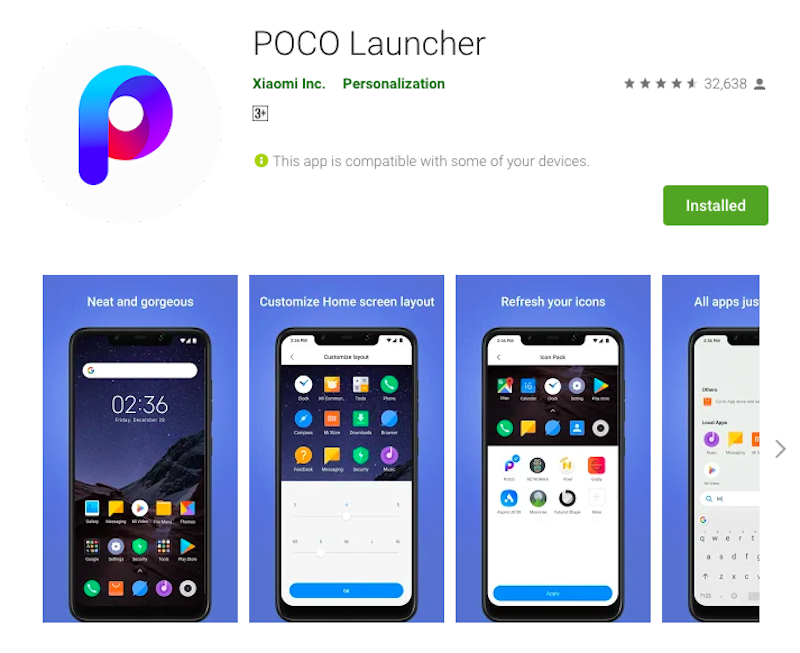
Alongside rolling out new software updates to its only smartphone Poco F1, the sub-brand of Xiaomi, Poco is also adding new features to the Poco Launcher that is available for every Android smartphone on Google Play Store. The Poco Launcher for Android is now getting a Dark Mode which adds a dark background to the app drawer and launcher Settings page. In fact, Poco already added a dark mode to the Poco F1 with the latest beta update and Xiaomi is also said to be working on adding a dark mode to MIUI 10. Notably, Google is also reportedly testing Dark Mode on Android Q, so Xiaomi and Poco working on the same feature don’t surprise many. Besides the dark theme, the Poco Launcher also received a few bug fixes, crispier app icons and it even allows users to add custom apps to app vault shortcuts.
- Make Telecom Talk My Trusted Source






Poco Launcher Gains a Major Update
One of the reasons why Poco Launcher shined when compared to the standard MIUI launcher is it comes with app drawer and offers several customisation features which are absent on the standard MIUI launcher. Furthermore, Poco did an excellent job by releasing the launcher app on Google Play Store so that even Xiaomi phone users can download it and use. That being said, it’s one of the best Android launcher apps available right now.
The latest update which was released on March 29 brought several new features. First of all, the Poco Launcher now offers a Dark Theme option which can be enabled under Settings>More>Backgrounds and select the Dark colour. Poco also allows users to set a transparent background to complete a dark background for the app drawer.