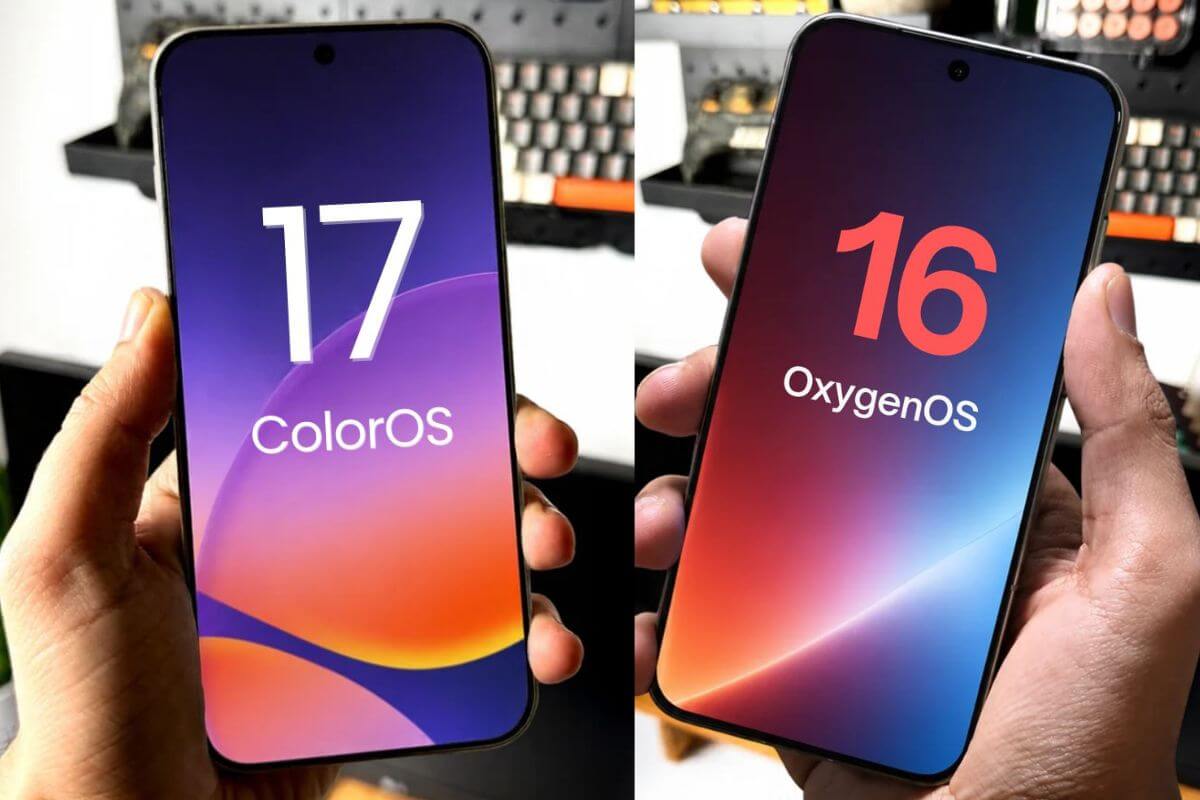
OnePlus Brings ColorOS 17: What Is New For OxygenOS Users
OnePlus is making a major software transition with ColorOS 17, introducing a redesigned interface, smoother animations, performance enhancements, and new AI features. Here is how it compares with OxygenOS 16 and what users should know before upgrading.
OnePlus has made a major transition, moving from OxygenOS 16 to the all-new ColorOS 17. This update brings a new UI and animations, performance upgrades, and new AI features, making it a solid out-of-the-box Android 17 update. It upgrades from OxygenOS 16, which is based on Android 16. So what does this mean for OxygenOS users?
Make Telecom Talk My Trusted Source
Key Highlights
ColorOS 17 introduces translucent design elements, new animations, customizable Control Center options, and Flux themes for eligible OnePlus phones.
OnePlus phones with the ColorOS 17 upgrade also bring Laminar Flow Engine and Luminous Rendering Engine to deliver faster app launches, smoother animations, and better memory efficiency.
On the AI side, OnePlus’s ColorOS 17 brings AI features like AI Mind Pilot, AI Mind Space, AI Mind Suggest, and AI Live Interpreter, adding AI-powered tools to supported devices.
OnePlus has shared the list of eligible OnePlus phones that will receive the ColorOS 17 update this month. Here we also cover what’s new for OxygenOS users.
OxygenOS 16 vs ColorOS 17: What’s Changing for OnePlus Users?
ColorOS 17 brings solid features right after the update and is expected to get major upgrades to design, UI animations, performance, and AI enhancements.
1. Luminous Effect With New Control Center
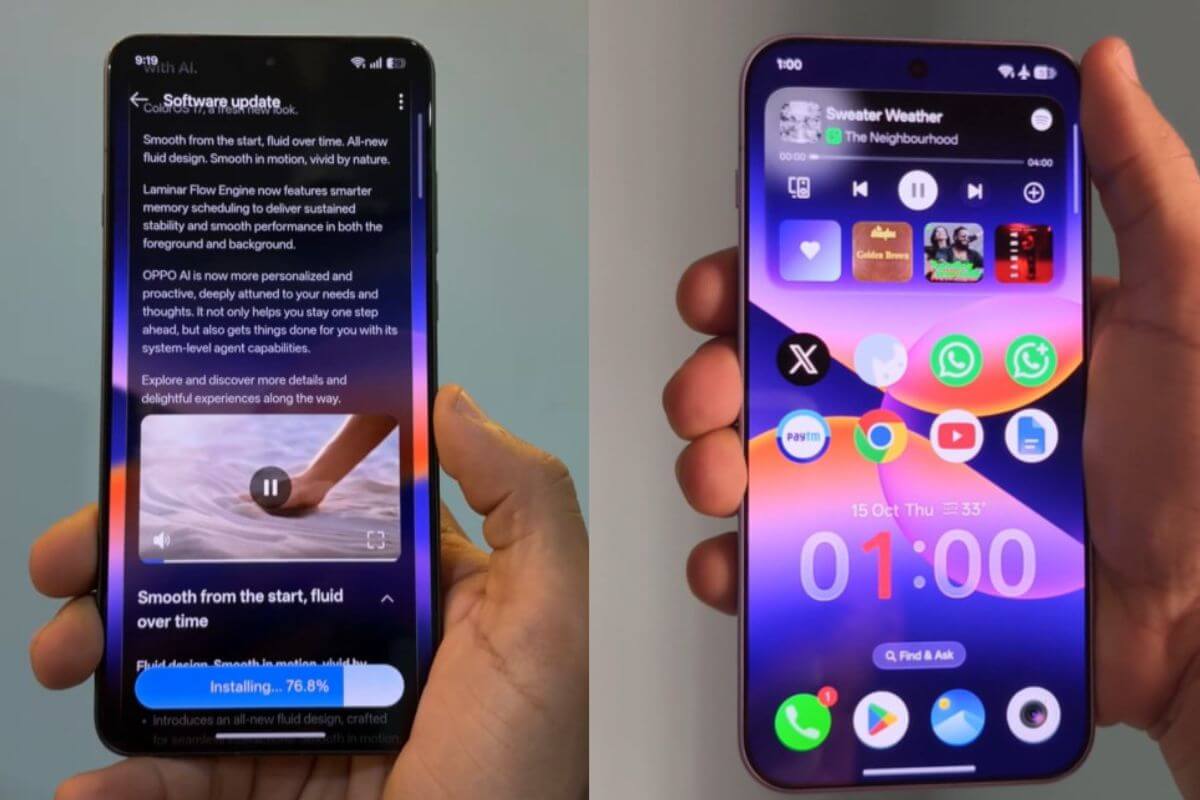
ColorOS 17 brings all-new translucent soft layers, soft lighting effects, and glowing music playback bars, inspired by Apple iOS 27.
You also get flexible UI elements and speedy gestures that make the phone snappy when you launch new apps or switch between them.
OnePlus ColorOS 17 also includes a “Control Center with a new Notification panel”, where you can switch between classic and split modes with customizable settings.
ColorOS 17 also adds a new Flux theme, a live, weather-changing theme that adapts to the weather. You also get custom text boxes where you can change the text type.
The new ColorOS 17 for OnePlus phones also gets a major upgrade with the Laminar Flow Engine and Luminous Rendering Engine.
The new Laminar Engine significantly boosts app launch speed, with gallery photo loading up to 55% faster.
It also launches apps 25% faster than ColorOS 16. ColorOS 17 also gets a performance upgrade with the Luminous Rendering Engine, which cuts rendering load time and reduces RAM usage by 25%. It retains 90% of day-one smoothness even after years of usage.
One of ColorOS 17’s major upgrades is the new AI features Oppo brings, including AI Mind Pilot, AI Mind Space, AI Mind Suggest, AI Photo Agent, OSEEC (O-Scan), and AI Live Interpreter.
AI Mind Pilot: Oppo’s new AI Mind Pilot uses on-device AI. ColorOS 17 can perform tasks on the device, including managing files, planning trips, and building itineraries.
AI Mind Space: The new AI Mind Space includes a memory feature that reminds you of past events.
AI Mind Suggest: This new AI-powered highlight feature runs from 4:00 am to 10:00 am.
It gathers details such as emails, real-time weather forecasts, and calendar invites, including anniversaries and holidays. When you start your day, you get a quick overview of the tasks you need to do.
OSEE (O-Scan): This new AI-powered camera app lets you point the camera at objects, and ColorOS 17 on the OnePlus device uses its AI model to detect them and provide information. You can also use it for live translation.
AI Live Interpreter: You also get an AI live interpreter that uses its AI model to detect voices in different languages and translate them through voice replies or text.
Currently, OnePlus phones that haven’t received the ColorOS 17 upgrade run OxygenOS 16. The next upgrade is ColorOS 17.
OnePlus isn’t forcing users to upgrade and lets fans stay on OxygenOS 16, with the promise of security updates as part of the software lifecycle.
However, if you want new AI features, a completely new UI, and an upgraded animation set, ColorOS 17 is the right choice.
OnePlus has revealed the list of eligible OnePlus phones that will receive the ColorOS 17 update in November. The OnePlus 15 flagship already received the update first in October.
Image Credits: Android_FHD, ShishirShelke1
Found this useful? You can support us.
FAQs
Is OnePlus switching from OxygenOS 16 to ColorOS 17?
OnePlus is moving all OnePlus phones still under its software upgrade policy from OxygenOS 16 to ColorOS 17. OnePlus fans can still choose not to upgrade, while OnePlus promises to keep pushing security patches.
What are the major new features of ColorOS 17?
ColorOS 17 introduces a refreshed user interface, translucent design elements, upgraded animations, performance improvements, and AI features: AI Mind Space, AI Mind Suggest, and AI Mind Pilot.
Is ColorOS 17 based on Android 17?
Yes, ColorOS 17 is based on Android 17, while OxygenOS 16 is based on Android 16.
What is the difference between OxygenOS 16 and ColorOS 17?
ColorOS 17 offers a redesigned Control Center, new themes, improved animations, performance enhancements, and more AI-powered tools than OxygenOS 16.
Should OnePlus users upgrade to ColorOS 17?
Users interested in the latest interface, AI capabilities, and performance enhancements may consider upgrading. Those who prefer their current OxygenOS experience should check OnePlus's official update and security support policies before deciding.
 Support Telecomtalk