Support Telecomtalk







Andrew Bonwick
Vice President of Product Development at Relm Insurance

Madhav Sheth
CEO of Ai+ Smartphone

Stephen Rose
CEO Render Networks



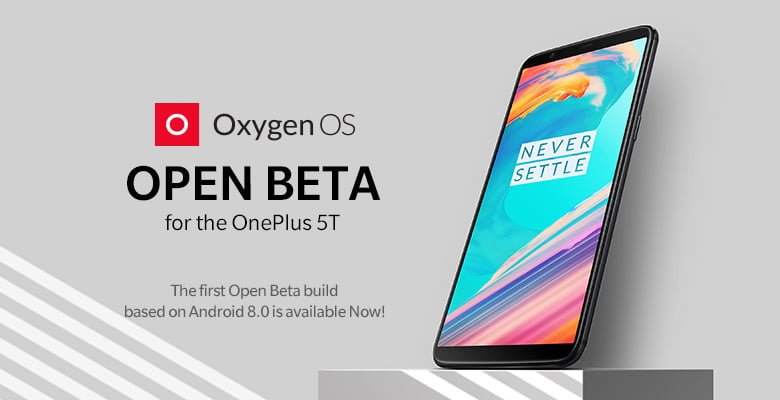
As teased a couple of days ago, OnePlus has officially rolled out the Android 8.0 Oreo update to the OnePlus 5T through its OxygenOS Open Beta program. This is the Open Beta 1 update to the OnePlus 5T available to the public. So anyone looking to test out the new beta update can head over to OnePlus forums and manually install it over the current Android 7.1.2 Nougat build. Incidentally, this is the first Open Beta update ever released by the company to the OnePlus 5T.
- Make Telecom Talk My Trusted Source






The first Open Beta build for the OnePlus 5T weighs around 1.6GB, and the installation process takes over 15 minutes. Do make a note that it’s a beta update and there will be few bugs which might affect the overall user experience. We suggest you not to install the update on your primary OnePlus 5T as of now.
[16:54, 12/30/2017] Chakari: For the first time, you need to install this update manually by switching off your device and heading over to recovery mode by pressing volume down and power button simultaneously. After installing, you will start receiving OTA updates whenever OnePlus releases. Also, if you want to rever back to the stable Android 7.1.2 Nougat build, you can do so, but you will lose your data.
OnePlus 5T Android 8.0 Oreo Open Beta 1 Features
OnePlus has added all the Android Oreo features in this update. There will be numerous OnePlus launcher enhancements to tweak around. The update also adds Picture in Picture mode, Auto Fill mode, Smart Text Selection mode, revamped quick settings menu and Settings app. OnePlus also included December 2017 security patches in the first build.