Support Telecomtalk




Highlights
- Copy an Instagram video or Reel link and paste it into SaveFromIns to download.
- SaveFromIns supports videos, Reels, photos, Stories, highlights and carousels.
- Use the browser-based tool on mobile or desktop without installing an additional app.

Andrew Bonwick
Vice President of Product Development at Relm Insurance

Madhav Sheth
CEO of Ai+ Smartphone

Stephen Rose
CEO Render Networks


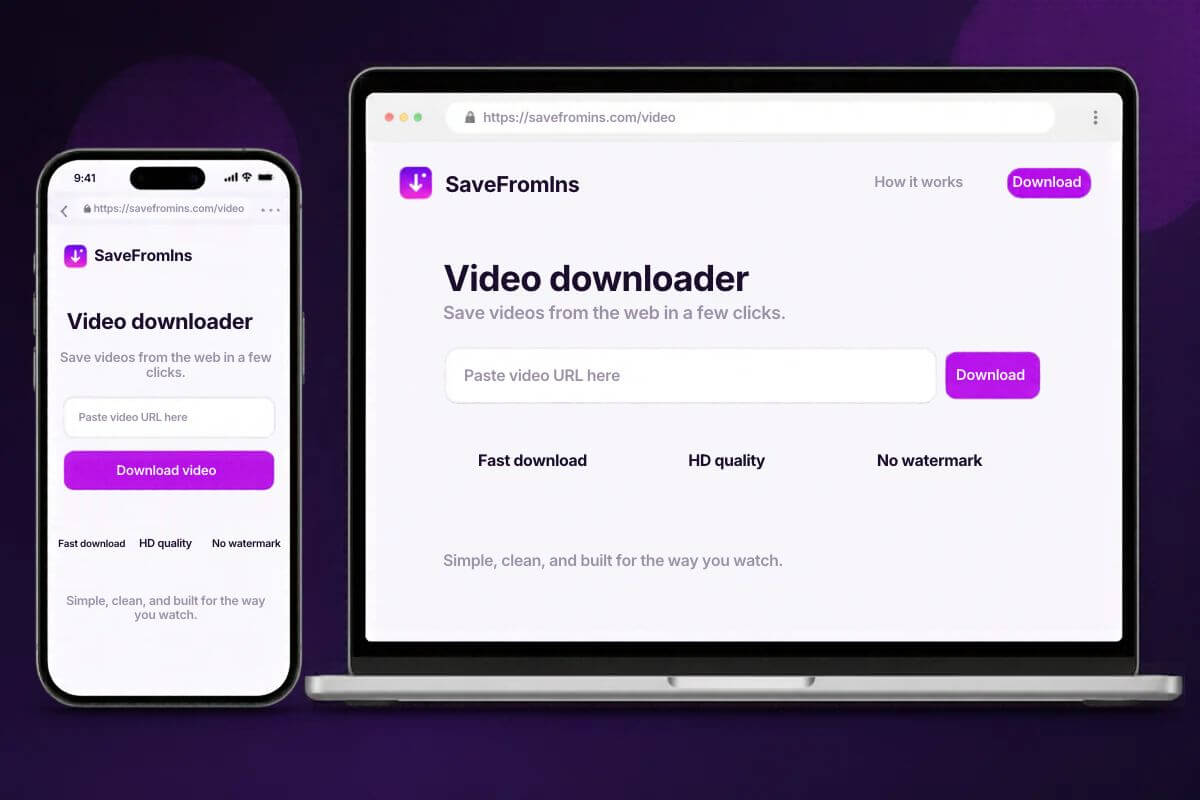
If you come across an Instagram Reel or video you want to keep for offline viewing or personal reference, online download tools offer a convenient solution. Services such as SaveFromIns, SnapInsta and FastDL provide a workflow that starts with copying the post link.
Key Highlights
- Download eligible public Instagram Reels and videos using their post links.
- Choose dedicated download options for photos, Stories, highlights and carousel posts.
- Access SaveFromIns through your browser on phones and computers.



Among these options, SaveFromIns provides dedicated tools for different types of Instagram content. Here’s how to use SaveFromIns to download an Instagram video or Reel.
Also Read: Top 10 AI Knowledge Management Systems for Contact Centers
How to Use SaveFromIns to Download an Instagram Video or Reel
1. Copy the link to the video or Reel: Open the video or Reel in the Instagram app, tap the share icon and select Copy link. On a computer, you can open the individual post and copy the URL from the browser’s address bar.
2. Open SaveFromIns in your browser: Visit the Instagram Video Download page on your phone or computer. For a Reel, you can also select Reels from the site’s menu.
3. Paste the link and tap Download: Put the Instagram URL in the box. If SaveFromIns can process the link, use the download option it shows to save the file.
4. Find the saved video: Check your browser’s downloads list or your device’s Downloads folder. Play the file to confirm it saved successfully.