
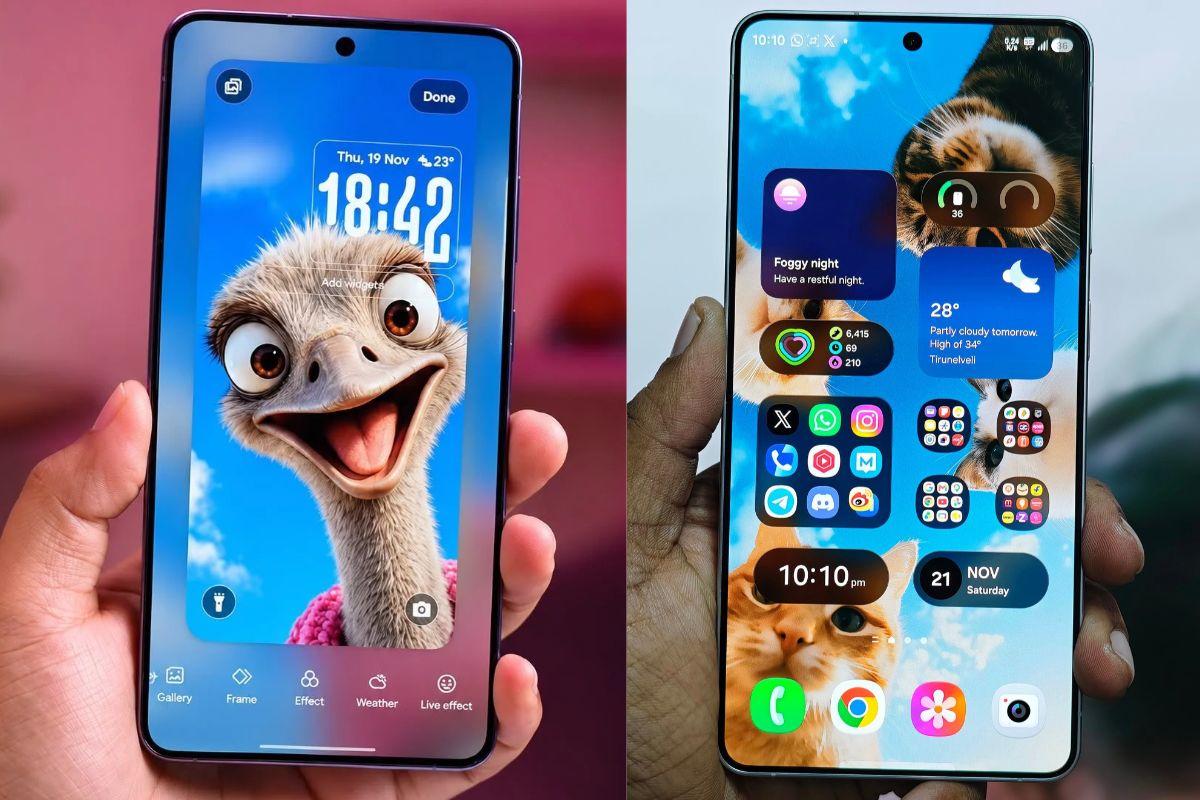
Samsung just dropped its new One UI 9.5 Beta version after the major One UI 9 launch, bringing the Android 17 OS upgrade to all Samsung Galaxy phones. Now, with this first feature update, Samsung has announced the One UI 9.5 Beta update for customers in India. Here are the top 5 features, plus a bonus feature, that are worth checking out for Samsung Galaxy India smartphone customers. Samsung has just revealed the beta update, allowing fans to sign up and update before the public release.
Key Highlights
- Samsung announces One UI 9.5 Beta update for Indian Galaxy users
- Samsung brings top 5 features, including enhanced Pro and Pro Video modes, an upgraded Samsung Health app, a new accessibility feature, a native lock feature, and a Live Effect wallpaper screen.
- Samsung’s new One UI 9.5 is now in Beta and will be publicly released soon.
There could be some bugs, which Samsung will fix before the public release if you report them. So let’s take a look at the top 5 features that make the Samsung One UI 9.5 update worth trying.
Also Read: Samsung One UI 9.5 Gets an iOS Feature, New Privacy Display
Samsung One UI 9.5 Update: 5 New Features Explained
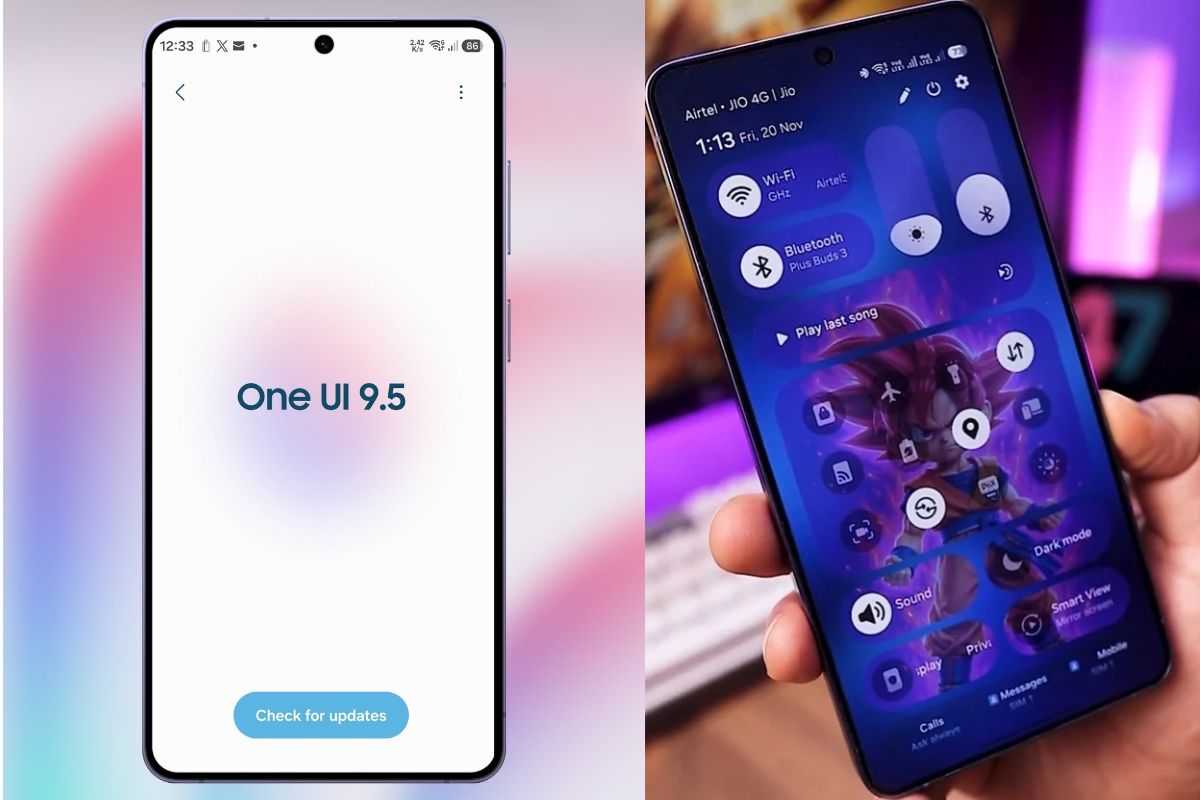
Samsung is moving to its next feature update, One UI 9.5. In India, the beta version is already out for Samsung users. Samsung has highlighted five key features for Samsung Galaxy users.
1. All-new Enhanced Pro and Pro Video Modes
Samsung’s new OneUI 9.5 update brings new Enhanced Pro and Pro Video modes. Samsung has added new settings for creators, especially customizable controls to shoot videos. It highlights improved camera controls and a zoom bar, all available on the screen without navigating between menus.
Samsung aims to bring more camera customisation features so you can pick up your phone to shoot without toggling between menus to find the right options.
This feature is only available on Samsung Galaxy phones that support Pro and Pro Video modes. Pro Lite and Pro Video Lite are excluded.
Also Read: Samsung Hikes Galaxy F17 and Galaxy F70e Prices in India
2. Samsung Health Features Update with Mindfulness Note and Meditation
Samsung has also released a new update for its Samsung Health app. With the Samsung OneUI 9.5 update, the Samsung Health app adds two new features: Mindful Note and Medication support.
The Mindful Note helps users share their thoughts and feelings through free writing or guided prompts.
The new Medication features help users add prescriptions, vitamins, and supplements, set personalised reminders, and track medication adherence. Samsung also uses its own AI model to understand the prescription and set reminders.
3. New Accessibility Feature: Quicker Access to Essential Controls
Samsung introduces a new dedicated floating shortcut called Essential Controls in One UI 9.5. It gives quick access to control your phone instead of searching through Settings or other apps.
Also Read: Samsung Galaxy A Series Price Hike Announced: Check New Price
4. Privacy Feature Update with App Lock Features
Samsung has finally introduced its new native App Lock feature with the Samsung One UI 9.5 update, giving you more privacy for app access.
This update has been available on other operating systems like Apple’s iOS 18 for over 10 years. However, Samsung, for some reason, lacked a native app feature in One UI.
With the One UI 9.5 update, Samsung brings all-new native app features that let you lock applications and use different authentication methods—such as biometrics, PIN, pattern, or password—to unlock and access the app.
5. In-Depth Wallpaper Effects On the Lock Screen
Apple has always had an edge with its “Spatial Scene effects” on the lock screen, which separate the phone’s foreground and background for a true 3D effect.
Samsung has also taken inspiration here, and with the new One UI 9.5 update, you get similar Spatial Scene effects.
On the lock screen menu, you get an all-new lock screen edit menu option called “Live effects”, where you can try a 3D effect wallpaper.
Also Read: Samsung Galaxy S27 Ultra and Galaxy S27 Pro Design Leaked
Bonus Update – Quick Share Upgrade with “Tap to Share” Feature with NFC
Samsung also brings an update to its file-sharing app Quick Share. With the One UI 9.5 beta update, you get the “Tap to Share” feature inspired by Apple’s iOS AirDrop.
With Tap to Share, you can share contacts, links, photos, videos, and locations by tapping the backs of two compatible phones.
Note that you have to enable the feature. You can enable Tap to Share in the Quick Share app, and your phone must support NFC. Enable it by navigating to Settings > Connected devices > Quick Share > Tap to share.
Here are some of the best features and upgrades in the new One UI 9.5 beta update for Samsung Galaxy smartphone users in India. Which one interests you the most?
Image Credits: procastx, smasithick, Rajesh Rajput (Technobuzz)


