Support Telecomtalk







Andrew Bonwick
Vice President of Product Development at Relm Insurance

Madhav Sheth
CEO of Ai+ Smartphone

Stephen Rose
CEO Render Networks



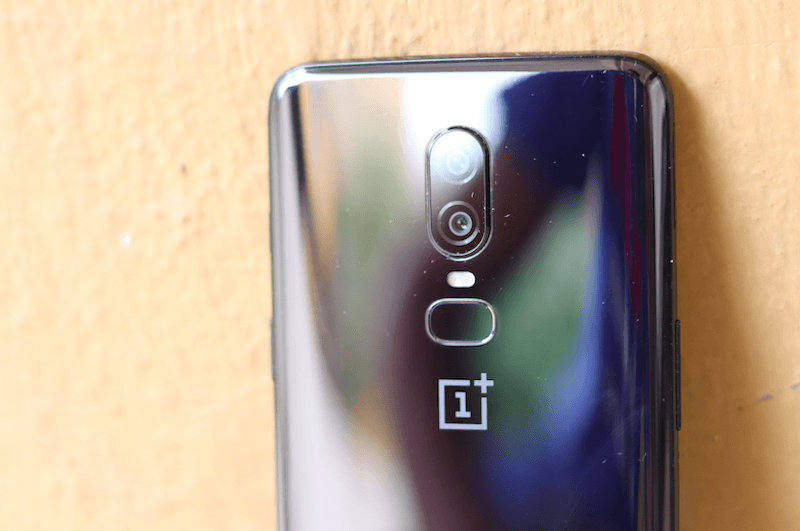
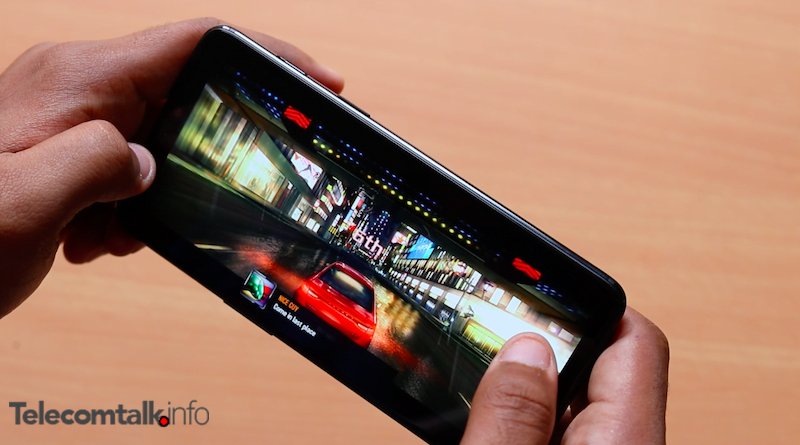
When the OnePlus 6 debuted in India, a long queue of buyers stood waiting for the phone’s sale date. It is very well known that OnePlus 6 is one of the best available smartphones in India right now. Sporting the Qualcomm’s prodigal processor – Snapdragon 845, the handset delivers smooth and almost unmatchable performance. Also, the 8GB of RAM adds up to the fluid performance of the smartphone. With these impressive specifications, the mobile gamer community has been very excited, since the OnePlus 6 offers everything that a mobile gamer might need and the phone even comes along with a dedicated gaming mode. The Adreno 630 GPU, 6GB/8GB of RAM with 64GB/128GB/256GB of storage, and a 6.28-inch Full HD+ (1080 x 2280 pixels) Full Optic AMOLED display with a 19:9 aspect ratio adds to this gaming experience. We did a gaming test on the OnePlus 6 to check whether or not the phone fares well for a hard-core gamer playing PUBG Mobile.
- Make Telecom Talk My Trusted Source






The Gaming Mode
Before we move onto the gaming experience on the OnePlus 6, let’s talk a bit about the Gaming Mode on the smartphone. The Gaming Mode on the OnePlus 6 is a revision of the previous Gaming Do Not Disturb mode which we got to see on the OnePlus 5 and the OnePlus 5T. The feature adds some tweaks to the phones which support gaming and improve the resource management on the device. There are features like auto routing the call to speaker, turning off notifications while gaming and fixing the brightness while the game is on. There is also the gaming battery saver which brings some improvements in terms of power. A very new upgrade which we have never before seen on any OnePlus phone is the network boost functionality. This feature throttles the bandwidth of internet to provide maximum performance to the game so that games like PUBG which require internet connectivity can run seamlessly. The Gaming Mode can be found under Settings>Advanced>Gaming Mode.