Support Telecomtalk







Andrew Bonwick
Vice President of Product Development at Relm Insurance

Madhav Sheth
CEO of Ai+ Smartphone

Stephen Rose
CEO Render Networks




Microsoft’s Edge Browser has been the talk of the town for quite some time. Users who wish to use a less RAM intensive browser that also does not drain the battery as if the laptop was running intensive games (we are looking at you Chrome) Edge has been the go-to recommendation. Having said that, in comparison to Chrome, Edge surely has some shortcomings. These have usually been heard to by the company and resolved swiftly with regular updates, with this instance fixing a particular issue that has bugged users for quite some time.



- Make Telecom Talk My Trusted Source



What’s new in Microsoft Edge Version 90
The major headlining change for version 90 comes in the form of a new download interface for the browser. With users having updated to V90, they will see a new section that will be visible at the right of the browser, towards the to half, indicating all the active downloads being conducted at the point of time of the user checking the downloads pane. This new fix reduces the screen space that was earlier captured by the downloads option and is much more easily removable, meaning once you are done, a click of a button will get rid of the additional download data that the user does not require.
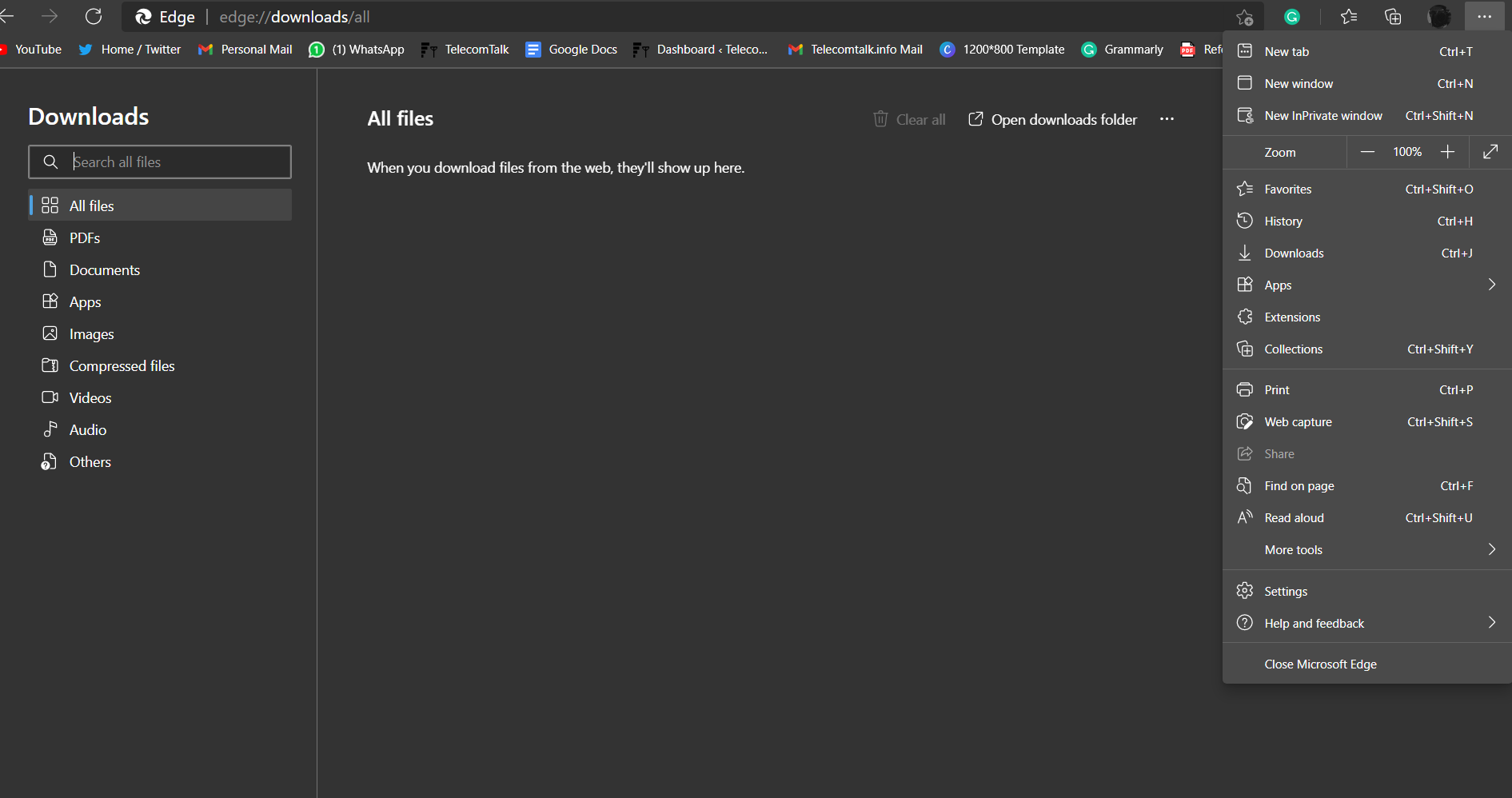
The button that is part of the downloads section features a progress ring, which is helpful in quite some ways, primary allowing the user to keep a check on the overall downloads being conducted and their progress that too from the toolbar, without having to open a separate tab. This will also allow the user to switch to the full-screen view, in case they wish to do the same.