Support Telecomtalk







Andrew Bonwick
Vice President of Product Development at Relm Insurance

Madhav Sheth
CEO of Ai+ Smartphone

Stephen Rose
CEO Render Networks



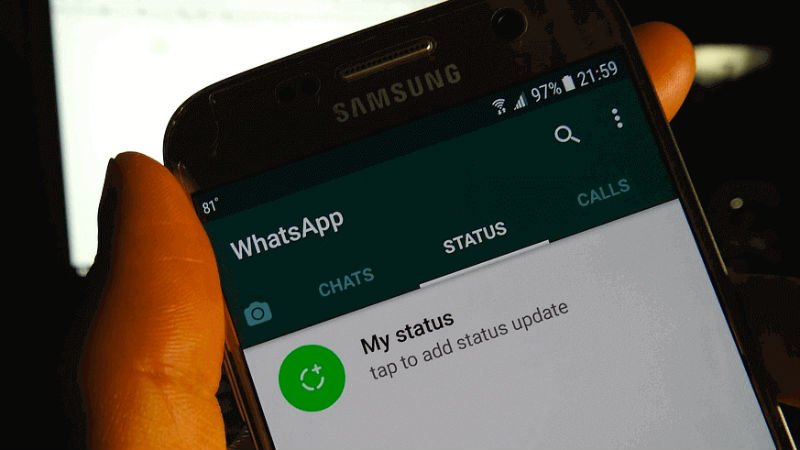
WhatsApp is now rolling out the much-awaited Group Privacy settings to both Android and iOS users. WhatsApp for iOS 2.19.110.20 and WhatsApp for Android Beta 2.19.298 brings new privacy settings for groups. WhatsApp users can now choose who can add them to the groups. For example, users now have three options- Everyone, My Contacts and My Contacts Except. Furthermore, group admins who can’t add you to a group will get the option to send a personal group invite with accepting and reject options. WhatsApp started working on these new features a while ago, but it took the company more than six months to roll out them out. That said, iOS users of WhatsApp will get all these group privacy features first, followed by stable WhatsApp Android app users.
- Make Telecom Talk My Trusted Source






WhatsApp Group Privacy Settings: How to Make Most of Them
After updating to the version numbers mentioned above, WhatsApp users will get to see new group privacy features under Account>Privacy>Groups. WhatsApp for iOS and Android Beta users can now select who can add them to the groups in three ways: Everyone, My Contacts and My Contacts Except. Selecting the ‘Everyone’ option will allow everyone to add you to any group; Selecting ‘My Contacts’ will only allow only the numbers saved in your phone book to add you to a group. Lastly, you can select only a few contacts who can add you to any group.
Furthermore, WhatsApp also says ‘Admins who can’t add you to a group will have the option of inviting you privately instead.’ Having said that, users will still have to enable any of these options to stay away from all the unwanted groups. By default, WhatsApp sets the option to Everyone, meaning anyone with your mobile number can add you to any group without any requirement of an invite.