Support Telecomtalk







Andrew Bonwick
Vice President of Product Development at Relm Insurance

Madhav Sheth
CEO of Ai+ Smartphone

Stephen Rose
CEO Render Networks



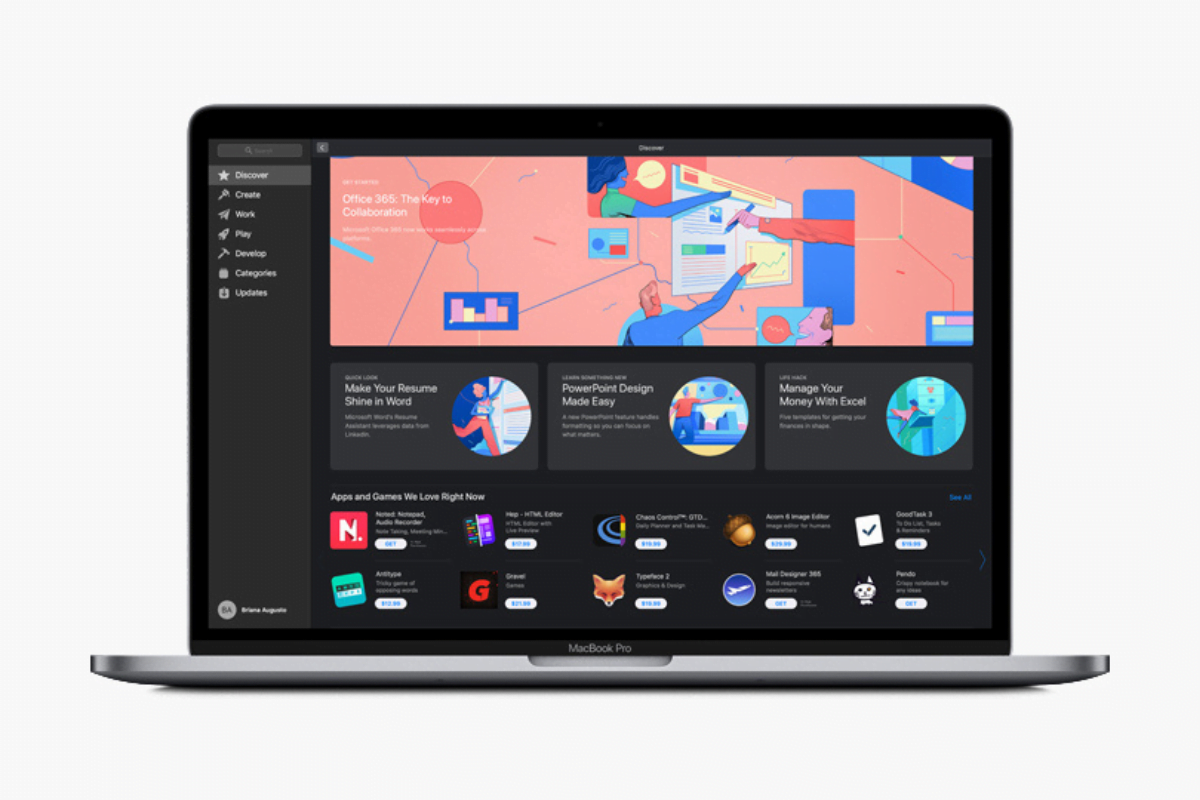
Apple earlier this week rolled out macOS 11.2 to its users, with the update bringing fixes and updates to Bluetooth reliability so as to ensure reduced disconnections as well as fixing issues in relation to the display and external displays. ProRAW and iCloud based fixes were also part of this update.



- Make Telecom Talk My Trusted Source



Another issue in relation to System Preferences not unlocking when entering administration password in certain cases has been fixed with macOS 11.2. The Globe key not displaying the Emoji and Symbols pane when pressed has also been tackled.
Within a day of the launch of macOS 11.2, the Cupertino based tech company released the beta version of Big Sur 11.3, giving the developers a look into what the users can expect from this update.
The rollout will take some time to occur, so don’t get too excited just yet. That being said, macOS 11.3 does bring some changes that will help out users in both minor and major aspects of the interface.
What’s New in macOS 11.3
As per a report that was released by MacRumours, macOS Big Sur 11.3 beta brings with it newer and far more advanced customisations for Safari, including various ways of rearranging different sections that are part of the Start Page. To add to this, the new update fixes some apps running on M1 chips so as to make the applications better optimised for the new silicon.
Additional updates to the interface consist of a new preference pane that can allow the users to set keyboard shortcuts for touch commands on iPad. Furthermore, iPadOS apps will launch on larger windows, with a caveat of as to whether or not your Mac display allows for this.