Support Telecomtalk







Andrew Bonwick
Vice President of Product Development at Relm Insurance

Madhav Sheth
CEO of Ai+ Smartphone

Stephen Rose
CEO Render Networks



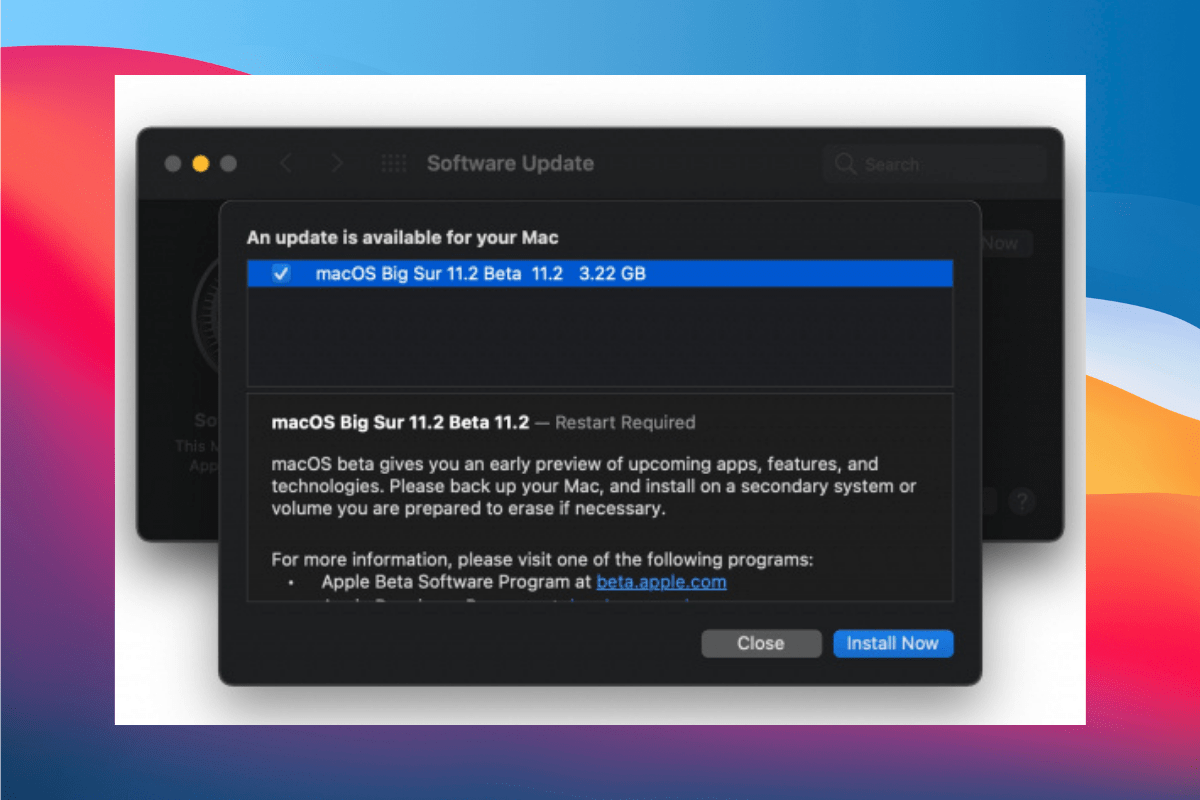
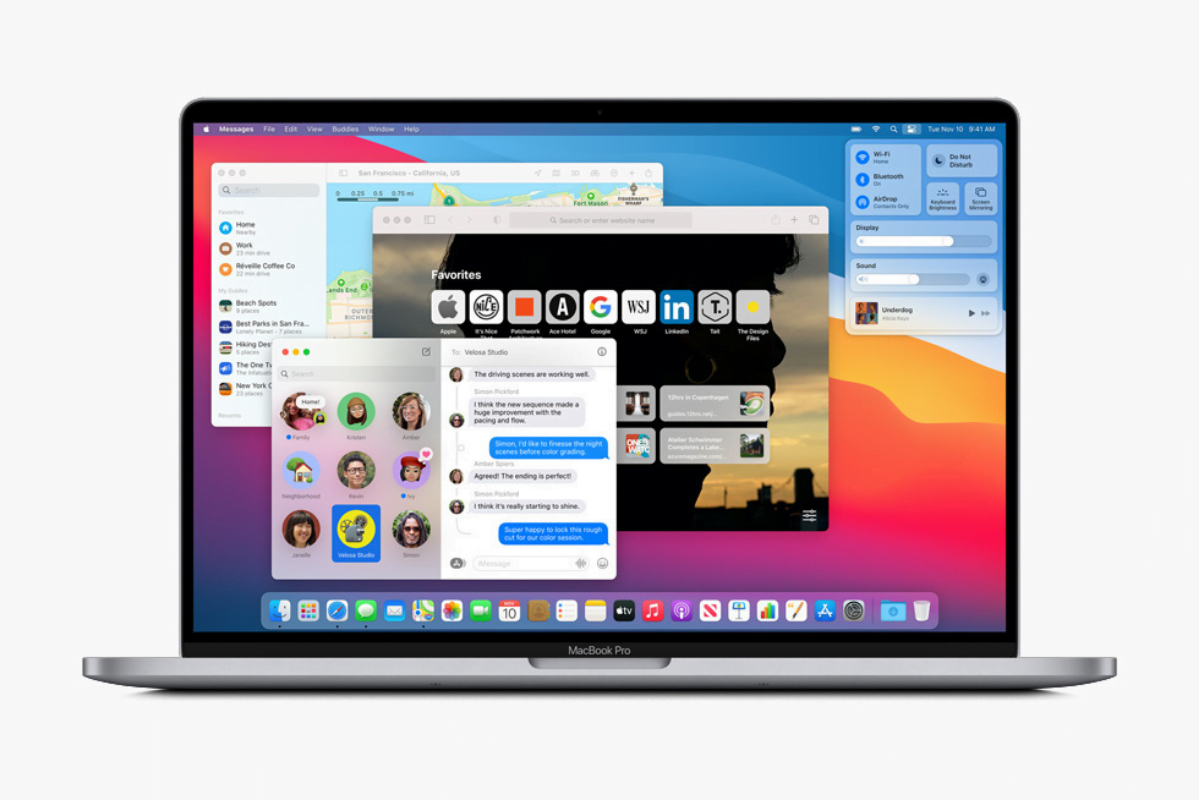
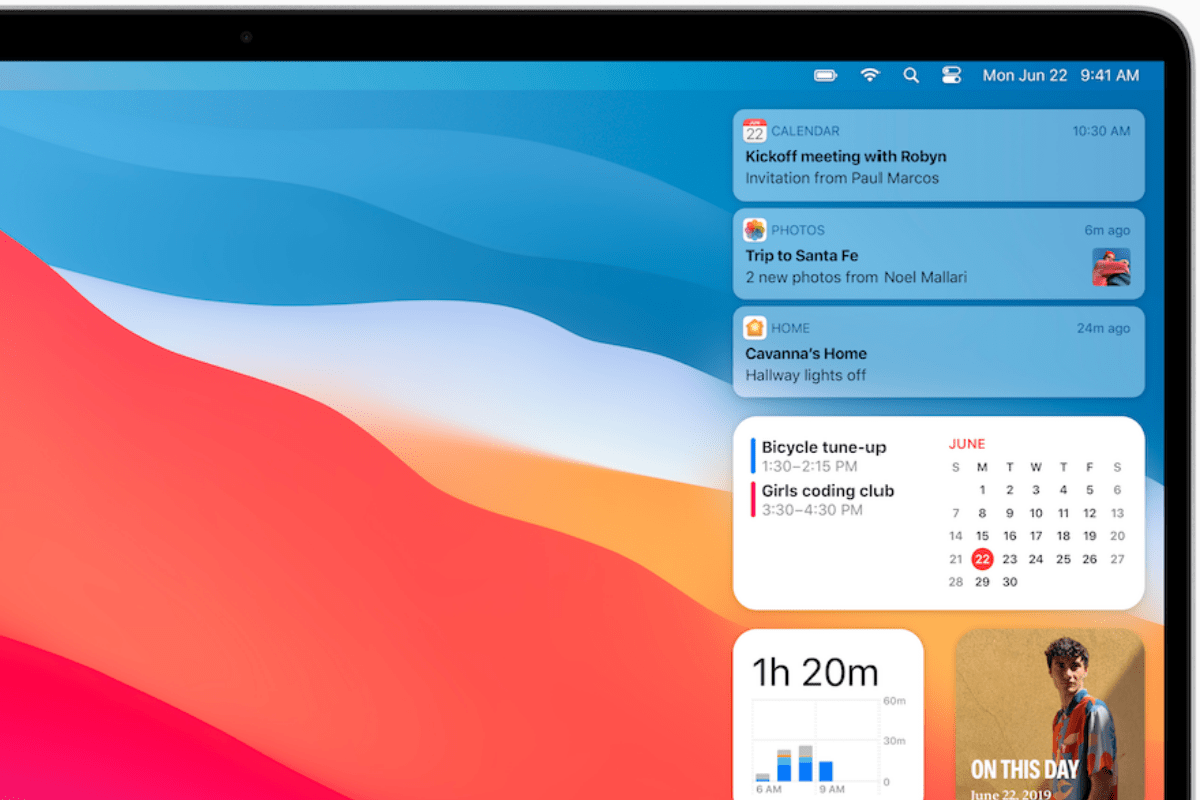
macOS, Apple’s primary software OS for it’s Mac lineup has been through a lot of change ever since it’s announcement back in 2001. The OS, which was the key reason for users to shift from Windows is quite feature-rich, having been developed and worked upon for over 20 years. It has gone through multiple update cycles and versions from High Sienna to Mojave to Big Sur, which is the current version. Today, the Cupertino based tech company announced the release of macOS Big Sur 11.2, bringing along with it a whole host of fixes.


- Make Telecom Talk My Trusted Source



For those of you wondering, the update comes approximately one-and-a-half months after the release of the last update, macOS Big Sur 11.1 that came in December 2020 bringing with it support for Apple’s new flagship AirPods Max headphones.
The macOS Big Sur 11.2 update addresses a whole list of problems a few major ones being Bluetooth reliability and a fix for Apple’s iCloud Drive access and the Photos app.
What’s New in macOS 11.2
The official changelog for macOS 11.2 is given below.
macOS Big Sur 11.2 improves Bluetooth reliability and fixes the following issues:
- External displays may show a black screen when connected to a Mac mini (M1, 2020) using an HDMI to DVI converter
- Edits to Apple ProRAW photos in the Photos app may not save
- iCloud Drive could turn off after disabling the iCloud Drive Desktop & Documents Folders option

-