 Support Telecomtalk







Andrew Bonwick
Vice President of Product Development at Relm Insurance

Madhav Sheth
CEO of Ai+ Smartphone

Varun Kashyap & Sridevi Reddy
Co-Founders, Zithara.ai
Transforming Indian Offline Retail and Customer Engagement Using AI


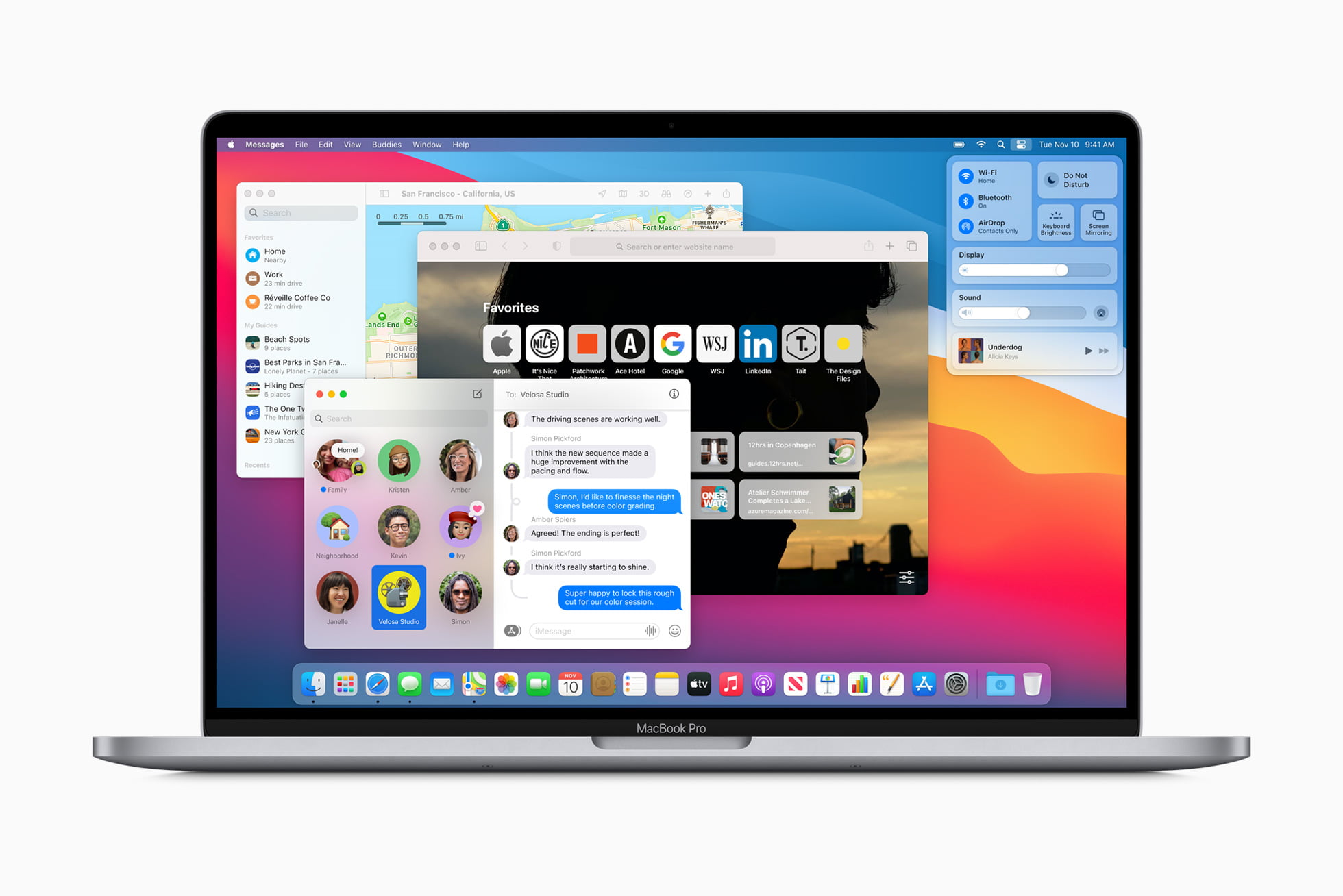
Apple released the macOS Big Sur on Thursday for users across the world. With the new macOS, Apple has truly attempted to make the user experience more seamless and uniform to that of iOS and iPadOS. There are a lot of changes made to the user interface (UI) of the system, and a lot of apps now come with a new icon image. Since several new features have been introduced, so we are going to list the top 10 macOS Big Sur features for you today. Keep reading ahead to find out what they are.
- Make Telecom Talk My Trusted Source



macOS Big Sur Top 10 Features
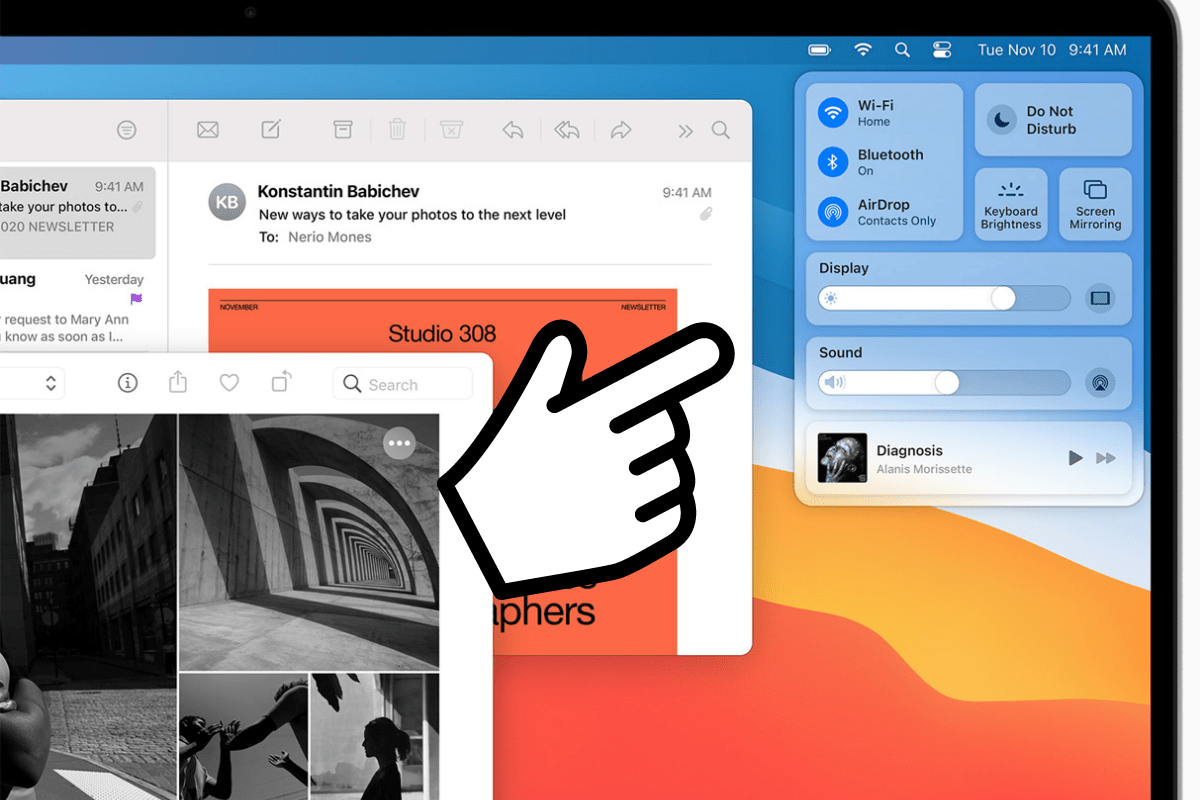
The first feature that has completely revolutionised the way users interact with their Macs is the new ‘Control Center’. For people who use iPads and iPhones, they will be familiar with what a Control Center is. It avails quick access to Wi-Fi, Bluetooth, AirDrop, Brightness, Sound, and other controls. You can also switch to Dark Mode and Night Shift mode directly from the Control Center. Another thing you can do is drag the settings icons from the Control Center to the Menu bar.
The second cool feature of the macOS Big Sur is being able to resize widgets. So in case, you feel like the widgets are too big or too small, you can resize them at per your convenience. There are three sizes available, namely small, medium, and large.
The third interesting feature of the macOS Big Sur is being able to see the remaining time that your battery can run up to. Apple removed this feature from the macOS with the release of macOS Sierra in 2016, but it is back now. So now when you click on the Battery icon on the menu bar, you will get an estimate of how long your laptop can run.































