Support Telecomtalk







Andrew Bonwick
Vice President of Product Development at Relm Insurance

Madhav Sheth
CEO of Ai+ Smartphone

Stephen Rose
CEO Render Networks



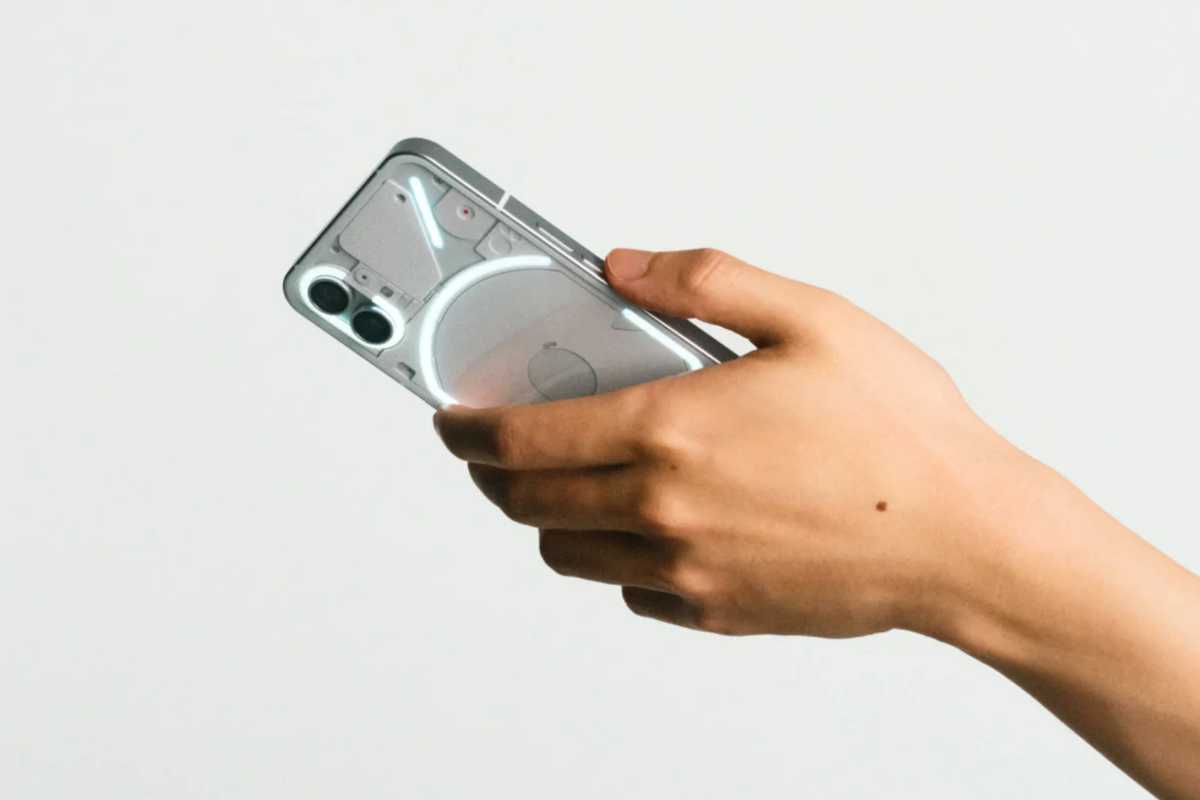
Looking at the reviews of the Nothing Phone 1, it definitely could have done better, but there was obviously an area for enhancement that could be achieved with software updates. On July 21, Nothing issued its first significant software update, including some needed features like HDR10+ video streaming capability as well as significant improvements to the battery life. Additionally, the Phone 1 is now receiving a new software upgrade. The most recent software update is considerably lesser in size than the first one( 38.28MB). The software update aims to correct bugs and enhance the software experience rather than adding any new capabilities. Here are the updates that Gadgets360 has received for its review units.



- Make Telecom Talk My Trusted Source



Nothing Phone 1 Software Updates
There is now a toggle for turning on the fingerprint icon after turning off the display. When used, the feature causes the fingerprint icon to become visible whenever you shake or move the device. For a faster unlock process, touching or moving the device should wake up the display and reveal the fingerprint icon.
The always-on display (AOD) feature of Nothing’s Phone 1 will, by default, switch off at night for new buyers. The next software update will make the custom schedule the default setting for the always-on display functionality. Although the user can still explicitly set this to always be on, it is no longer the default setting. Nothing asserts that this update has enhanced charging efficiency while utilising third-party chargers to charge the smartphone. This is essential because Nothing Phone 1 doesn’t ship with a charger. Users have the option of purchasing a separate Nothing’s Power (45W) charger adapter or charging the phone using their own compatible USB charger.