Support Telecomtalk







Andrew Bonwick
Vice President of Product Development at Relm Insurance

Madhav Sheth
CEO of Ai+ Smartphone

Stephen Rose
CEO Render Networks



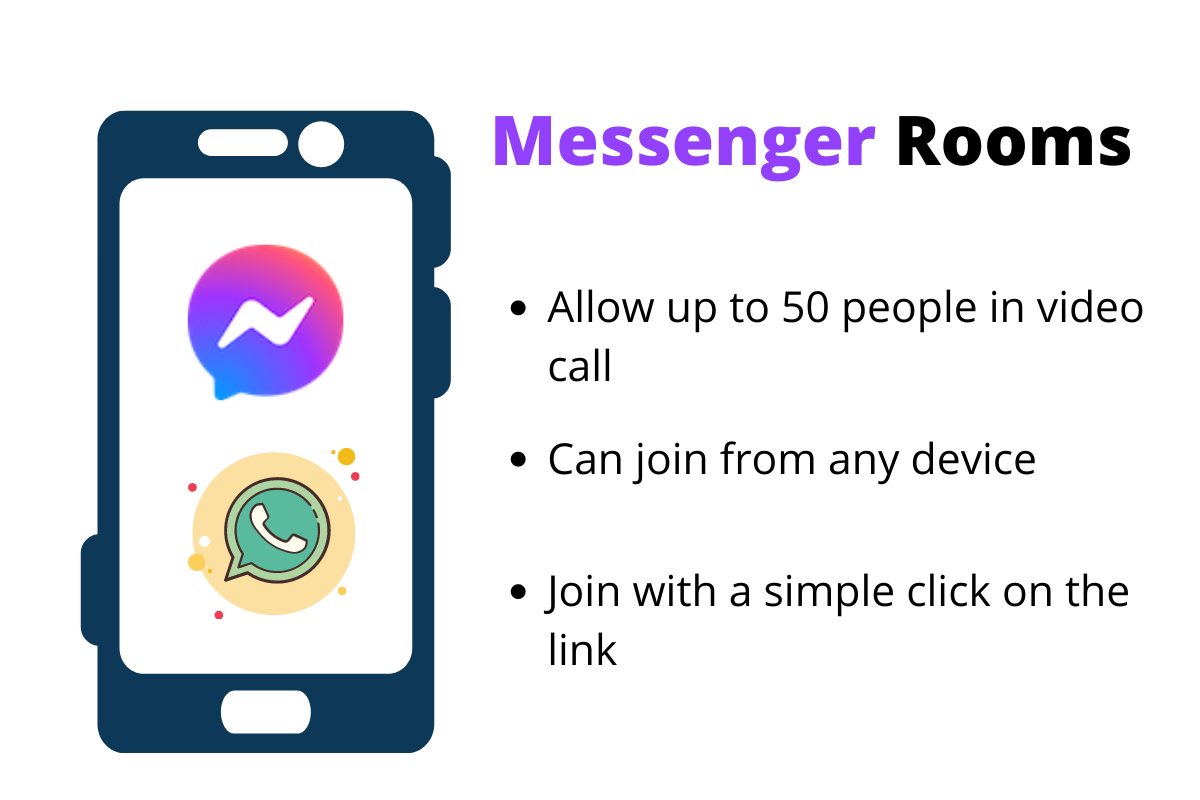
The ‘Messenger Room’ feature was rolled out for WhatsApp just a few months back. It allows WhatsApp users to carry out a group video call with up to 50 people, which the normal video calling feature of WhatsApp doesn’t. ‘Messenger Rooms’ is a feature from Facebook, which is integrated within WhatsApp itself. If you want to know how you can create a Messenger Room through WhatsApp, keep reading ahead.



- Make Telecom Talk My Trusted Source



Steps for Creating a ‘Messenger Room’ Through WhatsApp
Do note that you can create a ‘Messenger Room’ from WhatsApp’s mobile application, desktop, as well as a web application. The steps are the same for every kind of version (mobile, desktop, or web) that you are using of WhatsApp.
Firstly, open the application on your preferred device, then go to the individual chat you want to select for video call. After that, find the attachments icon on the screen and tap on it. Then find the ‘Rooms’ option, tap on it, and then further tap on the ’Continue in Messenger’ option.
The app will provide you with a link that you can send to your contacts. Others can join the same room by simply clicking on the link you have provided them with. You can also make room for your WhatsApp group directly by clicking on the ‘Create Room’ option for your group chat. But the ‘Messenger Room’ feature will only work for groups that have more than five members.