 Support Telecomtalk







Andrew Bonwick
Vice President of Product Development at Relm Insurance

Madhav Sheth
CEO of Ai+ Smartphone

Varun Kashyap & Sridevi Reddy
Co-Founders, Zithara.ai
Transforming Indian Offline Retail and Customer Engagement Using AI


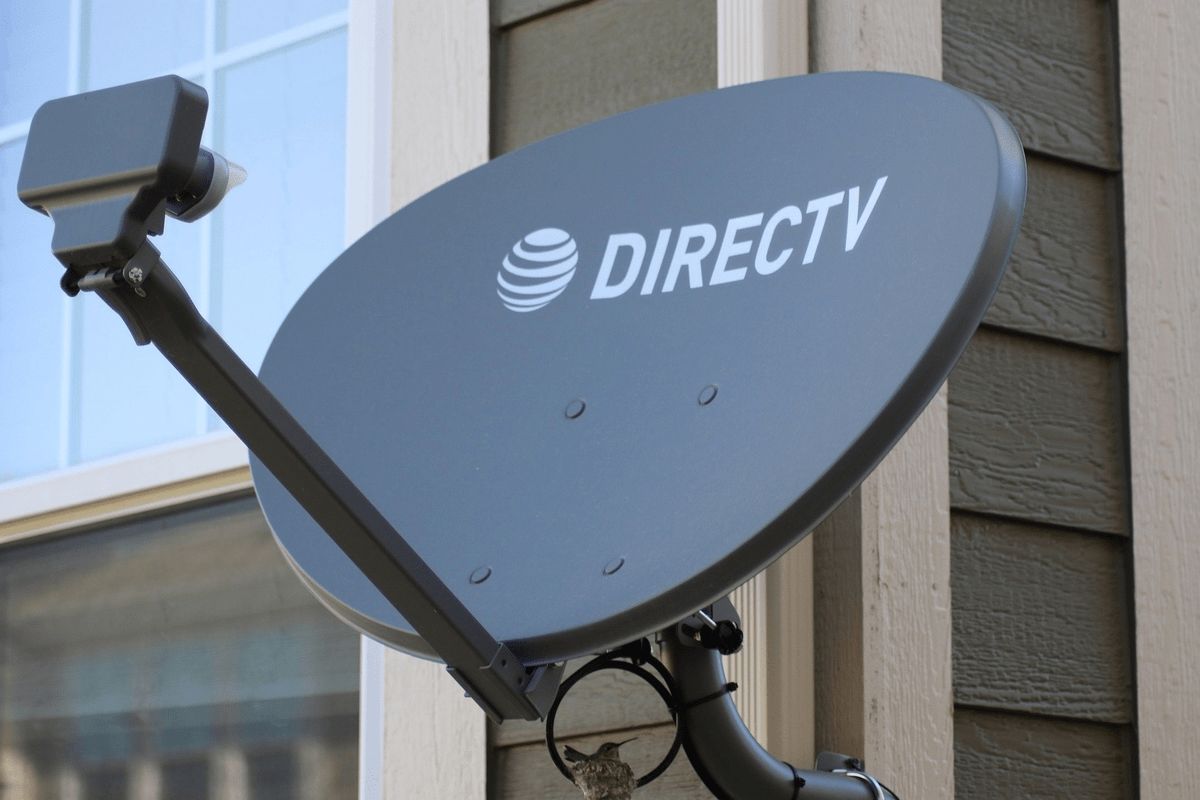
There are a number of common issues that subscribers face with their direct-to-home (DTH) connections. To call the service centre every time and request for a technician costs a lot of time to the user. That is why the DTH users should try and solve some of the common issues themselves. Today we are going to list some of the common troubleshooting solutions that a user can try for solving their DTH problems. Keep reading to find out how to troubleshoot DTH problems.
- Make Telecom Talk My Trusted Source



How to Troubleshoot DTH Problems?
In case you can’t see any picture or there is no sound and basically, the display is not working. Check if the Set-Top Box (STB) is properly switched on. Another reason behind this can be that the receiver is on standby. Just press the ‘STB’ button on the remote and the receiver will come out of standby mode.
In case the indication of the front panel of the STB is correct yet there is no picture or sound, then there can be multiple reasons behind the issue. First can be that you are watching TV through VCD, DVD, or cable operator. To solve this, just press the ‘AV’ button on your remote. The second reason could be that the ‘AV’ connection is wrong so just check the ‘AV’ connection of the STB once.
Then it might happen that the connections are right but the TV is not connected to the external ‘AV’ source. So also check the ‘AV’ connection of your TV. Another reason could be that your cable connection might be damaged. In that case, just contact your DTH operator.
Sometimes, your remote might work with your TV but it might not work with your STB. To solve this, press the STB button on your remote to control it. Sometimes when your remote control is not working, it might be because the batteries inside the remote are exhausted. So just try inserting some new batteries in the remote.






























