Broadband internet connection is used by many people in their homes and offices. It can offer great speeds and many people can connect to it at the same time. One of the most frustrating things is you might find your broadband connection disconnected at sometimes. No one likes it when they open a webpage and it is unresponsive. However, the good thing is, you can check what the problems are and with the help of a few simple tips and tricks, you can solve them on your own. Read ahead to find out the tips and tricks.
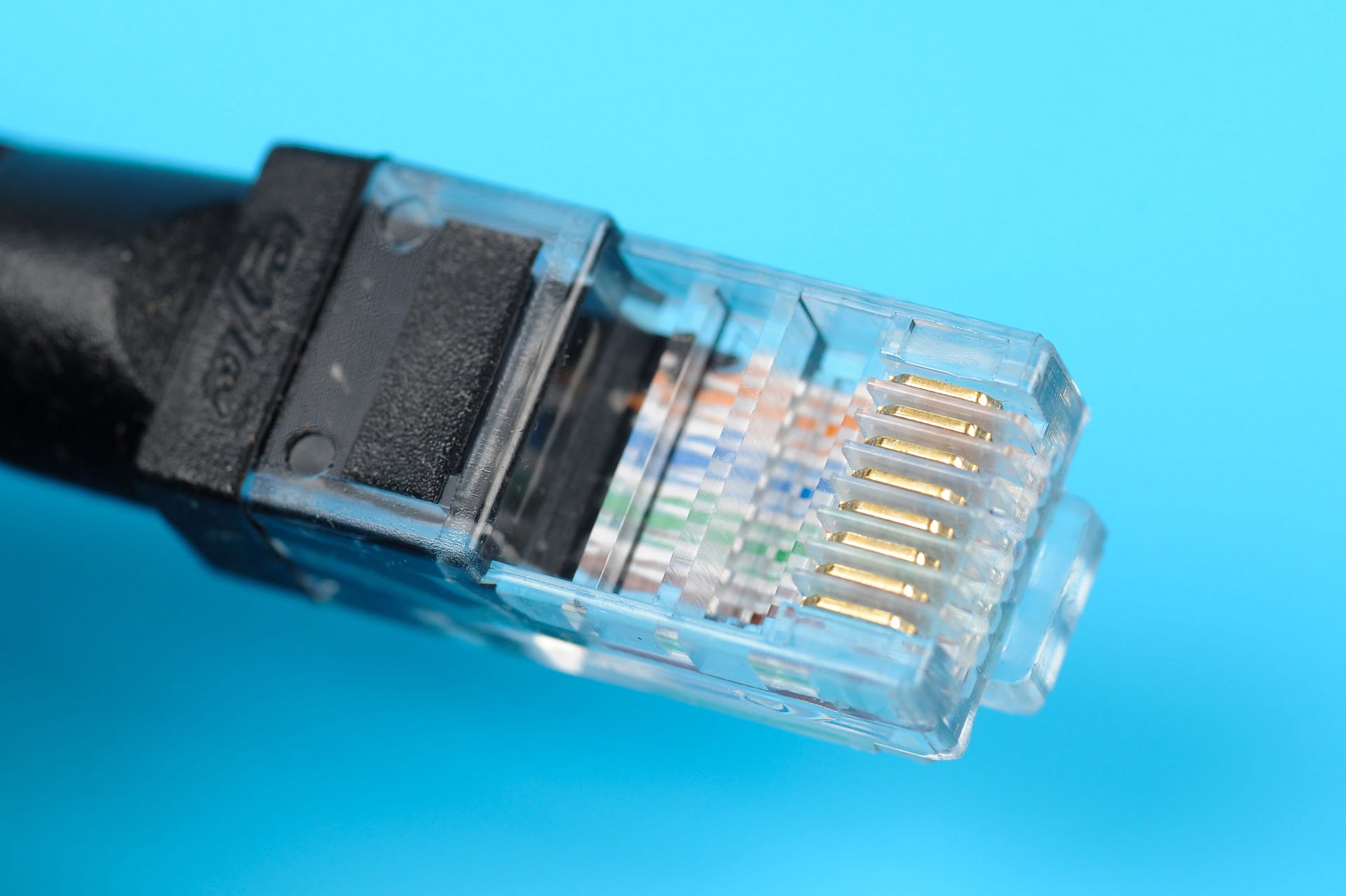
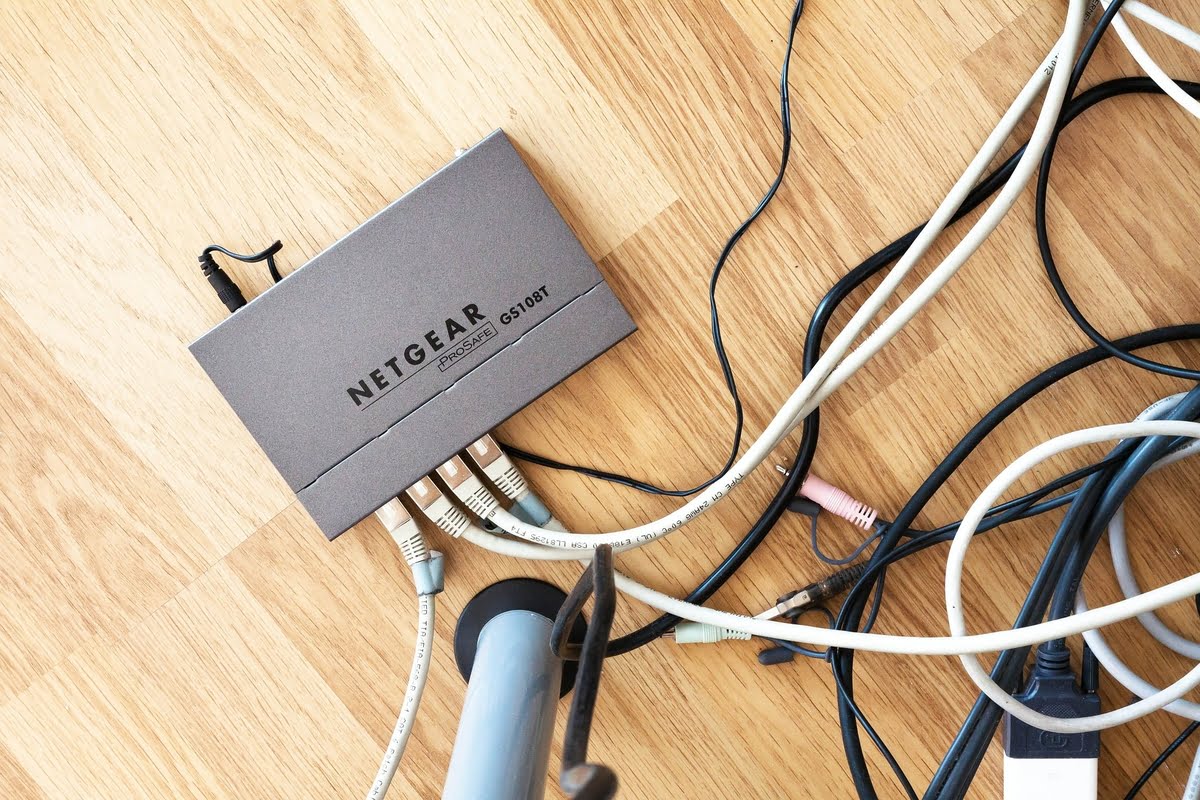
If you have a cable connection and can’t get a steady or stable connection, then you can try out power cycling because that might resolve the issue you are facing. Another thing that you should do is that you should check if all the cables connected to your ethernet ports and router are undamaged. Also, check the wires outside your home. Sometimes it may happen that the cables or wires outside your home might get damaged due to bad weather or any other external factors.
Restarting the Modem
If you try to access the internet and find your broadband connection disconnected, then you should try restarting the modem. Just remove the power cord from the back of the router and keep it like that for at least one minute before you attach the cord back. Also, restarting the modem refreshes the network and brings back the stability of the internet.
Scan For Malware and Viruses
Viruses and malware are not just bad for your computer, but also for your broadband connection. If you find your broadband connection disconnected too often then you need to see if there are viruses and malware in your system. They can severely impact your broadband connection and also the speed of your browser. Keep your anti-virus system updated and your system clean and clear.
If you are witnessing frequent broadband connection drops, then you can do one smart thing and check your data pack. It may feel like to you that your connection has dropped, but in reality, you might have exhausted your data pack. But if your internet pack is not exhausted, then you should contact your service provider and tell them that you are facing problems.
Micro-Filter
Micro-filter is the thing which connects with your smartphones, desktops, and modems. So you should try disconnecting every device from the micro-filter because that can be a problem for your broadband connection. Then, when you are reconnecting the devices, do so one by one and not all at the same time.
Upgrade Your Modem and Firmware
You should also consider upgrading the firmware and modem. Older versions of firmware and modem can be a threat to your internet security and can result in slow internet and frequent broadband disconnections. Firmware is something which is installed in your computer and is a part of the software of your modem or internet router. If you face problems even after upgrading the modem and firmware, then you should contact your internet service provider.
Network Issues
Your internet service provider may be providing you with less than average service. You should ask your ISP to check if there are problems from their side of services. Sometimes it may happen that there might not be any issue from your side but from the side of your ISP. You should also ask for suggestions from your internet service provider on how to improve your internet connection.
If this article saved you time or helped you decide better, consider supporting our work.
 Support Telecomtalk