Support Telecomtalk







Andrew Bonwick
Vice President of Product Development at Relm Insurance

Madhav Sheth
CEO of Ai+ Smartphone

Stephen Rose
CEO Render Networks



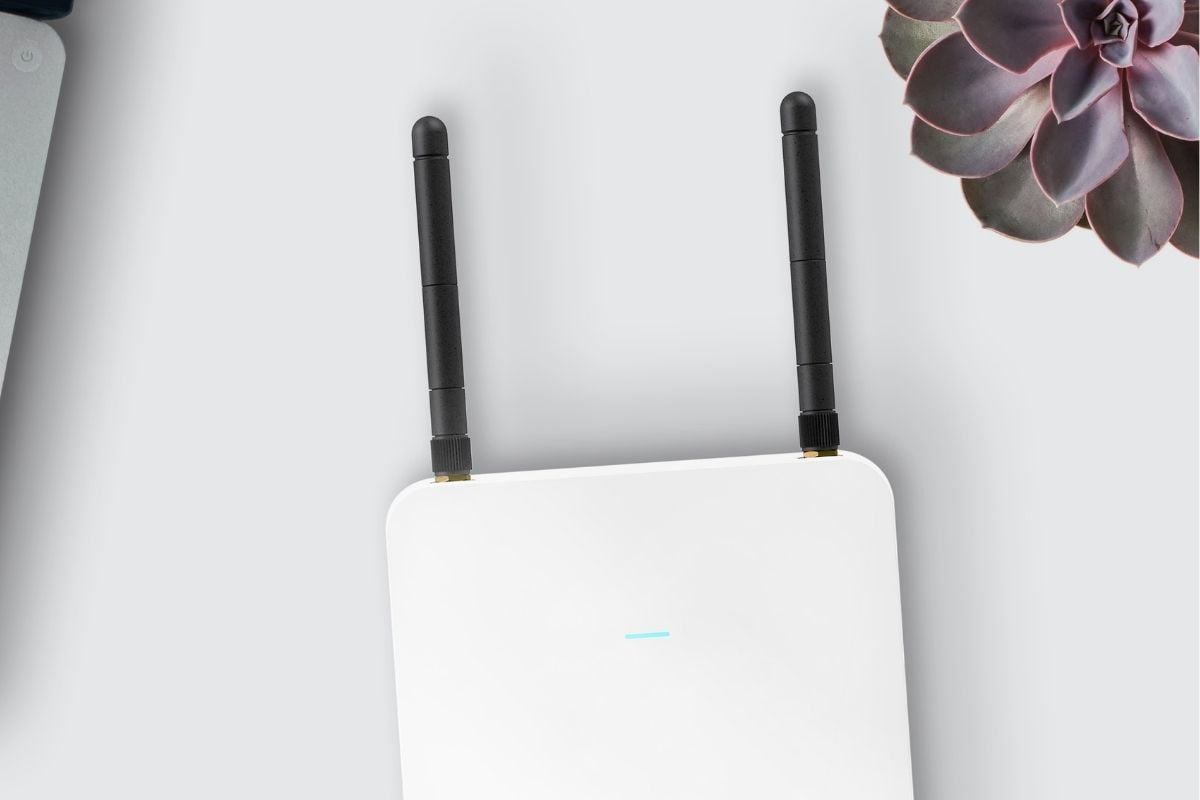
The ongoing Covid-19 pandemic brings a lot of uncertainty to our future. In the current scenario, various cities and countries are still under lockdown, and offices are shut. This directly translates to a prolonged phase of working from home for millions of working professionals all over the world. Working from home is challenging as it is in an environment of a noisy house with distractions. Another challenge that can add heat to your worries is a slow broadband connection. A slow internet connection can not only reduce productivity but can also seem unprofessional. Here are few steps you can follow to make sure you are maximising the potential of your broadband connection.



- Make Telecom Talk My Trusted Source



Rethink Your Router Placement and Position
It might not look like it makes a lot of difference, but your broadband router’s placement and position plays a vital role in your broadband connection. The first thing to note when considering your router’s placement is to not place it near your electronic devices.
Keeping your router close to electronic devices may cause electromagnetic disturbances in the broadband connection, which will not only impact the stability but also the speed of your internet connection. While figuring out a new place for your router, look for open spaces so that the signal can easily reach your device. Always keep your router in an upright position.
Watch Your Internet Usage
Internet Service Providers have now started offering truly unlimited broadband data packs. This has made us carefree in terms of our internet usage. Even if you might be subscribed to an unlimited data pack option, the speed of your broadband connection will be impacted drastically if multiple devices are connected and accessing the internet at the same time. One of the functions of a router is to manage bandwidth between the connected devices.