ASUS Vivobook S14 UX5406AA Review: Premium + Portable
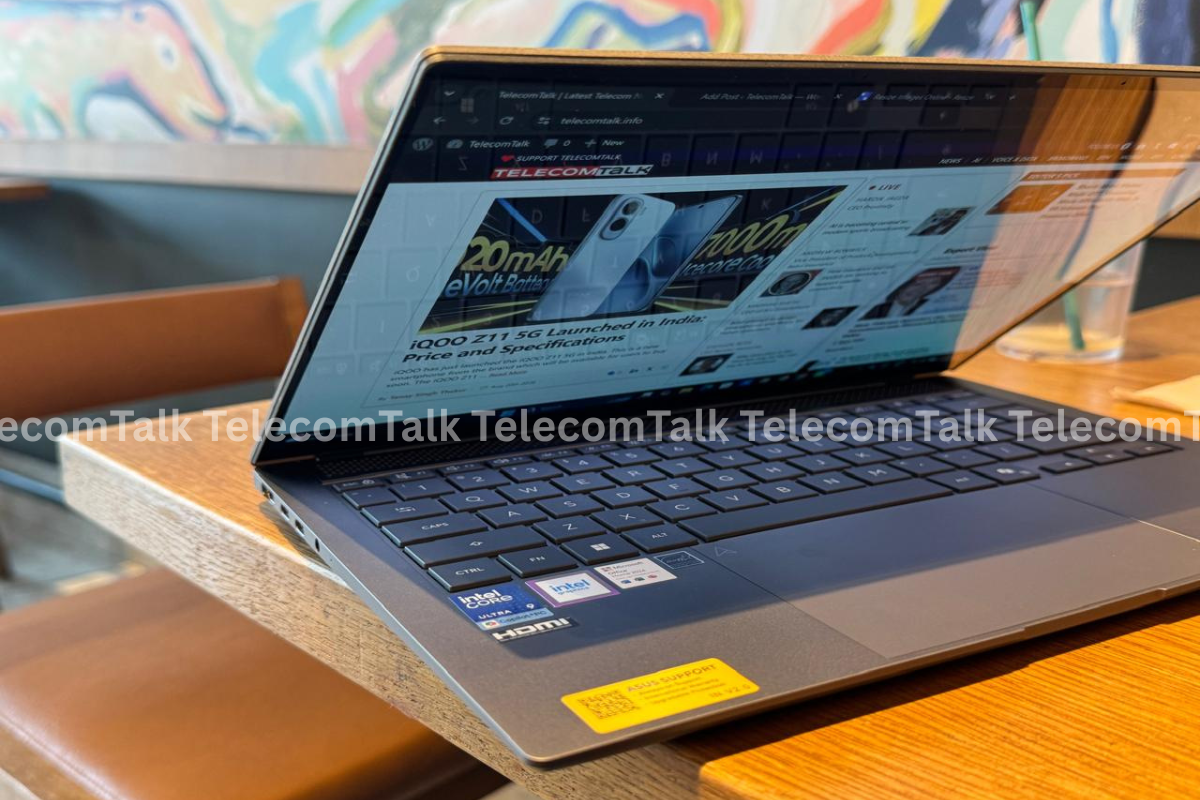
The ASUS Vivobook S14 UX5406AA has a very sleek design. I love how the laptop is so light, weighing at just 1.2kg, and the fact that it is so portable.
ASUS recently brought the Vivobook S14 UX5406AA to India, and people interested can buy it. I have been using this laptop for a few days as my secondary work station. Right upon receiving it, I did not know what to expect from it. I knew that this wasn’t a gaming laptop, but I did not really think I would enjoy it this much. To give you some context, when I am using a laptop, I do it for typing or editing videos or engaging with AI (artificial intelligence platforms) such as ChatGPT and Claude. But after using this laptop, I have also started engaging with Copilot + PC. To be honest, I have a few thoughts about this as well, which I will detail below. I will share my review of this laptop as a working professional, through which I think even students looking at it can benefit.
Make Telecom Talk My Trusted Source
ASUS Vivobook S14 UX5406AA Review: Design, Body and Display
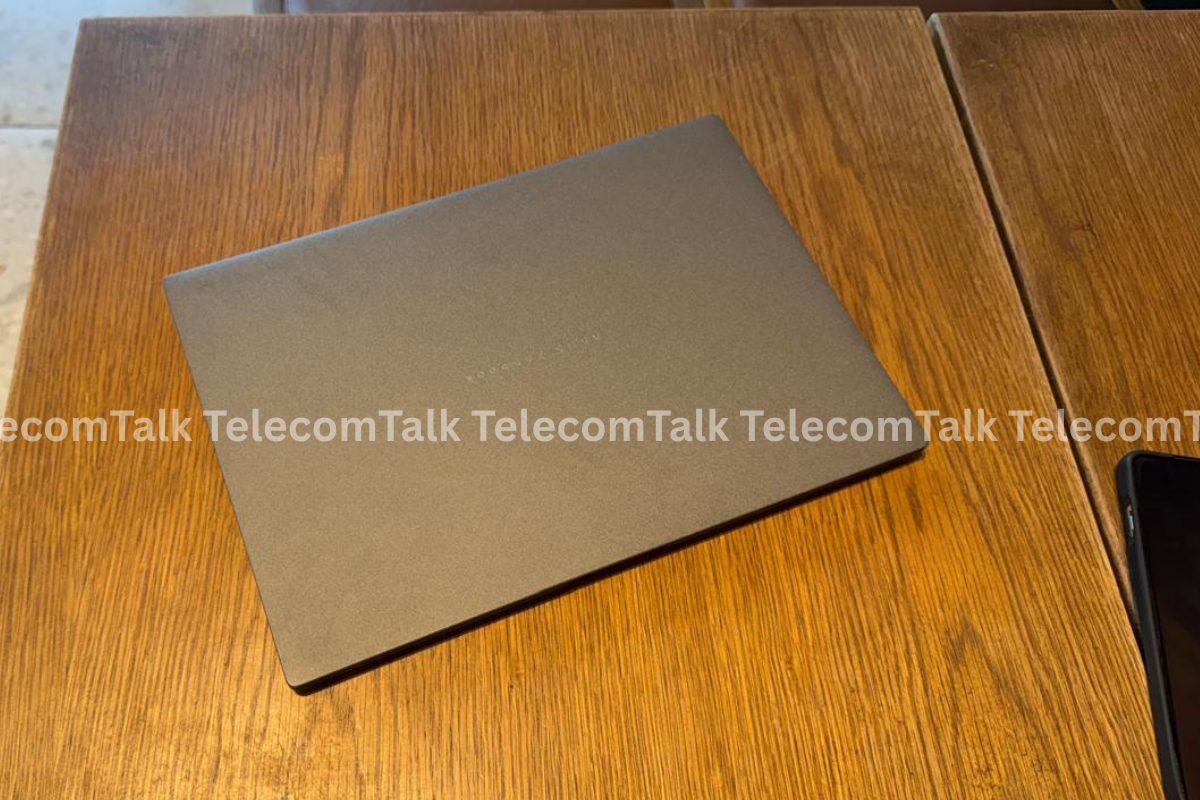
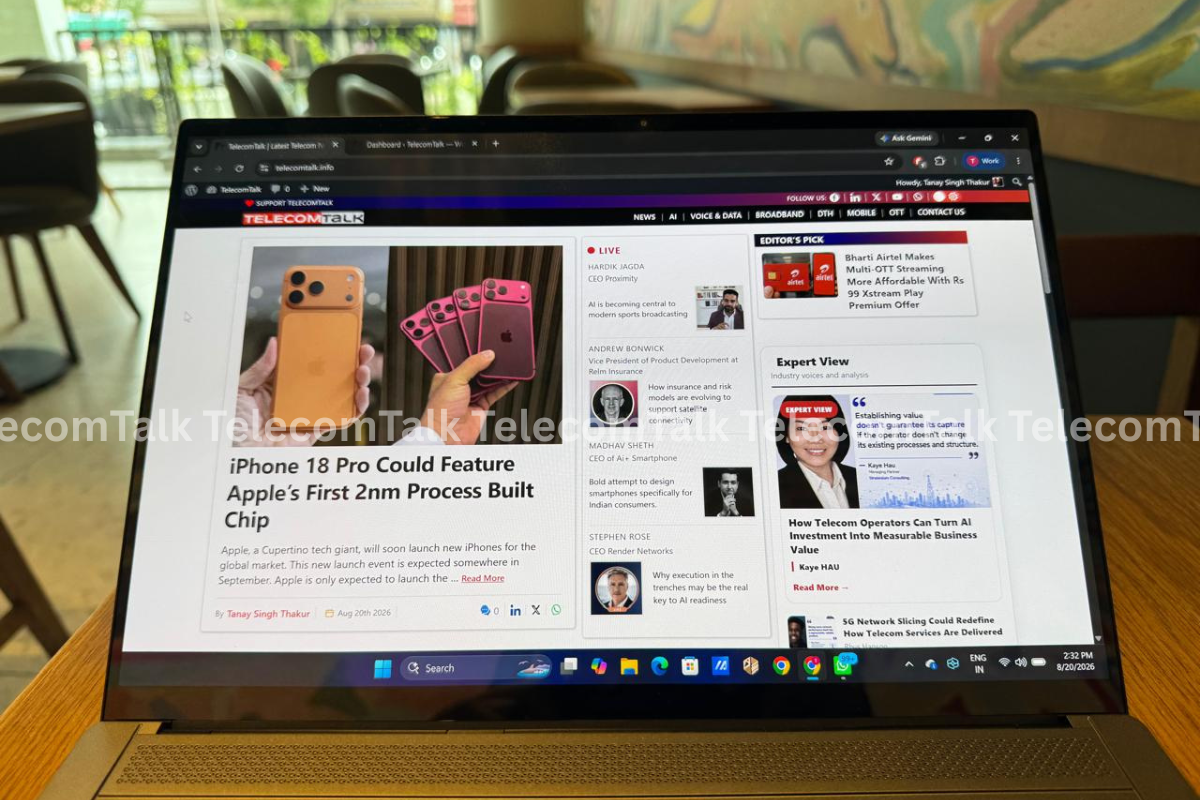
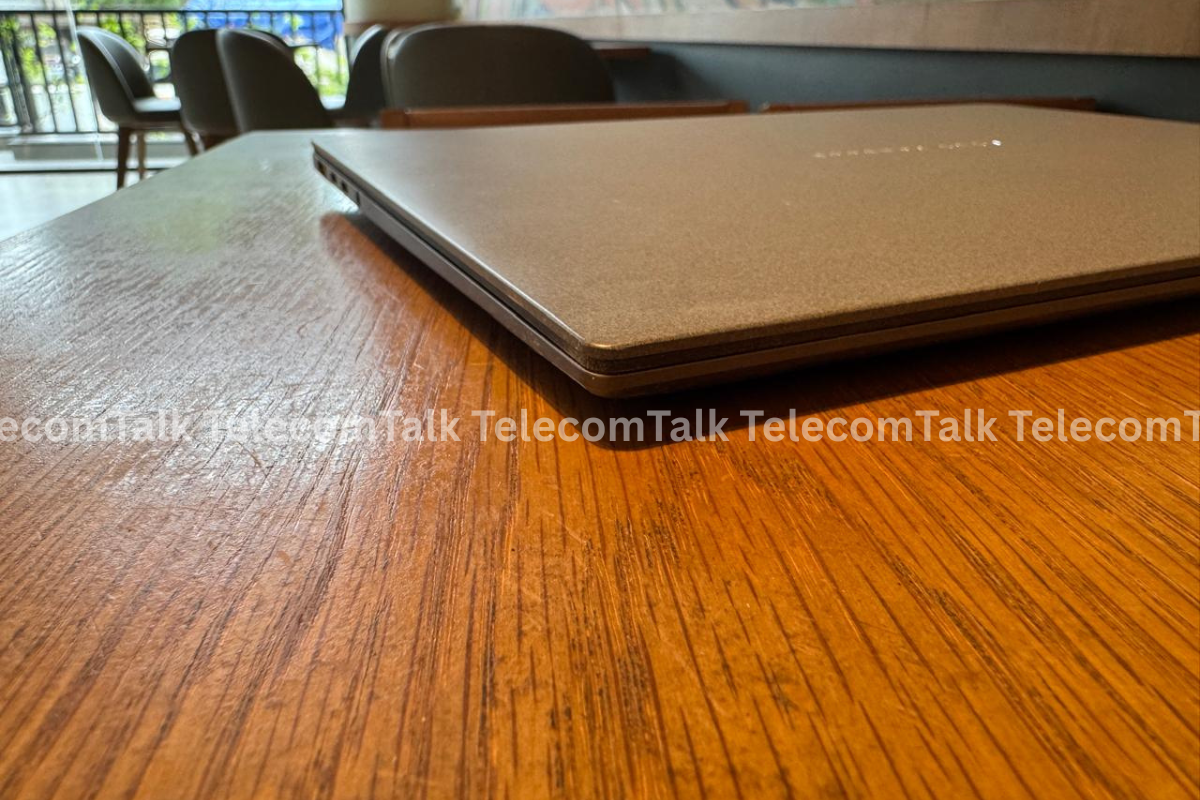
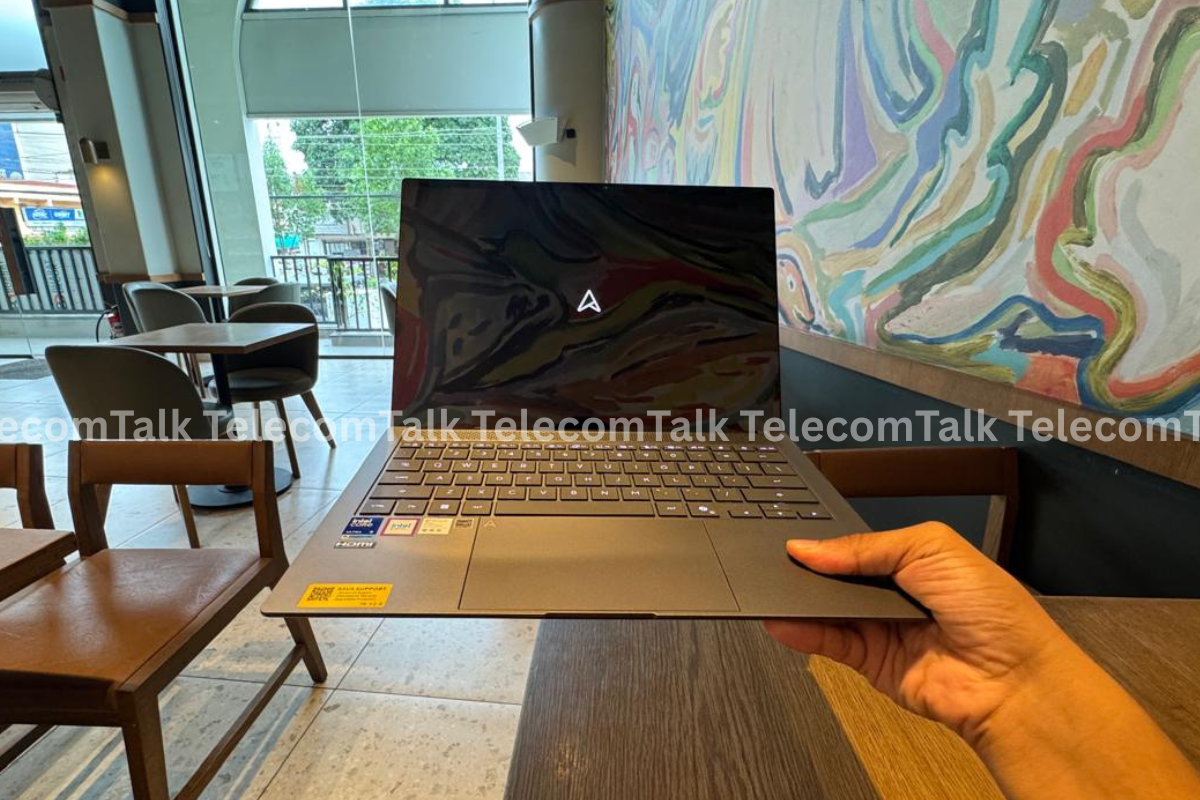
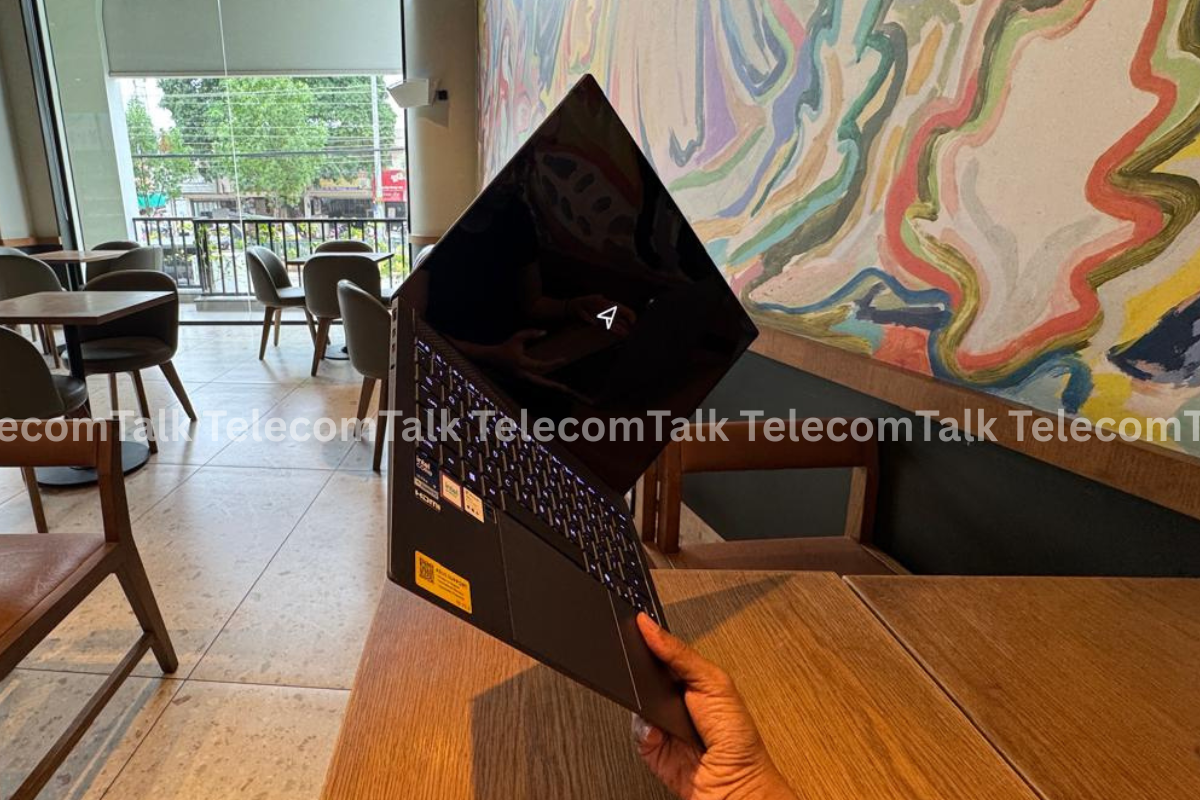
The ASUS Vivobook S14 UX5406AA has a very sleek design. I love how the laptop is so light, weighing at just 1.2kg, and the fact that it is so portable, is an added bonus. The bezels are thin, and the display just gets it right. The laptop features a Ceraluminum chassis, which is scratch resistant and has an ultra-thin profile of 1.1cm. The laptop has a 14-inch 3K resolution display (2880 x 1800 pixels). There is an OLED panel on the screen, and it supports 120Hz refresh rate with support for 1100nits peak HDR brightness and vibrant colour accuracy. Since it is so light, I can just easily pick from one hand, and use it comfortably. The screen is also easy to lift with just one hand, which is an important thing for me in premium laptops.
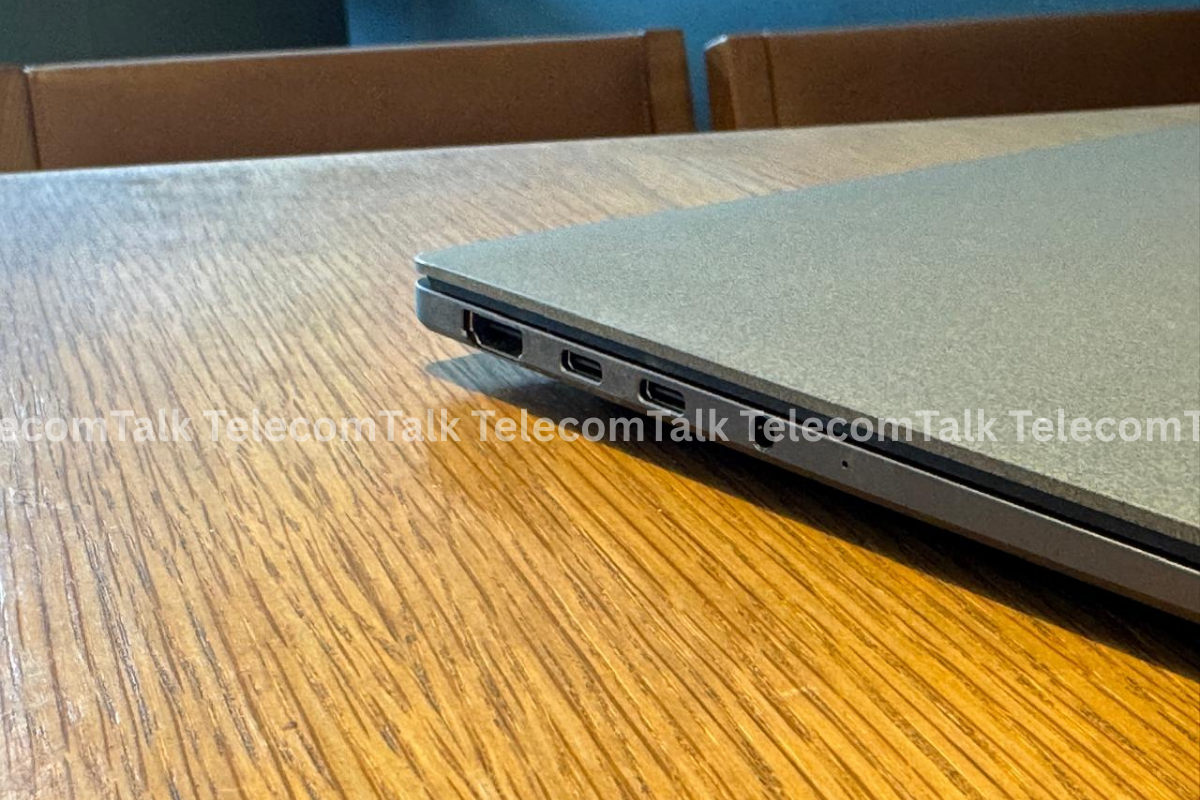
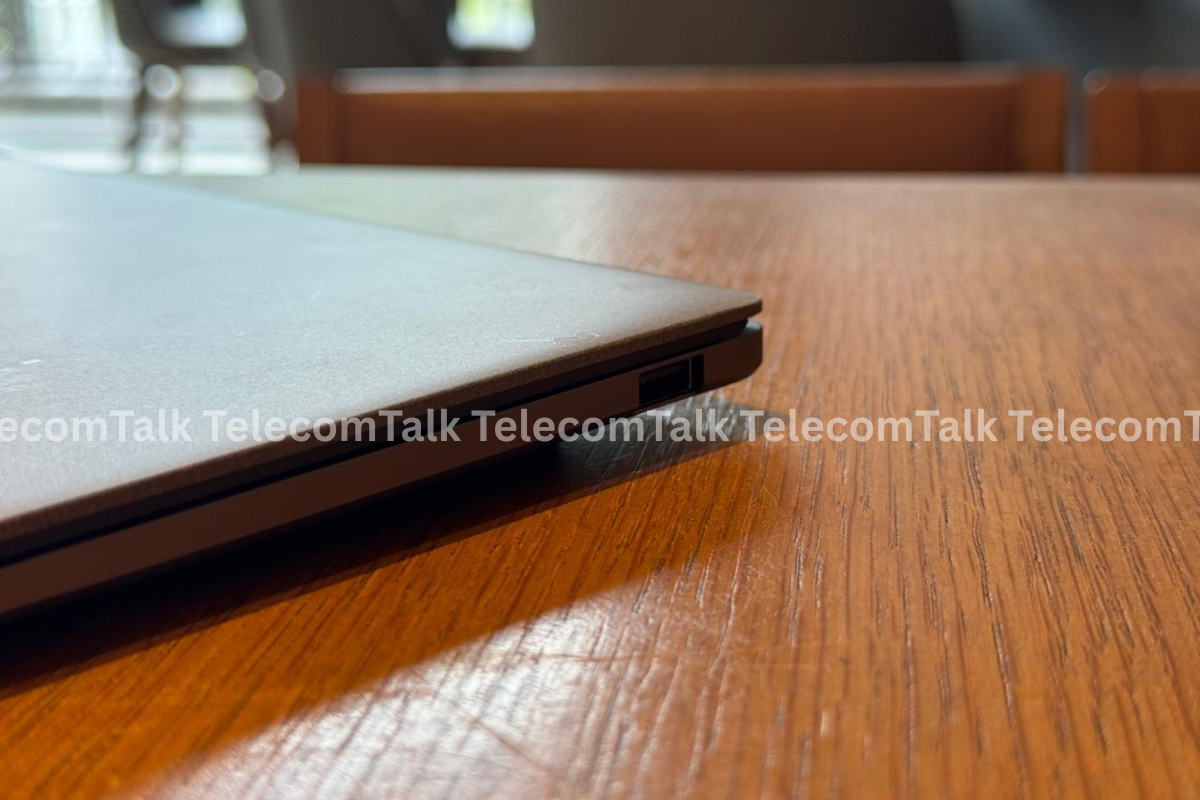
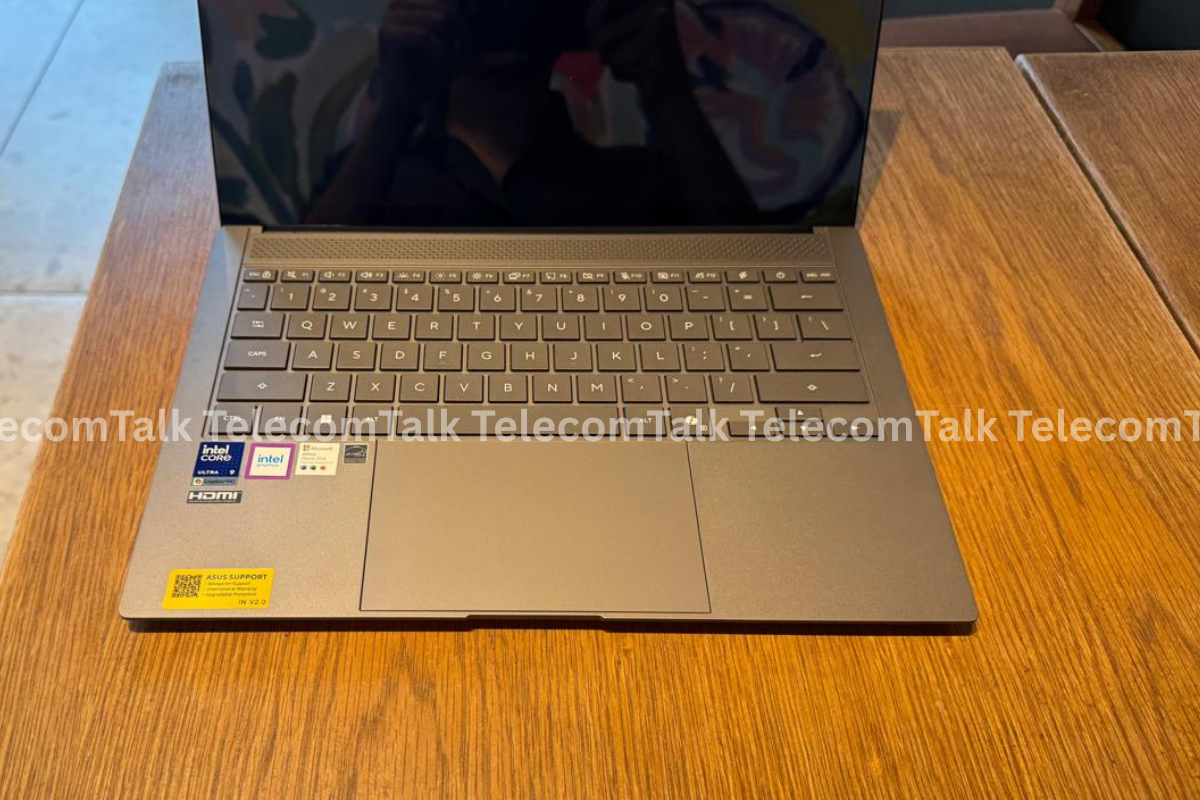
On the left side of the ASUS Vivobook S14 UX5406AA, there is an HDMI port, two Type-C ports (Thunderbolt 4), and a 3.5mm audio jack. On the right, there is just one Type-A port. In branding, the laptop has ASUS Zenbook branded on the top of the body. It is minimal, and perfect for the design. At the bottom, there is a vent for cooling, and the speakers are above the keyboard. There is a standard set of keys on the keyboard and a big enough touchpad.
At the top of the display, there is a web-cam with 1080p resolution, and just on the left of it, there is an infrared sensor which enables face login. I genuinely love the colours on the display. The aspect ratio of the screen is 16:10, which is good.
In the design and display department, I honestly love what ASUS has done with this laptop. Yes, the colour variant which I have is the Antrim Gray.
Rating – 9/10
ASUS Vivobook S14 UX5406AA Review: Performance, AI and Battery
ASUS Vivobook S14 UX5406AA comes in many variants, and you can choose one depending on the availability and your budget. The variant which I have been using is the top one, and comes powered by the Intel Core Ultra 9 Processor (series 3). There is standard Intel Graphics on this laptop, and it is fine, since this is not built for gaming, but for professional work. Further, the variant, which I have been using has 32GB of LPDDR5x RAM and 1TB of 4.0 SSD internal storage. This makes the experience seriously fast, especially with the AIplatforms and apps, and running several tabs on the browser is super smooth.
Just on a sidenote, the ASUS Vivobook S14 UX5406AA also comes with Microsoft 365 Basic with 100GB cloud storage for one year, and Office Home 2024 with lifetime validity. It has Windows 11 Home running out of the box, and if you are using it for business, ASUS recommends upgrading to the Windows 11 Pro.
So with respect to video editing, this laptop will handle the edits, but will not be able to handle large renderings of heavy graphics easily. So while an app such as Adobe Premiere Pro will work smoothly on this laptop for basic edits, with After Effects, it will become super hard to manage huge files. This is not a laptop for heavy video editing.
This is a Copilot + PC, which means, that you get a lot of AI features running on the laptop locally. One of the best features is recall, which remembers the information on your screen, and you can just ask Copilot for it at a later stage. There are more agentic features coming for the Copilot + PC, but we will have to wait for that.
With respect to using AI apps on this laptop, especially Copilot + PC, you will get a smooth experience definitely. I would love to see Microsoft improving the AI and results and make it as seamless as products from OpenAI and Anthropic. However, in the long run, I definitely see myself being happy with this laptop being a Copilot + PC equipment.
When it comes to battery, it is excellent. I have a habit of not shutting down the system for several days. This is what I did with the Vivobook S14 UX5406AA as well. The Vivobook S14 UX5406AA has a 77Wh battery with support for 65W/68W AC adapter. It supports fast-charging, and the company claims that it can charge up to 60% in about 49 minutes. This is excellent. Once fully charged, and with moderate use, this laptop will easily last about a day or more.
The only thing is that if you are a video editor, then I would not recommend this laptop primarily to you. For that go for a laptop which has a dedicated graphics card.
Rating – 9/10
ASUS Vivobook S14 UX5406AA Review: Keyboard and Touchpad
ASUS Vivobook S14 UX5406AA has an amazing keyboard. Now this is something which is a deal breaker for me. I have to type thousands of words every single day. To ensure that I am comfortably doing that, I need a keyboard which can let my fingers travel fast and without tiring. One thing which I would point out is that there are mistypings a lot with this keyboard, and initially I think it will be the case for most people who are shifting from a different sized keyboard to this one. But I do think the mistyping is actually happening because the keys are too soft, if that makes sense. There are double taps even with a very low pressure on the keys. So this is something I would want ASUS to look into, if again, this makes sense.
As for the touchpad, you get a standard premium touchpad, which does what it is supposed to do. So I am all happy in that department.
ASUS Vivobook S14 UX5406AA Review: Price
As mentioned above, there are many variants of this laptop. The one I have is the top end, and is priced at Rs 2,39,990. But there are of course variants with lower end processors, and lower RAM onboard, which will cost much lesser. You can get it from the official website of ASUS India. Keep reading TelecomTalk for more such review and tech launches. If you are working professional and want to stay in the Windows ecosystem, it will be a great asset for you to invest in.
Overall Rating – 9/10
Some people read for free. A few choose to support. If you found TelecomTalk useful, you can help keep us running.
 Support Telecomtalk