Support Telecomtalk







Andrew Bonwick
Vice President of Product Development at Relm Insurance

Madhav Sheth
CEO of Ai+ Smartphone

Stephen Rose
CEO Render Networks



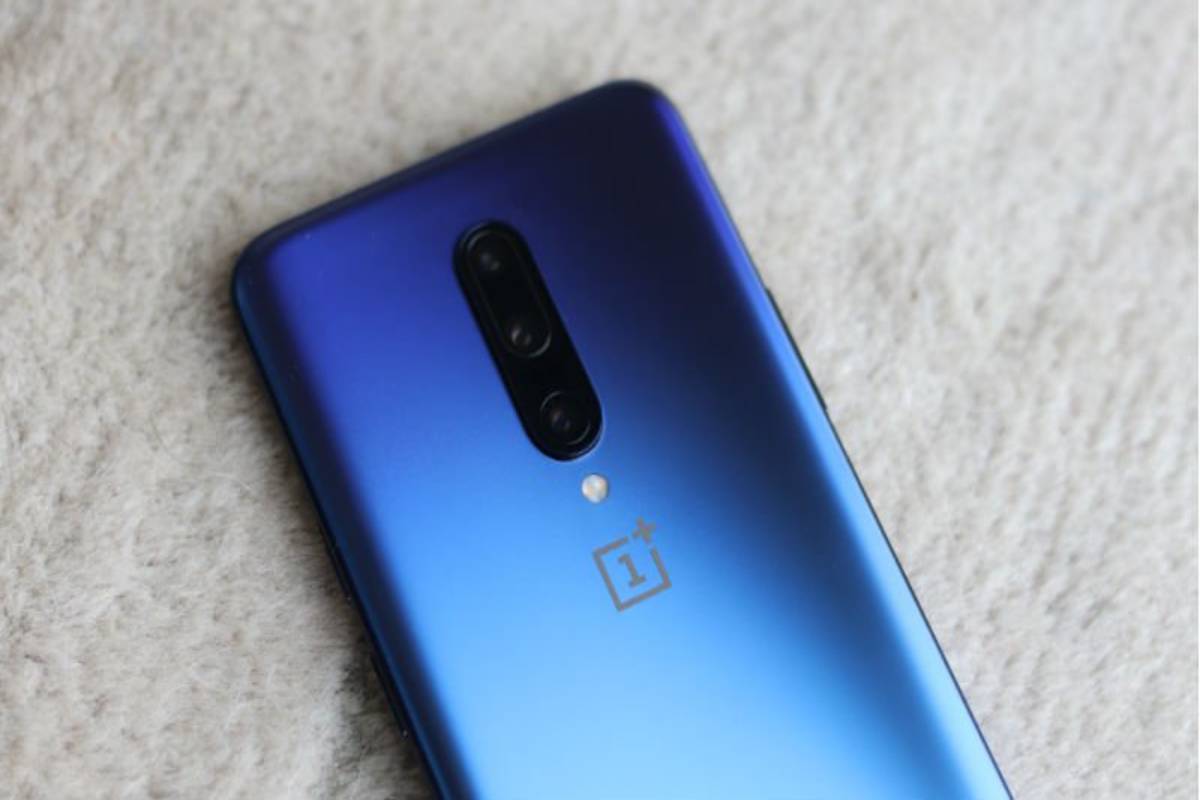
OnePlus had recently released its latest operating software Oxygen OS 12 Open Beta update for the OnePlus 9R users outside of China. Now, the company has made the latest Open Beta update for the Android 12 based OxygenOS 12 for the users of the OnePlus 8 series. The devices that have received the update include are the OnePlus 8, OnePlus 8 Pro, and the OnePlus 8T. Here are the updates introduced by the brand and how to get them on your device.



- Make Telecom Talk My Trusted Source



How to Get the Update
Getting the OxygenOS 12 Open Beta update on your OnePlus device is quite easy and does not require any registration. All users need to do is go to the settings on their phone and click on the system tab after which they have to select systems update. Further, by clicking on the top-right icon, all you need to do is a select local upgrade.
The brand has, however, warned that some third-party apps may not function properly and the clock might be missing the dial display when the AOD feature is on. This is quite normal as it is an open beta update meaning it’s still under testing.
New Updates Introduced
The new update comes with optimized desktop icons with improved textures. Users also get the dark mode which now supports three adjustable levels, resulting in a more personalized and comfortable user experience. The new update on the software also brings the brand’s Work-Life Balance feature which allows you to effortlessly switch between Work and Life mode via quick settings.