 Support Telecomtalk







Andrew Bonwick
Vice President of Product Development at Relm Insurance

Madhav Sheth
CEO of Ai+ Smartphone

Stephen Rose
CEO Render Networks



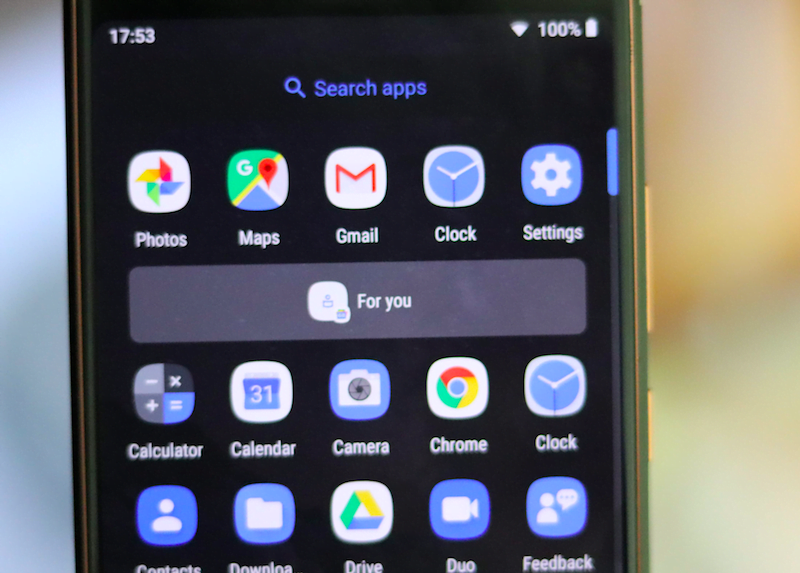
Google has promised many new features on the Android 9 Pie. There is the new gesture-based navigation system on the latest Android. Besides, the Digital Wellbeing feature on the latest operating system is highly awaited. Apart from all these features, the Google Android 9 Pie is also being said to be very smart. An example of such a feature would be the ‘App Actions’. Predictive App Actions is something Google talked a lot about at the Google I/O 2018 event because it works on Artificial Intelligence. App Actions appear on your smartphone’s App Drawer underneath the popular apps row, and there will be two actions which will be based on your routines, Context and App Sequences.
- Make Telecom Talk My Trusted Source



App Actions Don’t Just Get You Search Results; They Do the Task
Previously, Google has facilitated smart features employing Google Assistant, Voice search, Maps and much more. However, App Actions go a step further and get the job done for you instead of just giving the information about how you can carry out a specific task. According to Google, “with App Actions, developers can tie the same sort of “smarts” into their own app and help you actually get things done instead of just telling you how to get things done.”
App Actions, as mentioned above, works on a user’s routines. For example, you dial a contact more often on your routine and in Android 9 Pie, your device will automatically detect the same, and it shows the direct contact option on your App Drawer. To give another example, you message a contact on WhatsApp very often on your routine and App Actions will put the contact right in your App Drawer, so that you can jump to the contact’s chat screen and start messaging, instead of opening WhatsApp and searching for the contact.






























