



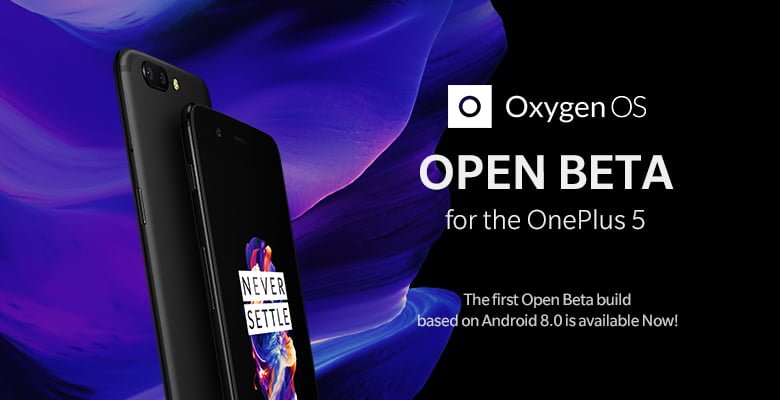
The OnePlus 5 is receiving a new update in the form of OxygenOS Open Beta 2 based on Android 8.0 Oreo. To recall, OnePlus released the first Open Beta update of Android Oreo at the end of November 2017, and this is the first update since then. Although it doesn't bring in any new changes to the user interface or features, it fixes the major bug fixes.
OnePlus has fixed issues released to the launcher, camera, files manager, and system. This update also comes with November 2017 security patch fixes, still not December fixes. Talking about the improvements made by OnePlus in this update, the company has fixed some issues related to the Reading Mode, Vibration mode, Bluetooth audio, and fixed some bugs related to Parallel Apps.
Here's the official changelog for the update:
Launcher
- Fixed widget issues
- Fixed shortcut issues
Camera
- UI Improvements
Files Manager
- Added f4v format in video category
- Speed improvements while deleting massive files.
System
- Improvements to Reading Mode
- Improvements in vibration
- Improvements in Bluetooth audio
- Fixed Parallel apps bugs
- Fixed reboot issue when using Picture in Picture
- Updated Android security patch to November
- General bug fixes and stability improvements.
OnePlus is doing a great job in rolling out software updates to its smartphones. The OnePlus 5T is also slated to received OxygenOS Open Beta based Android Oreo update in early 2018, but we're still not sure when it's going official. OnePlus promised stable Oreo update to both the OnePlus 5 and 5T in early 2018.
Talking about this update, you should be on OxygenOS Open Beta on your OnePlus 5 to receive the OTA update. Otherwise, you need to download the update from OnePlus Forums and install it manually. The installation process is pretty simple- Download the ZIP Package> head over to the recovery mode> and flash the package.
Do make a note that if migrate to Open Beta, you will stop receiving stable OTA updates. Also, if you want to go back to the stable version, you'll be required to completely flash your smartphone, which will result in entire data loss.