Support Telecomtalk







Andrew Bonwick
Vice President of Product Development at Relm Insurance

Madhav Sheth
CEO of Ai+ Smartphone

Stephen Rose
CEO Render Networks



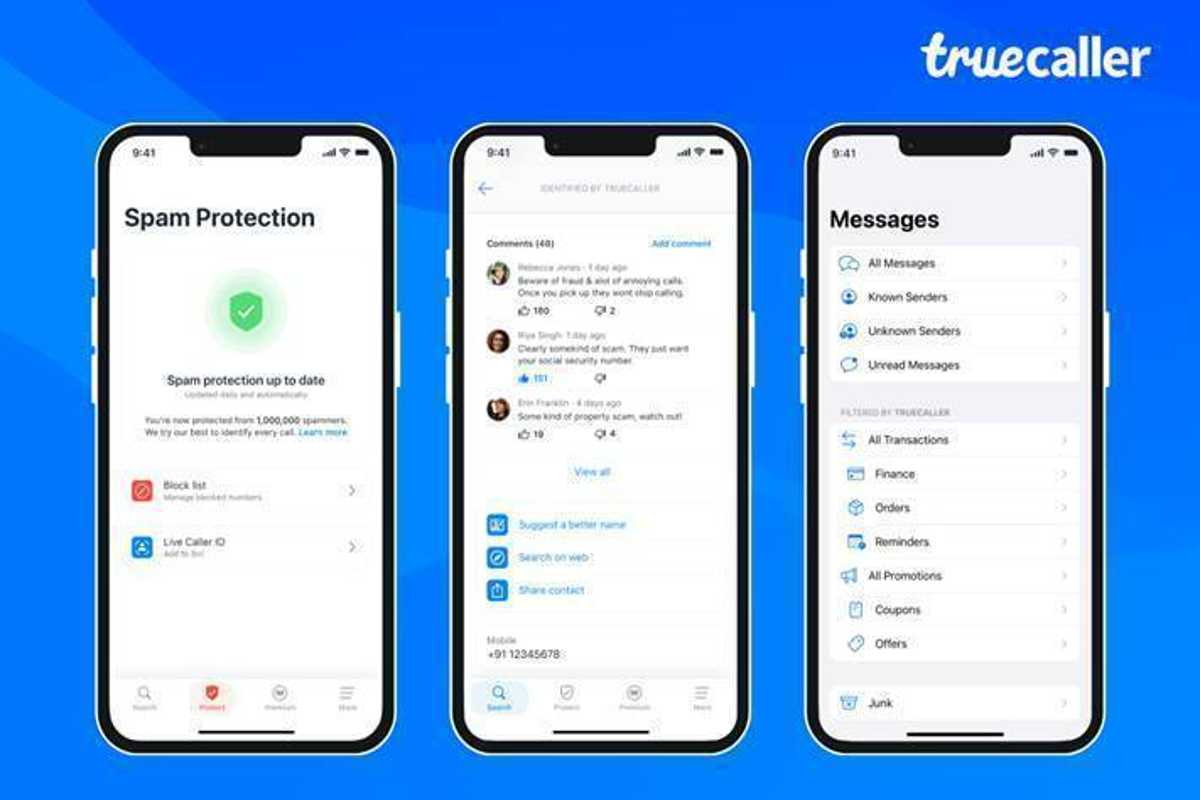
Truecaller, the global communications platform, has launched a significant update for iPhone users. The update features new and exciting tools that offer a safer and improved communication experience to users worldwide. With this update, Truecaller has introduced Live Caller ID on iPhones for the first time, which will use a Siri shortcut to inform the user who is calling.



- Make Telecom Talk My Trusted Source



How to setup Truecaller Live Caller ID on iPhone
To set up Truecaller Live Caller ID, follow these simple steps:
- Click on the “Premium” tab in the app and select “Add to Siri.”
- This will add the Siri shortcut with a single tap. The first time you use the feature, you will be prompted to allow Truecaller access to your device. Select “Always allow” to avoid being prompted again.
- After setting up the Siri shortcut, whenever you receive an incoming call, say, “Hey Siri, search Truecaller,” and Truecaller will instantly inform you who is calling.
Rishit Jhunjhunwala, Managing Director, India at Truecaller, expressed his excitement about the new update and Truecaller’s commitment to continue innovating on the iOS platform. Jhunjhunwala stated, “Our team applied a lot of creativity to build this Siri-powered Live Caller ID experience. We are very excited with this global release and will continue to innovate on the iOS platform.”
Read More – Truecaller for Business Gets New Features: Check Here
Truecaller New Features for iPhones
Live Caller ID through Siri: Truecaller has introduced a Live Caller ID experience on iPhone for the first time by integrating with Siri. When an iPhone user receives an incoming call from an unknown number, they can activate Truecaller with their voice by saying, “Hey Siri, Search Truecaller.” The app will capture the number, find information about the caller, and present it on the calling screen. This feature is exclusively available to premium subscribers on iOS 16 and newer devices.