Support Telecomtalk







Andrew Bonwick
Vice President of Product Development at Relm Insurance

Madhav Sheth
CEO of Ai+ Smartphone

Varun Kashyap & Sridevi Reddy
Co-Founders, Zithara.ai
Transforming Indian Offline Retail and Customer Engagement Using AI


Even with large batteries and power-efficient chips, smartphones sometimes struggle through a lot of problems and in some cases, they barely get through a day of work thanks to the latest technology and high-tech displays which drain the battery very fast. These days most phone comes with non-removable lithium-ion batteries which are mostly in the 3000mAh range. The lithium-ion batteries struggle with low voltage problems, as such experts recommend that users should charge them partially (like from 20% to 80%) and not fully discharge them or fully charge them. Below we have discussed five such tips which will help you preserve the power on your smartphone.
- Make Telecom Talk My Trusted Source



‘Lite’ Version Applications
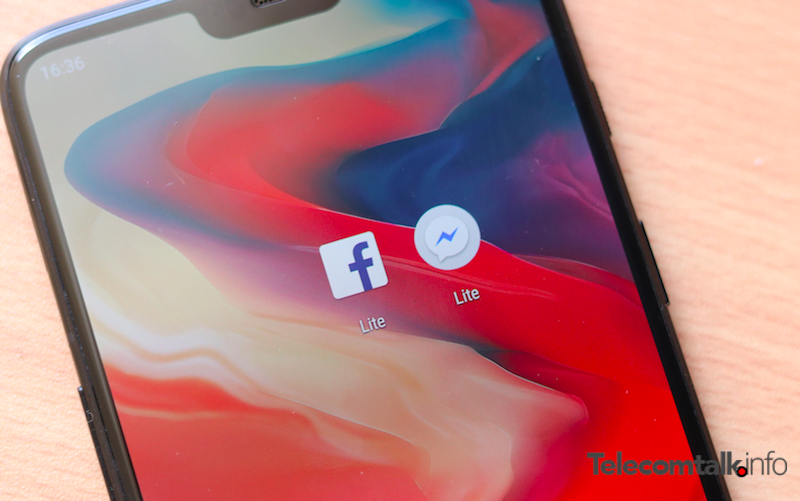
Companies usually develop simple, stripped down version of the full-fledged apps calling them the ‘lite’ version. These apps are made for the users who suffer from slow internet issues, or memory tantrums on their smartphones. As such, these applications are less taxing on the RAM, storage and battery as well. While Facebook and Messenger both offer Lite version of their apps, many other applications are also rolling out their lite versions for the users who might not be able to spare more RAM or storage for these apps. We recommend that you use these less resource-taxing apps to save on the battery.
Turn Off Adaptive Brightness
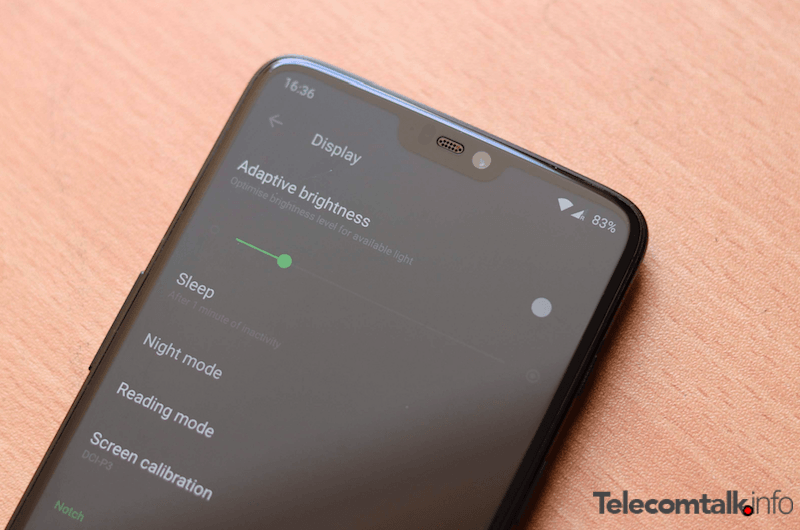
Using adaptive brightness on your phone might mean that you are letting your screen stay brighter than it’s required to be. Manually setting the brightness, on the other hand, will ensure that it is set up according to your needs, and the bright screen won’t draw more power than needed. To change the auto-adjustment of brightness on the phone, head over to Settings, then to Display and toggle off the adaptive brightness option.
Turn Off Vibration and Haptic Feedback
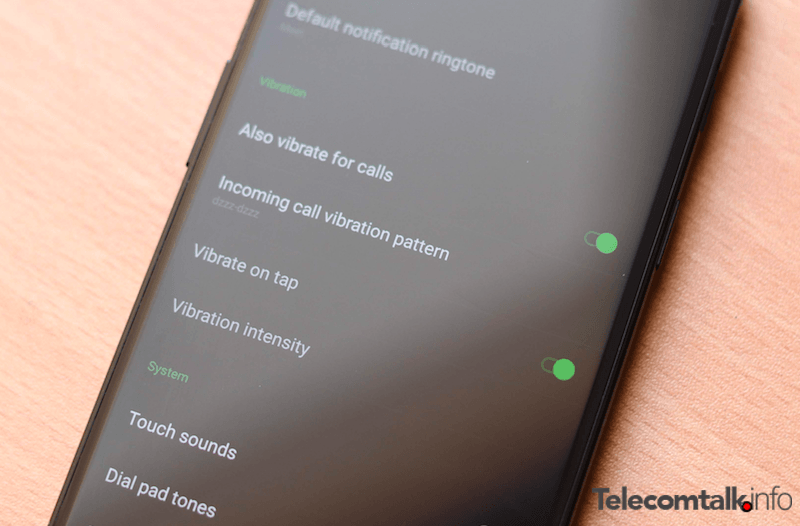
Vibration actually is more taxing on the battery than ringing. Therefore, constant notifications and the haptic feedback which you get while typing might really be a cause of concern if you are aiming for good battery life. To turn off haptic feedback, you can navigate to your keyboard settings and toggle off the ‘vibrate on touch’ option. Similarly, to turn off vibration, you can go to the ‘Sound and Notifications’ panel in the settings and turn it off.