 Support Telecomtalk







Andrew Bonwick
Vice President of Product Development at Relm Insurance

Madhav Sheth
CEO of Ai+ Smartphone

Varun Kashyap & Sridevi Reddy
Co-Founders, Zithara.ai
Transforming Indian Offline Retail and Customer Engagement Using AI


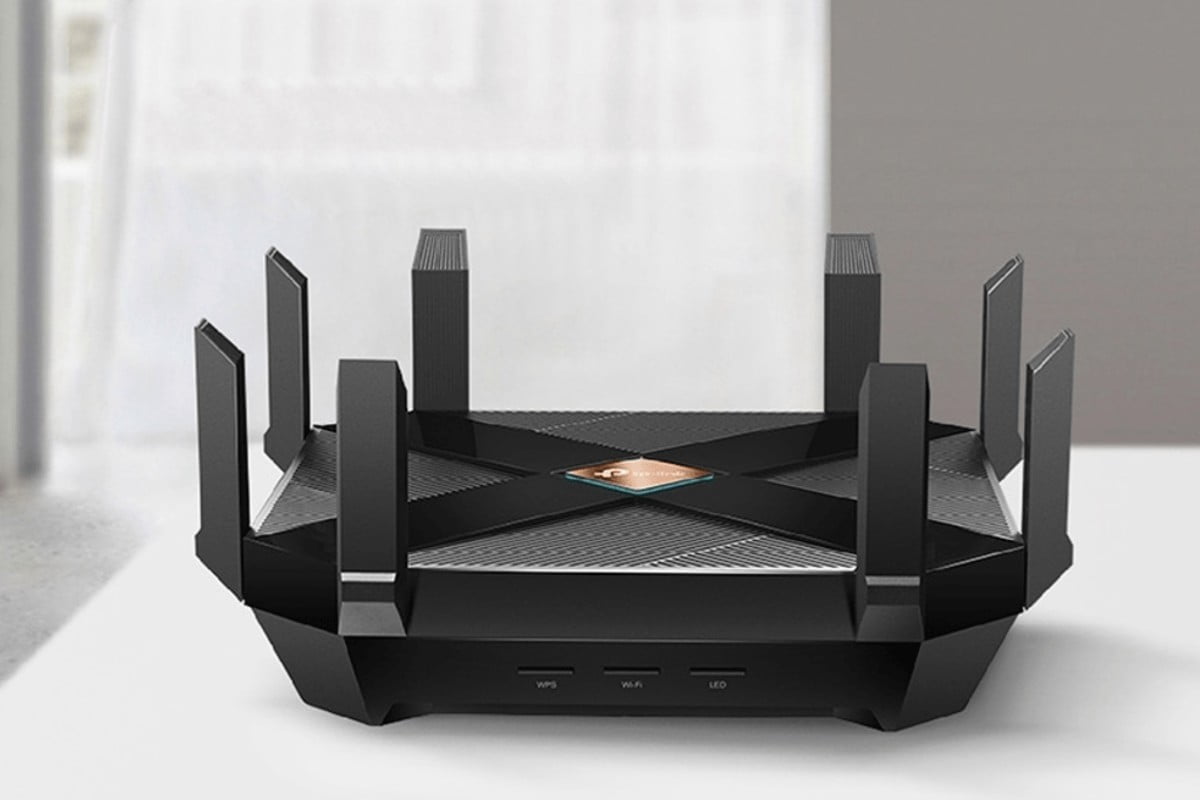
In its simplest term, a router communicates between the internet and the internet-connected devices at your home. By internet-connected devices, we mean the devices like personal computers, tablets, smartphones, smart TV, printers and more. With the router, these devices form a network, and the router will direct incoming and outgoing internet traffic on that network. The information travelling on your network could range from an email to a live feed from a camera installed at your home, taking up varying amounts of bandwidth.
- Make Telecom Talk My Trusted Source



Besides the router, there is a modem. Without a modem, your home network has no access to the internet. Modem’s purpose is to bring the internet from your internet service provider into your home. It connects to your router, delivering internet connectivity to your home network.
There are primarily two different types of routers – wireless and wired. In wired routers, it connects directly to the devices using wired connections. In wireless connections, the router connects to the modem by a cable. The router then communicates with your home network via its built-in antennas without the use of wires.
Is your Wi-Fi router designed just to provide you with the internet? Below are a few things you can do with a Wi-Fi router. While most of these features are possible on most models, a few features may be limited to specific Wi-Fi router models. Check your model’s specifications to ensure.
File sharing
File sharing is a common use of a Wi-Fi router. Transferring heavier files, primarily via methods like Bluetooth, can be challenging and consumes time. Since the devices are all part of your home network, you can quickly share files between multiple devices simultaneously. On Windows 11, to share a file or folder via a network, all you have to do is right-click the file you need to share and click on ‘Give access to > Specific people’. You may also share files with other computers by giving share with > Homegroup (Read or Read/Write).






























