Smartron, a Hyderabad-based company, backed by the legendary cricketer Sachin Tendulkar is looking to steal the thunder in the fast-growing Indian smartphone market. Smartron forayed into the Indian market with the launch of Smartron t.phone last year, but unfortunately, the company didn’t achieve the success it looked at. The primary reason for this was the hefty price tag of Rs. 21,999.
The t.phone packed high-end hardware, although a dated Snapdragon 810 chip in 2016 didn’t impress the audience. This year, the company launched a new phone called srt.phone (srt refers to Sachin Ramesh Tendulkar). Nevertheless, Smartron is looking to waive off the old memories and priced the phone competitively at Rs. 12,999. But will that be enough for the company to secure a place in the Indian smartphone market? Here are my first impressions of the Smartron srt.phone.
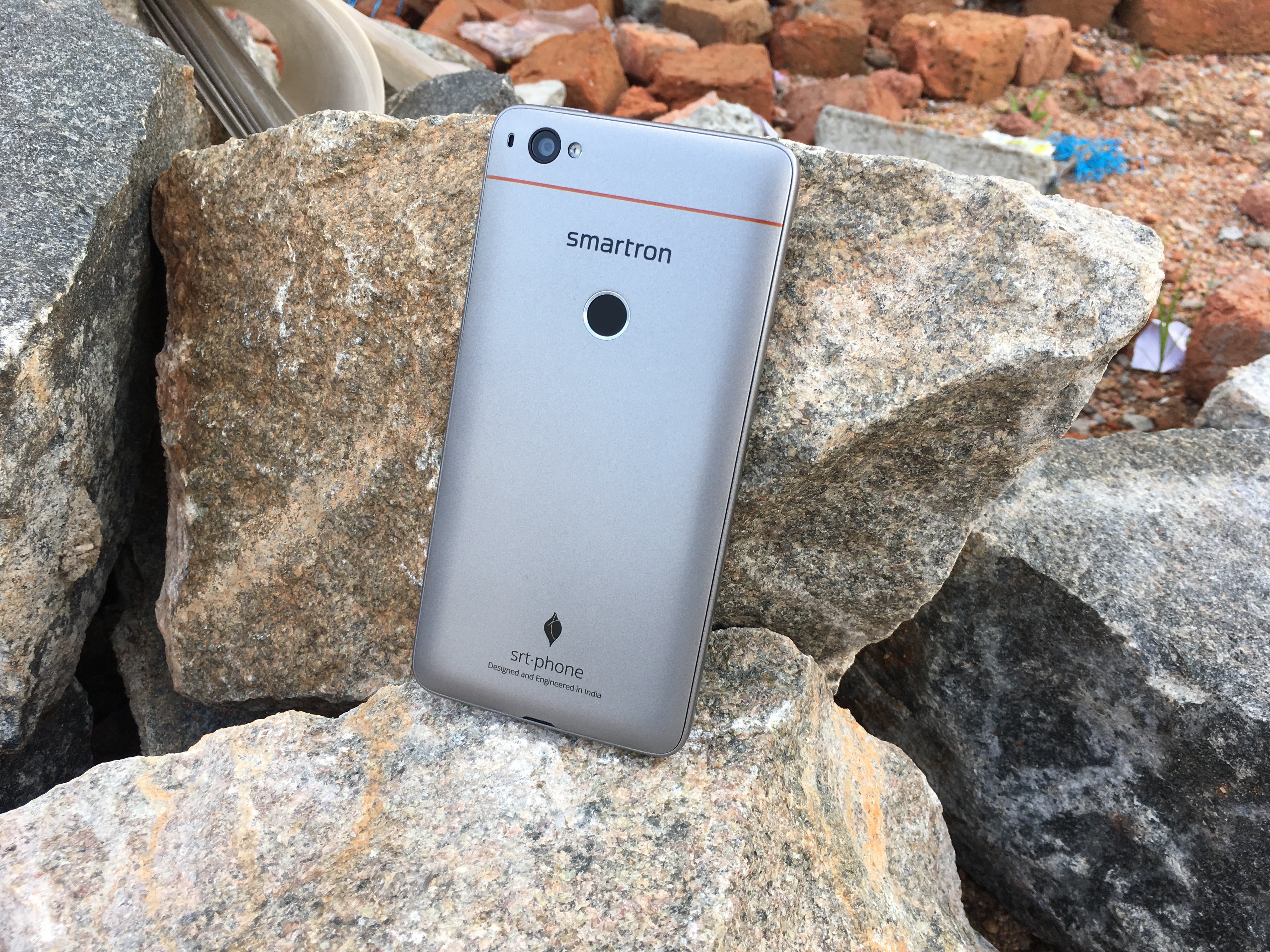
Kicking off with the design, the Smartron srt.phone doesn’t feature metal body which is a real bummer as the smartphones under Rs. 7,000 featuring complete metal body these days. Also, the smartphone feels heavy in hands, even though boasting of a weight of 155 grams.
The srt.phone is one among the smartphone in the sub-Rs. 15,000 to come with a removable back cover. Removing the rear cover will allow you to insert two micro SIM cards, rather than a nano ones. Sadly, the phone doesn’t have a microSD card slot for storage expansion.
Another letdown with the design of the srt.phone is the power button placement, which rests at the top of the phone. It’s been ages since brands have moved out to sides of the phone for power button (LG places it at the back embedded into the fingerprint scanner). And yes, the srt.phone has a fingerprint scanner at the rear, placed within reach of your index finger. The scanner is accurate and unlocks the device in less than a second. The phone has hardware capacitive navigation keys, which are indicated by three dots. However, you can enable on-screen navigation keys by heading to the display section in the Settings app.

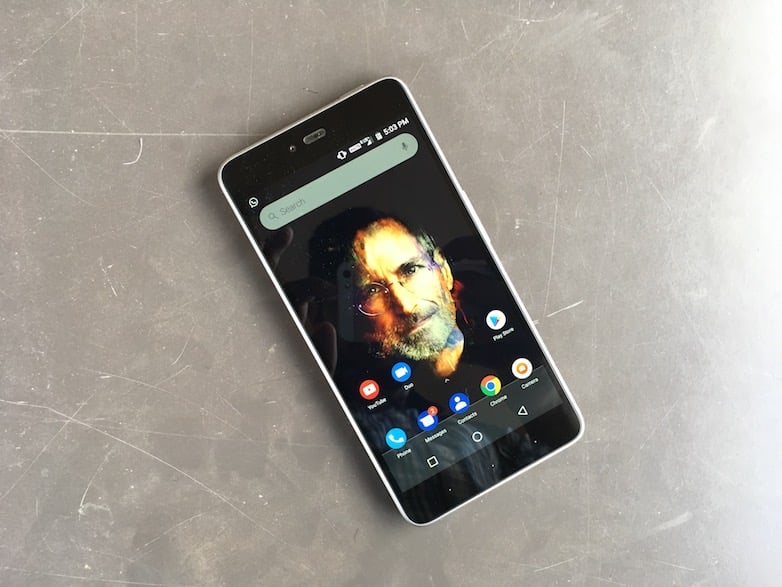
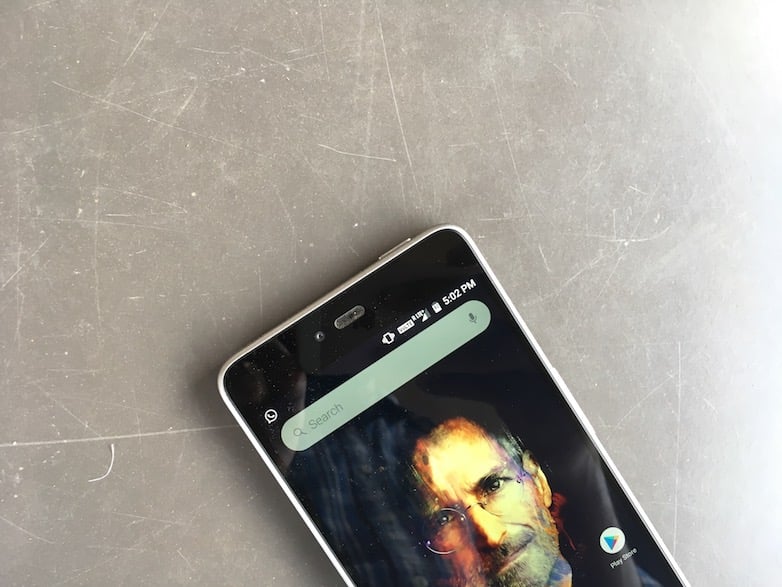
Speaking about the display, the Smartron srt.phone flaunts a 5.5-inch Full HD IPS display, with a resolution of 1920 x 1080 pixels and 401 PPI (pixels per inch). In the short time, I spent on the phone, the display looked decent, but the sunlight legibility is a thing to test out on the phone, along with the viewing angles.
Hardware wise, the srt.phone is fuelled with Qualcomm Snapdragon 652 chip, with a 1.8GHz octa-core CPU. Supporting the CPU is 4GB of RAM module and either 32GB or 64GB of internal storage. The Adreno 506 GPU will take care of graphics in the phone. In my brief period with the phone, I did not notice any stutters or lags, but the camera application takes a while to open. Besides that, the phone handled all the tasks very well, even the multi-window mode of Android Nougat is fun to use in the srt.phone.
The Smartron srt.phone comes laden with Android 7.1.1 Nougat with little customizations on top. For example, Smartron has added its services such as tronx- a complete solution to control your Smartron device says the company. The tronx app includes services such as Smartron cloud for storing your files, which is the reason why the company is touting the srt.phone as an unlimited storage device. In addition, this might also be the reason to ditch the microSD card slot.
Besides the tronx app, the phone doesn’t feature any significant changes compared to vanilla Android. All the Android Nougat features such as Quick Reply, Quick App Switcher, etc. are present in the phone. Also, Smartron promises Android O update for the srt.phone when Google releases it officially.
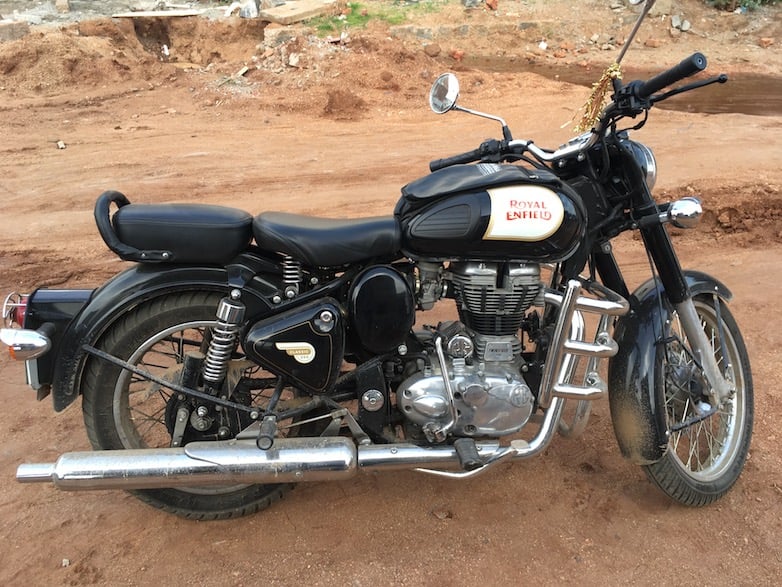
Lastly, the cameras in the Smartron srt.phone are mediocre- my initial impressions. The images captured by the rear camera lacked details, and there’s considerable noise as well. Take a look at the camera samples below. For those who matter the numbers, the phone uses a 13MP sensor at the back, paired with autofocus with PDAF, f/2.0 aperture, and BIS Sensor. The phone has a 5MP front-facing camera for selfies and video calls, which is also a wide angle sensor. Smartron has added a 3000mAh battery to the srt.phone, which also comes with fast charging technology.
HDR Image
Non-HDR Camera Sample
My initial impressions about the Smartron srt.phone is- it could help the company to go against the likes of Xiaomi Redmi Note 4, Honor 6X, and the Motorola Moto G5 Plus. The device is priced reasonably well, but the rear camera is underwhelming (at least what I think for now). We will be bringing you the complete review of the product in coming days. And yes, if you have any queries about the Smartron srt.phone, get them solved by commenting below.
If this article saved you time or helped you decide better, consider supporting our work.
 Support Telecomtalk