Support Telecomtalk







Andrew Bonwick
Vice President of Product Development at Relm Insurance

Madhav Sheth
CEO of Ai+ Smartphone

Stephen Rose
CEO Render Networks



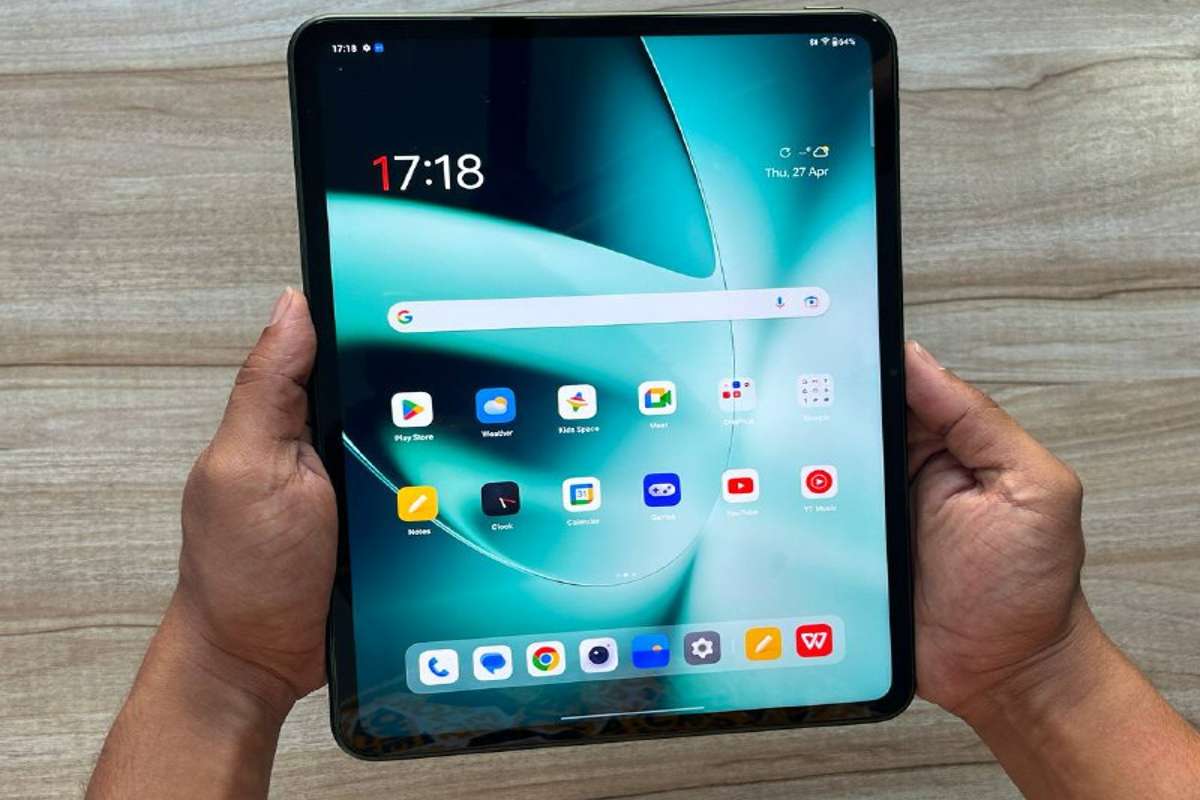
OnePlus has announced the availability of Cellular Data Sharing and new multiscreen connection features for the OnePlus Pad. The latest OTA OOS 13.1 update brings enhanced communication-sharing capabilities and seamless cross-screen functionality to OnePlus smartphone users. With Cellular Data Sharing, OnePlus Pad users can share mobile communication capabilities with their OnePlus smartphones within a 10-meter distance. They can surf the internet, answer calls, and send/receive text messages on their OnePlus Pad using their smartphone’s mobile data network. This eliminates the need for a mobile hotspot setup, providing a convenient and interoperable experience.



- Make Telecom Talk My Trusted Source



OnePlus Pad Unboxing with Stylo, Magnetic Keyboard: Watch
To enable Cellular Data Sharing, users need to ensure that both their OnePlus Pad and OnePlus smartphone are logged into the same OnePlus account. WLAN and Bluetooth should be turned on for both devices, and Quick Connect and Auto Connect settings should be activated.
The Auto Connect feature establishes an instant connection between the OnePlus Pad and a paired OnePlus smartphone when in close proximity. Users can enjoy cross-screen functions such as receiving notifications and sharing the clipboard for seamless information transfer between devices.
The Relay Playing feature allows users to switch between their OnePlus smartphone and OnePlus Pad effortlessly. They can continue their tasks uninterrupted, whether working on documents or enjoying multimedia content.
To enable these features, users need to update their OnePlus smartphones and OnePlus Pad to the latest OTA OOS 13.1 software version. The update is available for OnePlus smartphone devices, including OnePlus 11, OnePlus 11R, OnePlus 10T, OnePlus 10Pro, OnePlus 10R, OnePlus 9RT, OnePlus 9, OnePlus 9Pro, OnePlus 9R, OnePlus 8, OnePlus 8Pro, and OnePlus 8T. The OnePlus Pad, coupled with these innovative features, delivers a versatile and convenient user experience, aligning with OnePlus’ commitment to exceptional technology.