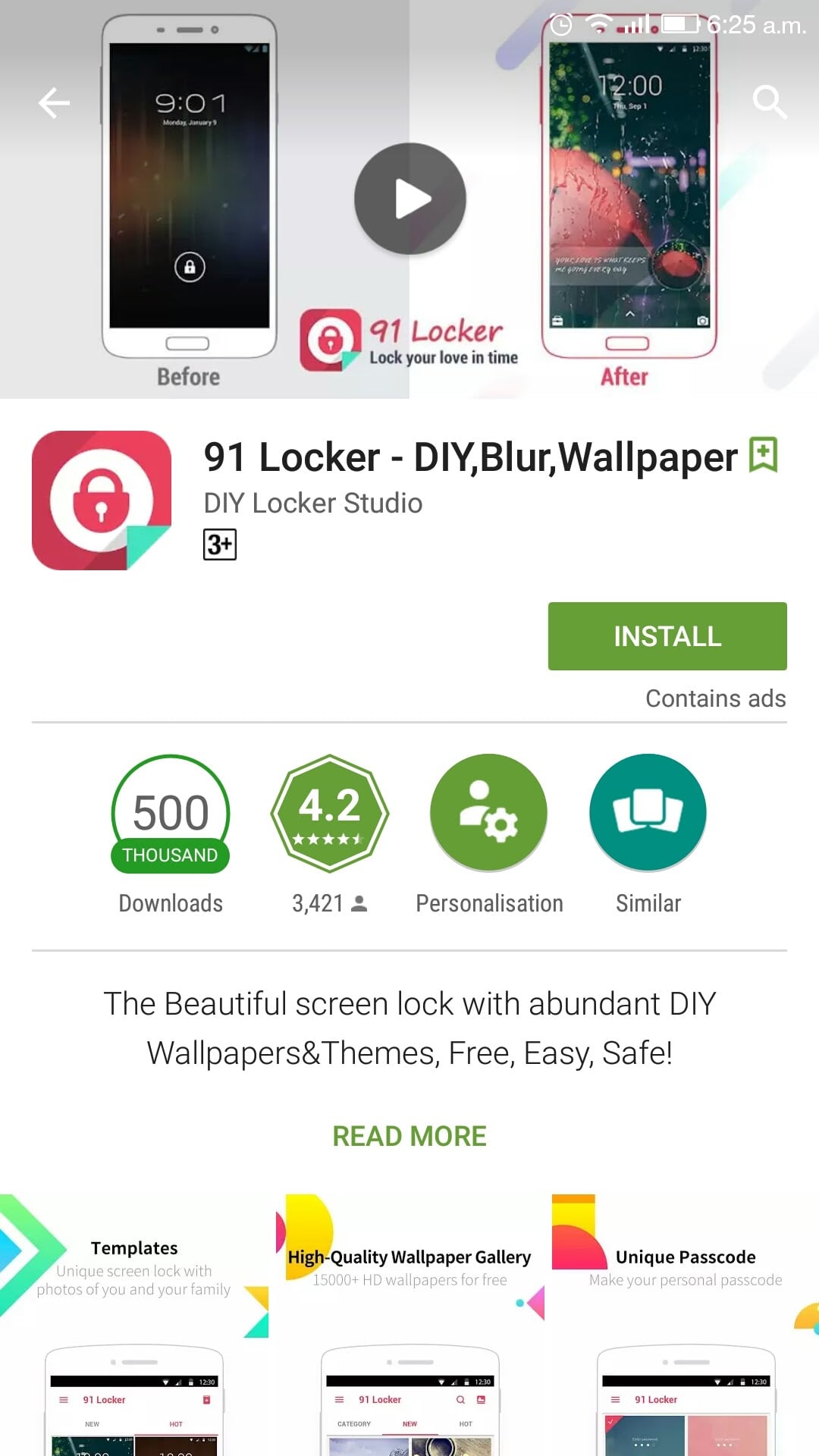
Our smartphones have now become our personal journals – stuffed with information that we prefer to keep confidential. Most of us keep our phones locked so that no one could access it without permission. With the advent of locker apps, our phones can now be locked in different styles. One such app is 91 Locker that allows users to lock their phones in style.
Make Telecom Talk My Trusted Source
The app comes with customisable options right from changing notification preference to lock screen wallpaper. There are hundreds of templates in the 91 Locker app that would make locking fun. The app is compatible with most of the Android devices. In this review, we would enlighten you about various features that come bundled with the 91 Locker. We used the app for quite some time and here is what we think.
Customisation Options For Lock Screen Templates
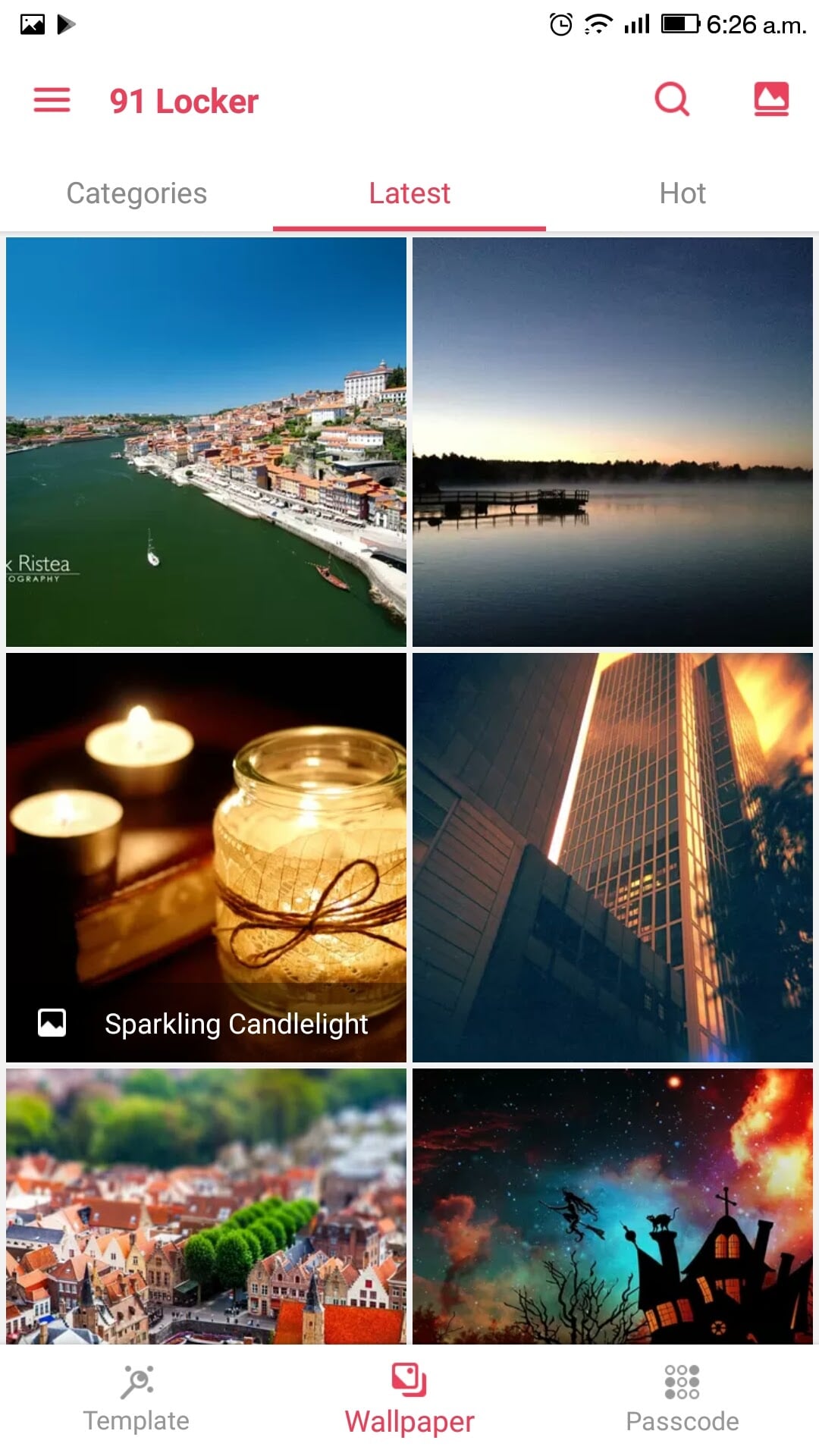
The app comes bundled with various templates for the lock screen. Users can select the template from the app and can also set the lock screen wallpaper as per their preference – they can choose a wallpaper from the app or any other image from their personal gallery. If you pick the wallpaper from the app provided images, then you have to download it and set it as the default background for lock screen and even the home screen.
91 Locker segments the templates under categories like ‘Latest’ and ‘Hot’. These categories make it easier to select the right template for the lock screen.
Different Types of Lock Codes and Easy Reset Options
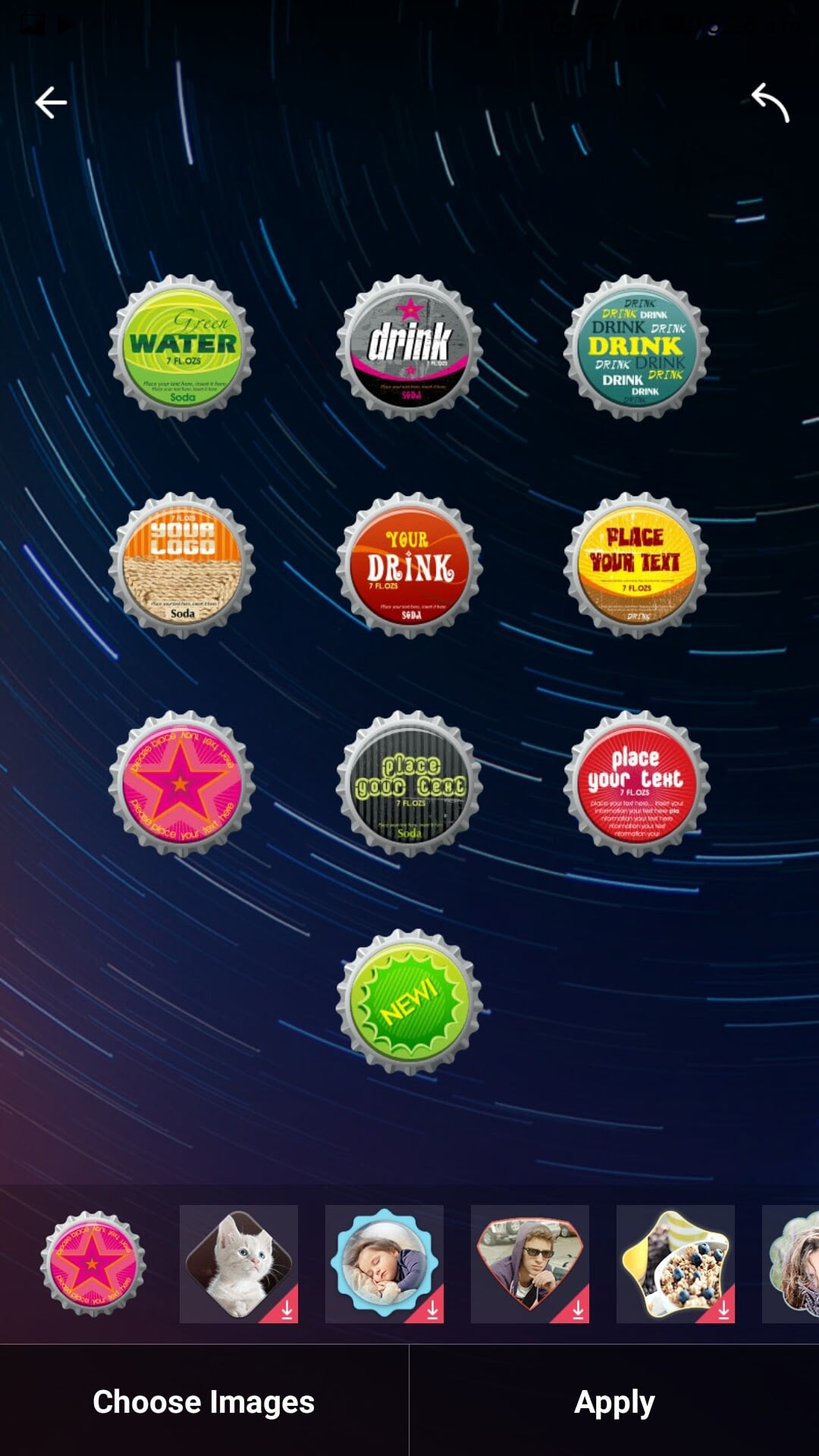
In addition to the usual locking options such as PIN code, Password, Pattern, 91 Locker also provides new methods for locking the phone. It features “custom photo passcode” that works just like the number PIN code but instead of numbers it has images that are picked by the user. It also allows users to set the lock screen animation, for example – you can decide if you want to open the lock by sliding upwards, downwards, or sideways. Keeping up with the latest technology, 91 Locker also supports fingerprint unlocking.
For the forgetful minds, the app has got an easy way to let users reset the passcode. It provides the reset option on the lock screen itself. For using the facility, just tap on the reset button, and it will send an automated reset password e-mail to your registered e-mail address. Open the mail on any other device and click on the link in the e-mail to set a temporary passcode for unlocking your device.
Productivity Features
The app also offers productivity option on the lock screen. The “Briefcase” option given on the screen contains useful shortcuts to apps such as Flashlight, Calculator, Camera, Settings, Wi-Fi, Mobile Data, and much more. Sadly, the Mobile Data option does not function directly; it takes the user to the default mobile data settings page of the device instead of switching it on/off quickly.
The drawer also has 91 Locker’s in-house RAM Cleaner, which reduces the burden on RAM by closing down the unwanted background app consumption. Users can use this feature by clicking on the “rocket” icon given in the drawer.
When the user slides down anywhere on the lock screen, it opens a drawer that contains frequently used social apps such as Facebook, Yahoo, YouTube, and much more. This drawer also has an address bar that works as a search engine. All these features are pretty helpful. However, we would have loved to see fewer ads on the app. But given the fact that it is a free app, many users won’t mind it.
Notifications Handled in a Right Manner
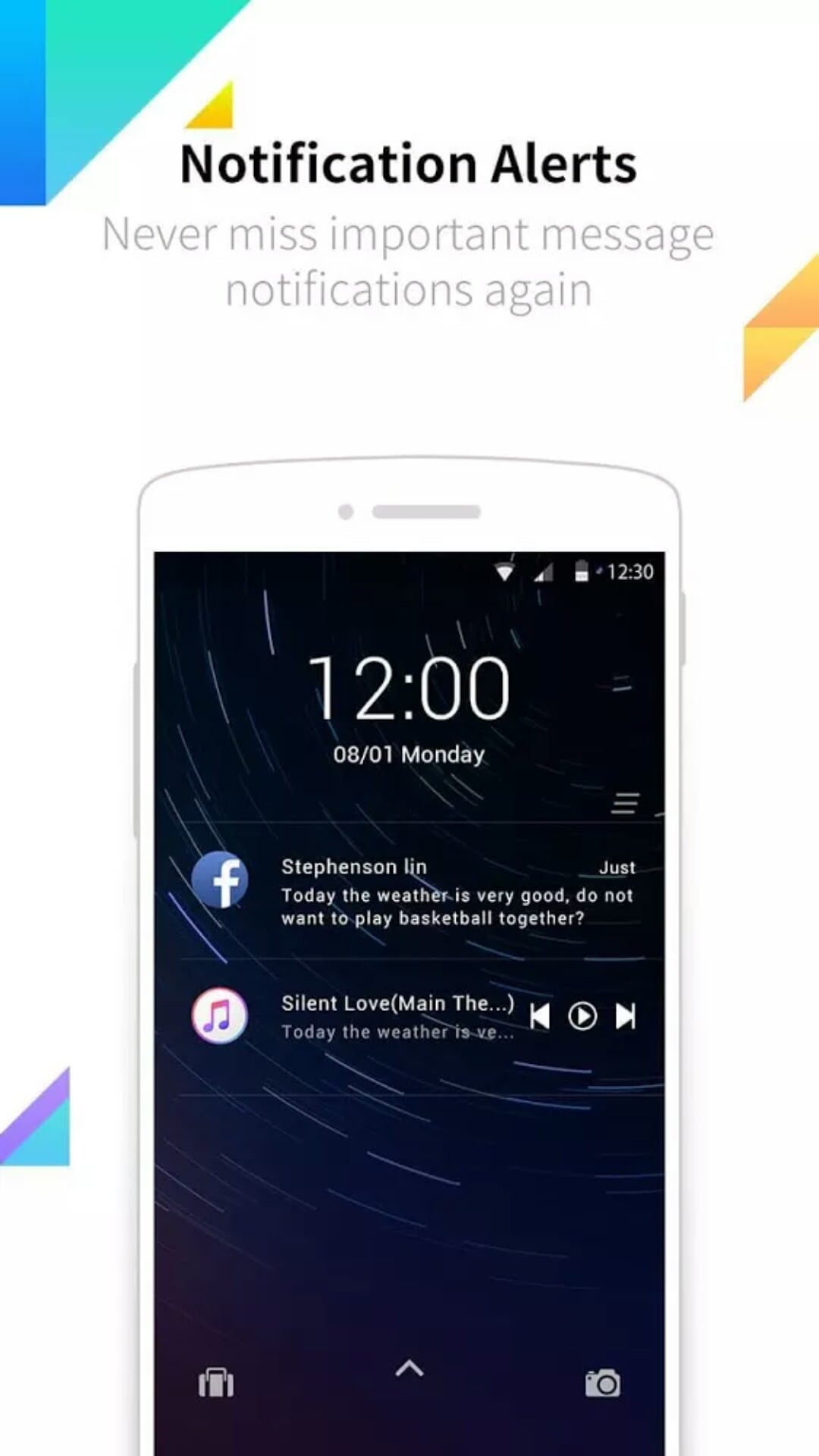
91 Locker takes care of the notifications in a perfect way. A user can customise the display style of the notifications such as e-mail, WhatsApp, Facebook, or any other app on the phone. It also allows users to completely disable the display of notifications on the lock screen, which aids in keeping the information as private as possible.
For the ones who want to see the notification on the lock screen but without the added info beneath it, there is an option on 91 Locker that only shows the notification with app’s name written on it without any other information. Similarly, users can also decide the apps whose notifications they want to see on the lock screen. By using the app-wise notification option, users can shut out the unwanted notifications that pop up now and then.
Conclusion
91 Locker app is an all rounder app for Android lock screen. It offers a variety of customisable options along with productivity features that come handy at all times. The app is responsive but could be made better with incremental updates. For the ones who are looking for a locker app that offers beautiful background images along with stylish locking styles – 91 Locker would make a good fit.
 Support Telecomtalk