To start off, we need to know a few technical terms:
1. PIN or PIN1 (Both are same, shows up depending on your mobile -Personal Identification Number)
2. PIN2
3. PUK/PUK2 or PUC (Both are same)-PIN Unblocking Key/Code for PIN/PIN2
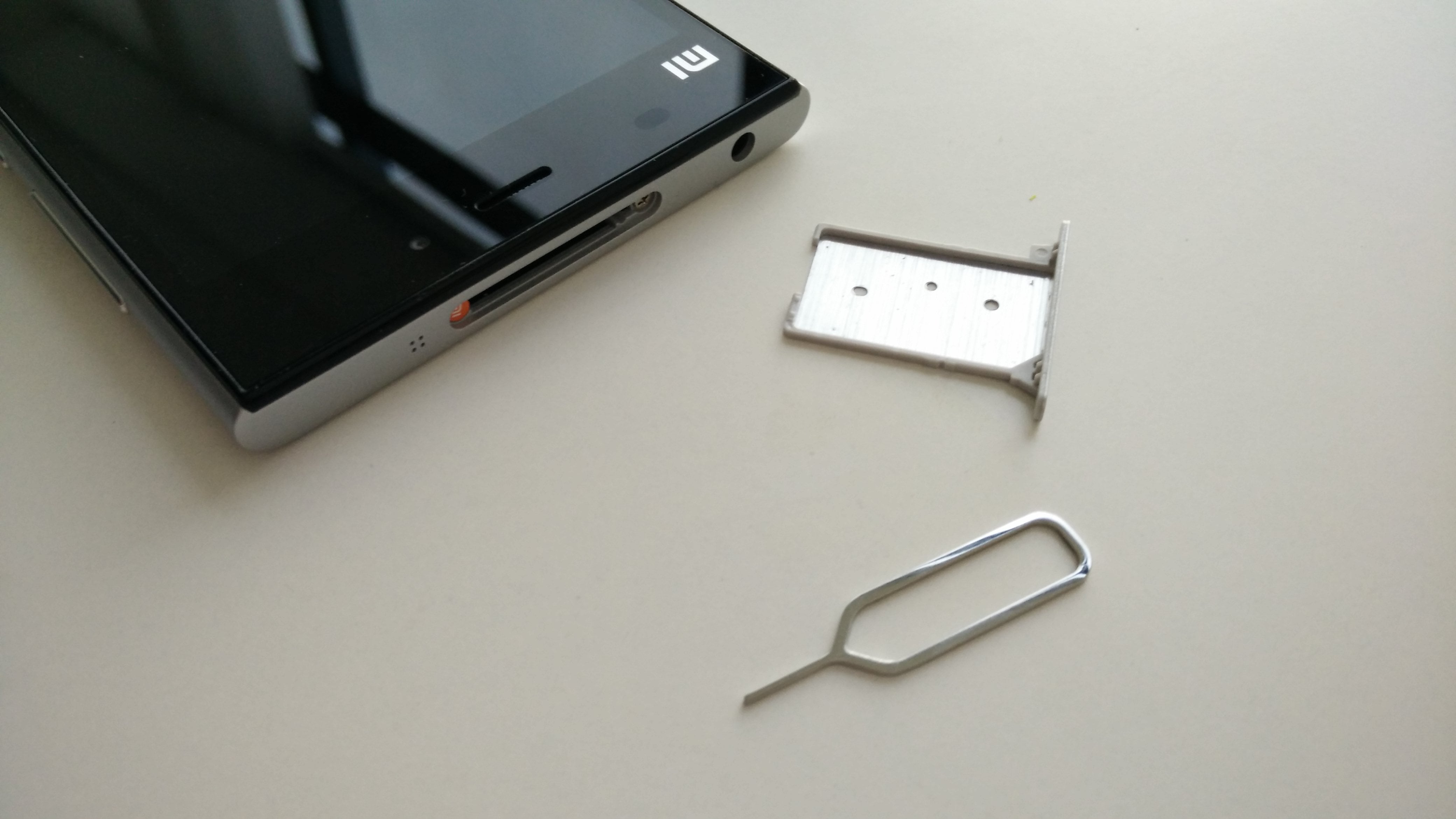
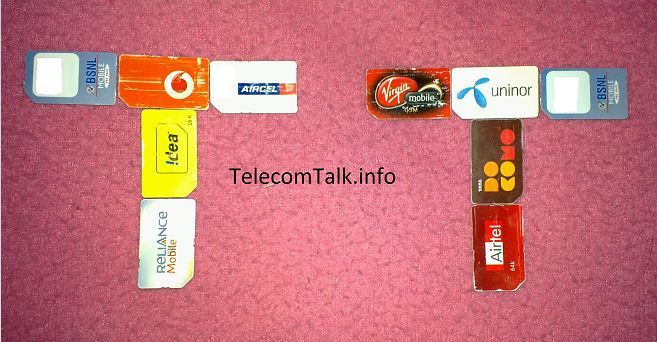
4. SIM Number – The SIM card’s Number comprising of 19 Digits or even Letters sometimes is your unique SIM number printed on backside of SIM card often required to give information for PUK enquiry/Theft/lost damaged purposes.
The Personal Unblocking Key (PUK/PUK2) code is an eight digit code specific to your SIM card (Not Mobile Number) and is required when the PIN/PIN2 code is entered incorrectly three times on your mobile.
You’re given 10 attempts to enter the PUK code once you finish your 10 attempts after the 3 PIN attempts your SIM card will be blocked permanently and become useless.You can no way use it thereafter.
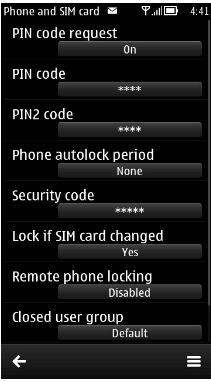
A PIN is used to just lock/Unlock the SIM card whenever you switch on/off your device or change your Mobile So that you can prevent unauthorized use of your Number. Only the person who knows the PIN number of your SIM can only unlock and use it.
So, we encourage all our readers to enable PIN Code request on feature in your devices so that you can stay peaceful whenever you lost your phone/SIM.
The default* PIN number for most of the operators will be 0000 or 1234.You can find the PIN code request feature in the device security settings. You need to change the default PIN numbers to your choice so that no one can unlock the SIM.
But most importantly, when changing your PIN codes make sure you remember because you are the one who changed it and expect no help from operators. They can only provide you with a PUK code in such cases as you changed its default Code.
If you on/off your device regularly you might feel the pain in entering the PIN but it’s better to be on the safe side before anything bad happens. I also warn you to inform about this Security feature if activated and in case if you are giving your mobile to your friends or relatives for temporary use so you can prevent their PIN wrong attempts.
Coming to PIN2 this is a feature which even the Customer care people of the Telecom Companies are not aware of. Using PIN2 you can restrict the Numbers to which you can make calls i.e. enabling FIXED DIALING. So that you can even give children a phone without being worried about whom they are talking by only enabling parent’s numbers in the FIXED DIALING option.
Unfortunately, the Telecom Companies are not encouraging this wonderful feature. Don’t know if they are really not aware of or they don’t want users to use it.
Whenever I called and asked the CC representatives about PIN2 or PUK2 they say “Sorry Sir, there is No feature called PIN2 or PUK2 we have and can only provide PIN or PUK number for your sim card.”
As if I am a dumb person they also informed me that PIN2 or PUK2 is something related to Mobile Device Manufacturer and not to Telecom Operator and oh, thanks for their advice.
Now TT Readers I strongly say PIN/PIN2/PUK/PUK2 are all related to a sim card and only to Network Operator.
And oh I’m happy with my BSNL and AIRTEL (Not tried to risk with the rest as I already blocked my TD SIM PIN2) Numbers* as they have their PIN1and PIN2 default codes same so that I can use FIXED DIALING and at the same time lock my SIM when lost.
*Note: Dear Readers you SIM card (BSNL/AIRTEL) might not have the same PIN/PIN2 codes as I have mentioned my experience and try it at your own risk TelecomTalk will not take any responsibility for your wrong doing .
Check default PIN numbers with your operator.
Luckily even if your PIN2 blocks and you have not entered PUK2 anything happens to your SIM services, you can still enjoy services on your SIM. The only disadvantage is you will not be able to use Fixed Dialing feature unless PUK2 is entered.
I hope at least now after reading this article Telecom Operators provide PUK/PIN2/PUK2 codes in their Self-care portals or services.
We now would like to know if anyone has tried the PIN/PIN2 features and what are your personal experiences do share your views via comments?
If this article saved you time or helped you decide better, consider supporting our work.
 Support Telecomtalk