Support Telecomtalk







Andrew Bonwick
Vice President of Product Development at Relm Insurance

Madhav Sheth
CEO of Ai+ Smartphone

Stephen Rose
CEO Render Networks



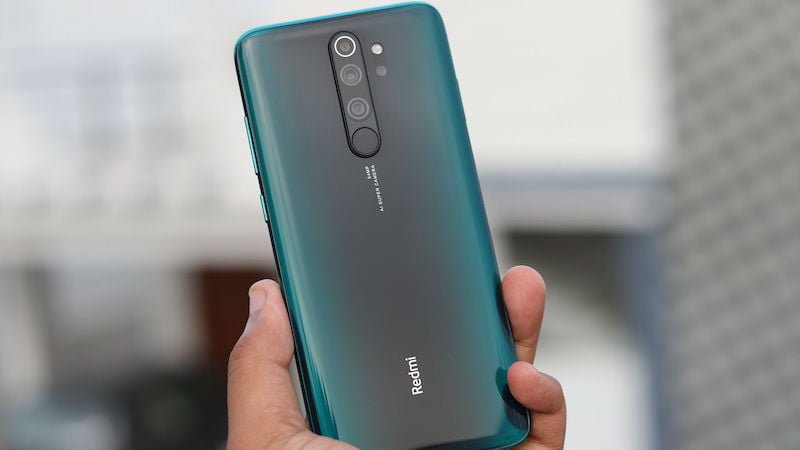
No matter how much the custom ROMs and the UIs from the smartphone manufacturers grow in complexity and features, there are just some things by Google which cannot be competed at that level. One of the prime examples of this remains the Google Camera app. The reason why Pixel smartphones remain the best ones on the planet whenever it comes to photography is that they not only sport the top-notch hardware, but they also come with the computational capability of the Google Camera app, which makes the clicking experience on a smartphone so much better. This is the reason why many smartphone users prefer to ditch the system camera app and want to install the Google Camera app on their smartphone. In this case, Redmi Note 8 Pro is one of the devices which has received a Google Camera Mod, courtesy of the developers and now the users of Redmi Note 8 Pro would be able to use the GCam software on their phone. In case you are a proud owner of a Redmi Note 8 Pro, and you want to get clicking on Google Camera, as soon as possible, keep reading.
- Make Telecom Talk My Trusted Source






How to Install Google Camera on Redmi Note 8 Pro
Firstly, you will have to visit this link to download the APK file of the Google Camera app. Now you already know that the APK file would install the Google Camera application on your Redmi Note 8 Pro device. Still, it is also crucial to note that for this device, simply installing application won’t cut it for the users, you will also have to do some additional tweaking with this app, to make it really function at its best on your phone. To do that, you will have to download another set of configuration files. After you have downloaded both of these files, you will finally be able to set up Google Camera on your Redmi Note 8 Pro. The download link for the configuration file is also the same one as linked above.