Nokia used to be the leader in manufacturing and supplying of cellphones throughout the world. Nokia cellphones had their own era and people were as crazy for them as they are for iPhones and other feature smartphones today. Nokia phones had their own style. One of the many devices which came from the manufacturer was Nokia 5130 XpressMusic. It was aimed at making feature phones the centre of music. After the feature phone came to the market, people could listen to music on the go. Now Nokia is back with its successor, the Nokia 5310 feature phone aka Nokia 5310 2020 Xpress Music. Let’s see how the product is.
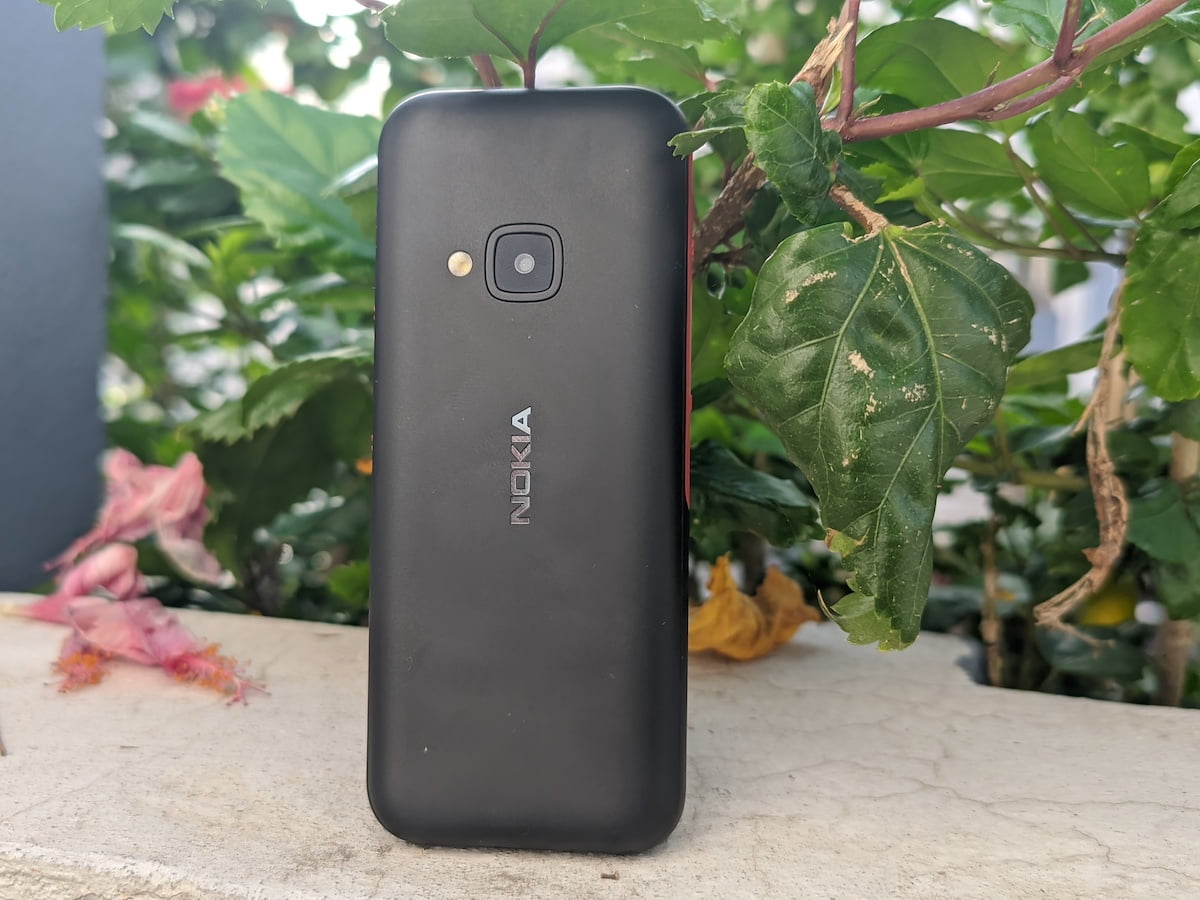
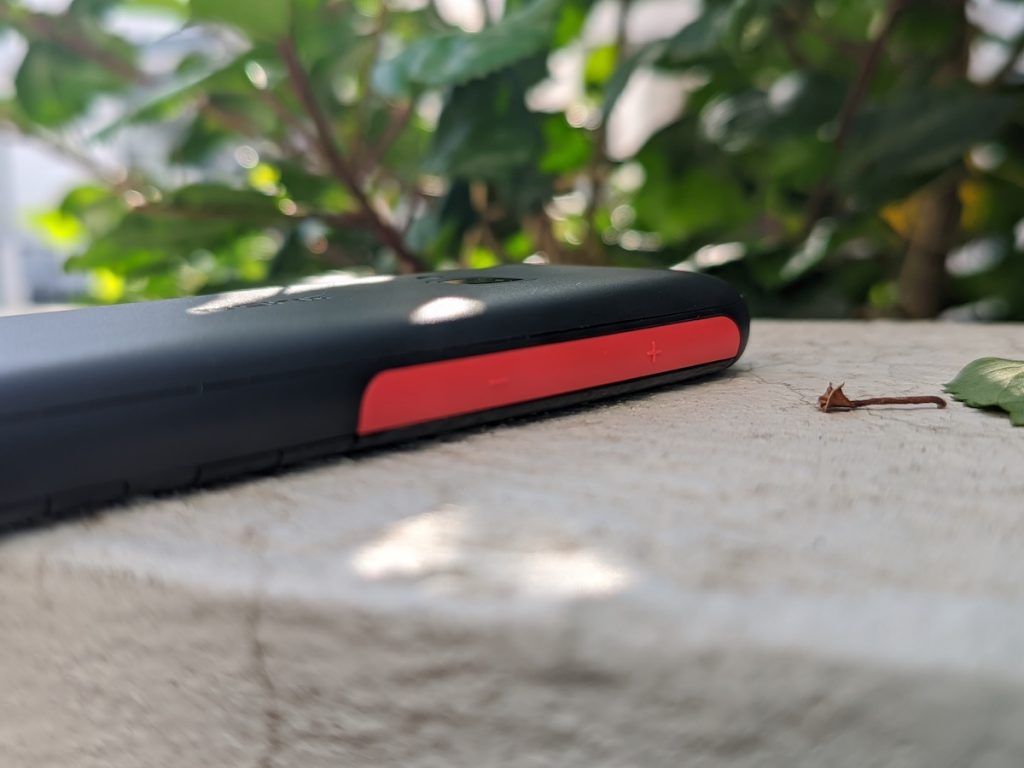
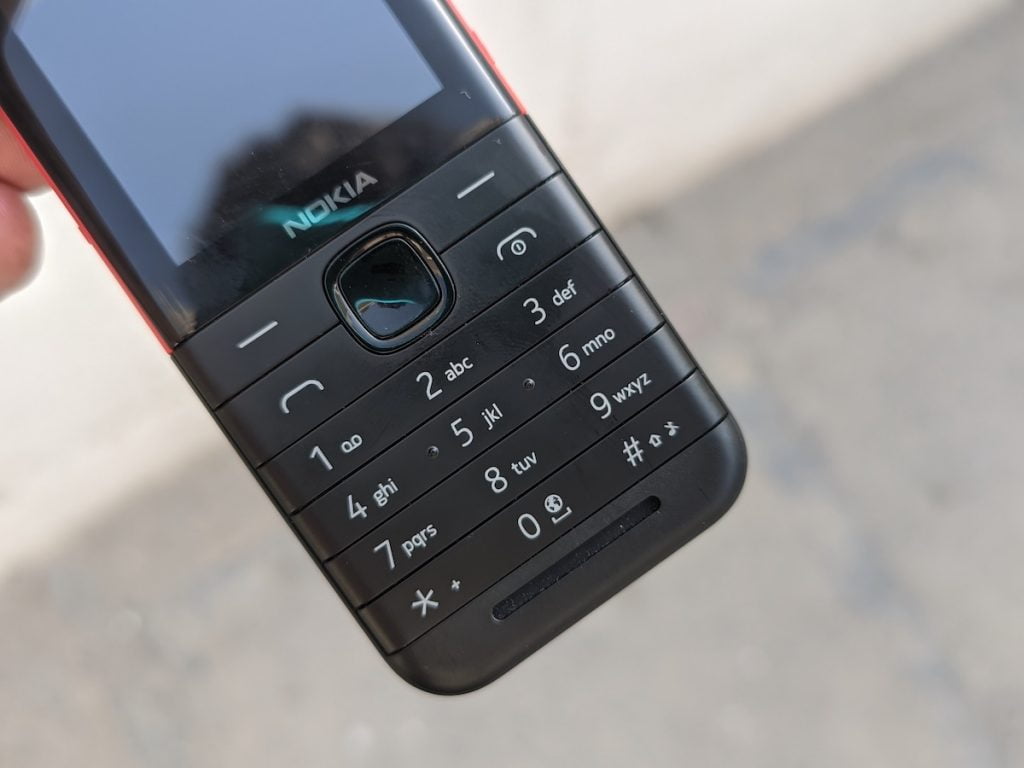
When you look at the old 5130 XpressMusic, you won’t be able to differentiate much with the Nokia 5310. With this feature phone, you get a plastic body which has a matte finish. You will get the backlit keyboard with the phone which has the same clicky feel it used to have. There are rubber strips on the sides of the phone which have utility buttons. Overall, you will be able to hold the device pretty comfortably on your hands given that it isn’t very large and will fit into your pockets very easily.
The dedicated music buttons on the device are on the upper right. You can use these buttons to play or pause and skip ahead or go back. The volume buttons can be used to do change the volume levels of multiple things such as alarms or music or calls. The sound settings for a particular app will only change when you are accessing that particular app. So if you want to reduce the volume of music in your device, you will have to open the music or FM Radio app. The flashy lights from the side of the feature phone have been removed as they served very little purpose. There is nothing on the bottom of the phone while there is a Micro USB port at the top with a 3.5mm headphone jack.
Nokia 5310 Review: Music and FM Radio
First of all, it is important to address that there is still no local storage option available for the customers. So if you want to play music, then you will have to store them in a microSD card which is a bummer. The sound output is very decent. The Nokia 5310 can easily fill the whole room with the sound of the music playing on it. Since the cellphone is very light, you can easily take it on a run with you as well. Once you are familiar with the layout of the buttons on the side, you can even change the volume of the music and or change it without even looking at the phone. You will get the experience of an mp3 player with the device, to be honest.

The FM radio of Nokia 5310 worked very smoothly as well. If you are wondering about it, then let us put your mind to ease by telling you that, no, you don’t need a headset to be connected to the device to make its FM radio work. You can control the music volume of the music player and FM Radio with the help of a widget on the home screen as well. But the buttons would be more convenient to do that any given day.
Nokia 5310 Review: Camera
One thing that Nokia did well with the 5310 phones is that it added a flash for the camera. Talking about the camera of the Nokia 5310, it comes with a 2MP VGA sensor which not something that would please the customers. Yes, we cannot expect the most powerful feature phone camera with this device, still, VGA sensor in 2020 doesn’t make sense. A 2MP camera sensor would have been much better than the VGA sensor, but the added flash comes as an advantage.
Nokia 5310 Review: Call Experience and Battery Life
Since the feature phone is very handy, using it for any purpose would be comfortable only. It is the same with making calls. You can even hold the phone in your hands for longer call durations and it won’t put pressure on your wrist. While testing the device for making calls, audio on either end of the call didn’t disappoint anyone. The audio is very crisp and clear. However, the major drawback for the Nokia 5310 is the lack of 4G support. The feature phone supports just GSM 900/1800 bands in India, so you will mostly be limited to 2G networks.
Talking about the battery of the Nokia 5310, you get a 1200mAh battery. Don’t be disappointed though, even though it is a small battery, it will keep your device powered for an impressive number of hours. You might have to charge the device twice or thrice a week when you are using it heavily. When used normally, the device will be able to sustain throughout the week with a single charge only. Nokia has claimed that on the standby mode, you can run the device for up to 22-30 days. Another great thing about the Nokia 5310’s battery is that you can replace the battery of the device if you have a spare one with you. This is not possible with today’s smartphones.
Nokia 5310: Price and Verdict
At a price of Rs 3,399, you can’t really expect a lot out of the device. It feels very handy and is comfortable to carry. Calling quality is quite good and at the same time, it has a decent speaker to go with the music player and FM radio. Overall, if you are looking for a device which can help you make calls and listen to music at times, you can consider purchasing the Nokia 5310.
Found this useful? You can support us.
 Support Telecomtalk