Support Telecomtalk







Andrew Bonwick
Vice President of Product Development at Relm Insurance

Madhav Sheth
CEO of Ai+ Smartphone

Stephen Rose
CEO Render Networks



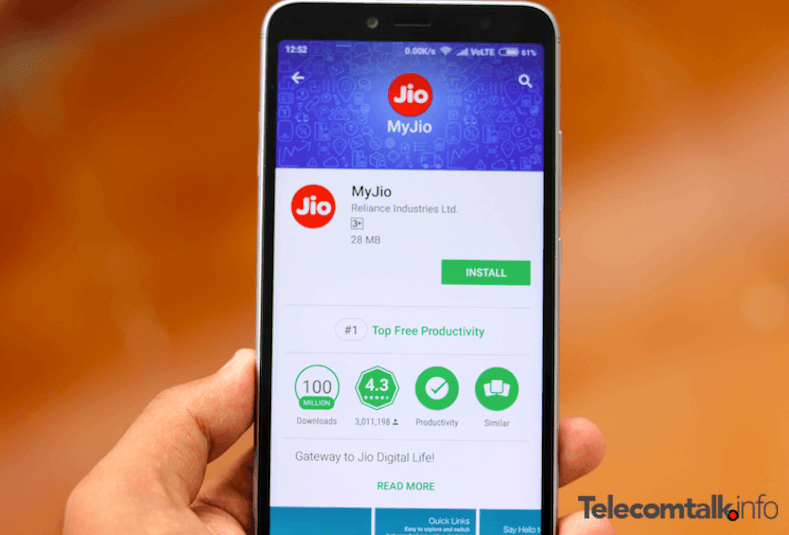
MyJio is the essential application for all the Reliance Jio users out there, but very often, users stayed away from installing the app because of the cluttered user interface and annoying notifications it sends every now and then. Jio has now pushed a new update to the MyJio application which brings new interface and it’s much more simpler to navigate than earlier. The home screen of MyJio app now displays your Jio account details (phone number, plan you’re using and expiry date) and the updated app has a Useful links section, which allows users to jump into other sections such as Recharge, Postpaid bill payment, hotspot and others.
- Make Telecom Talk My Trusted Source






MyJio Android App: New Features and Simplified Interface
Right now, the MyJio app for Android has reached version number 5.0.05 and you can head over to the Google Play Store to get updated to the latest version. Right after opening the application, you can notice the new user interface which is way better than what the app offered earlier. On the top, the app now displays some cards such as iPhone XS pre-booking, Jio GigaFiber registration, JioPhone 2 sale, JioPostpaid subscription and so on. Hitting on these cards will redirect to the respective page on Jio.com.
Below these cards, your Jio account information such as mobile number, prepaid/postpaid pack details and more will be displayed. Below your account information, there’s a ‘Useful links’ section which will quickly allow users to recharge their prepaid number, postpaid bill payment, ordering a Jio 4G SIM card, managing JioPhone account, tracking a placed order on Jio.com and checking Hotspot locations.