 Support Telecomtalk







Andrew Bonwick
Vice President of Product Development at Relm Insurance

Madhav Sheth
CEO of Ai+ Smartphone

Varun Kashyap & Sridevi Reddy
Co-Founders, Zithara.ai
Transforming Indian Offline Retail and Customer Engagement Using AI


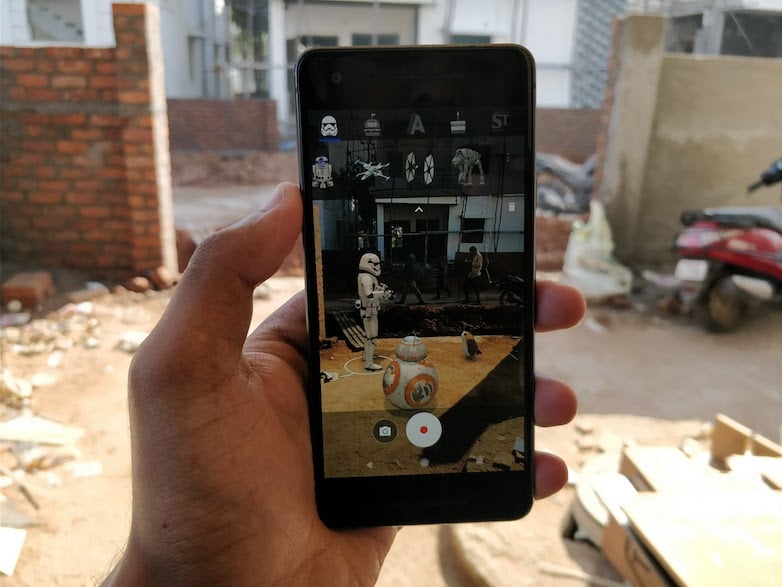
Google has finally released its Augmented Reality (AR) Stickers for Pixel smartphones. Originally announced back at the Google’s October 2017 event, the AR Stickers create 3D structures, which will appear in Google Camera application. The new AR stickers work on top of Augmented Reality technology, and they appear as they exist in the real scene.
- Make Telecom Talk My Trusted Source



Google recently rolled out Android 8.1 Oreo update to supported Pixel and Nexus devices, and the AR Stickers are available only for Pixel and PIxel 2 smartphones running Android 8.1 Oreo. In the initial release, Google is adding just two branded sticker sets- Star Wars and Stranger Things.
How to Get AR Stickers on Your Pixel Smartphone?
The first step is to install the necessary applications. The Android 8.1 Oreo update has added two new apps to your Pixel smartphone- AR Stickers and AR Core. If you’re on Android 8.1 Oreo, just head over to the Google Play Store and check the apps pending for update section. You can find new updates for both the apps. Update the apps right away.
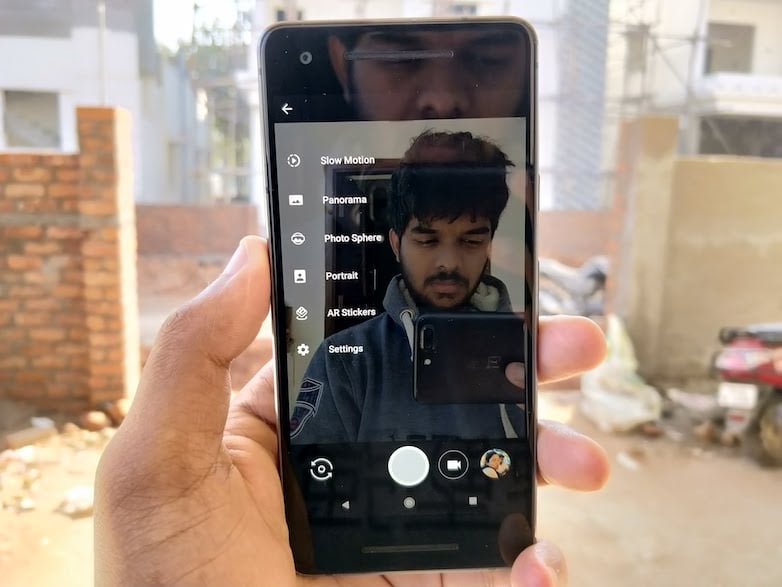
How to Use Google’s New AR Camera
After updating both the applications, you can head over to the stock camera application and swipe from the left, where you can see ‘AR Stickers’ feature. Tap on it.
It will now ask you to rotate your Pixel smartphone to create a surface so that the stickers can be placed in a perfect place. That said, here comes the fun part. The camera app will now ask you to drag stickers to the viewfinder. And yes, you can select various popular characters from “Star Wars: The Last Jedi,” like BB-8, a stormtrooper, or a porg.
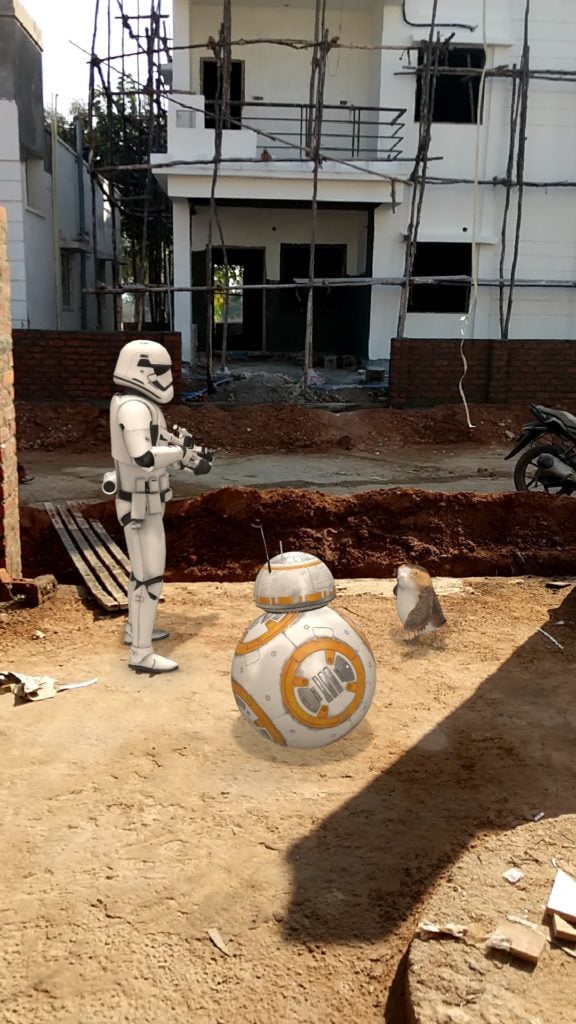
“You can even play around with Eleven, the Demogorgon, and your other favourite characters from Netflix’s “Stranger Things;” use Foodmoji and 3D Text stickers when you’re feeling hungry; or shoot a celebratory video at your New Year’s party with AR balloons and champagne,” said Google in a blog post.






























