Support Telecomtalk







Andrew Bonwick
Vice President of Product Development at Relm Insurance

Madhav Sheth
CEO of Ai+ Smartphone

Stephen Rose
CEO Render Networks



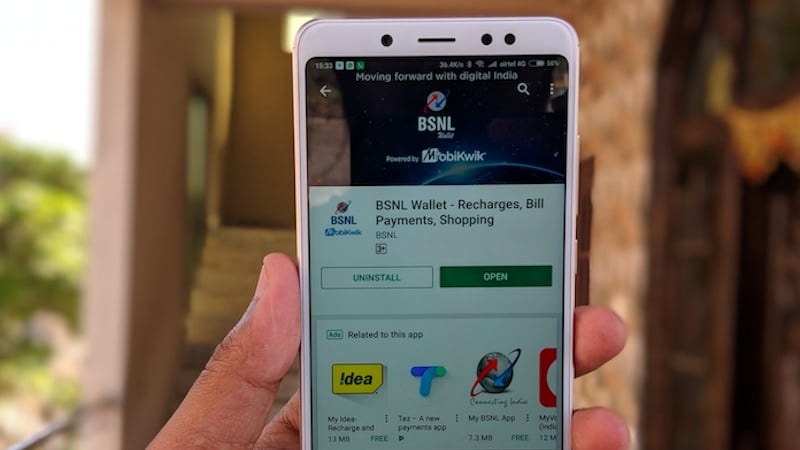
Ahead of private telecom operators, Bharat Sanchar Nigam Limited (BSNL) has rolled out a new procedure to check the mobile numbers linked to a particular Aadhaar number. BSNL mobile subscribers can now check which mobile numbers are linked to their Aadhaar number by just sending an SMS. However, users will only get to know the BSNL mobile numbers linked to an Aadhaar ID and not other operators mobile numbers. For example, if you have two BSNL connections and one Airtel connection, you will be notified only with the BSNL numbers linked with your Aadhaar. But what’s the procedure? Read on to know more.
- Make Telecom Talk My Trusted Source






The procedure is pretty simple and straightforward as it requires just an SMS to be sent from your Aadhaar-linked mobile number. Send an SMS to 53734 with text ALIST <space> YOUR AADHAR NO. Post sending the SMS; you’ll receive an SMS in a couple of minutes or later with the details of mobile numbers linked to your Aadhaar number.
The SMS will classify the GSM and CDMA mobile numbers linked to your mobile numbers. That said, it will just display the mobile numbers linked to your Aadhaar without any details. And as stated, you will receive details of only BSNL mobile numbers linked to your Aadhaar.
Another thing worth noting here is that you have to send an SMS from Aadhaar linked mobile number. For example, your Aadhaar ID is not linked to any mobile number, then you will either receive an error while sending an SMS or the system will notify that your Aadhaar is not linked with a mobile number.