 Support Telecomtalk







Andrew Bonwick
Vice President of Product Development at Relm Insurance

Madhav Sheth
CEO of Ai+ Smartphone

Stephen Rose
CEO Render Networks



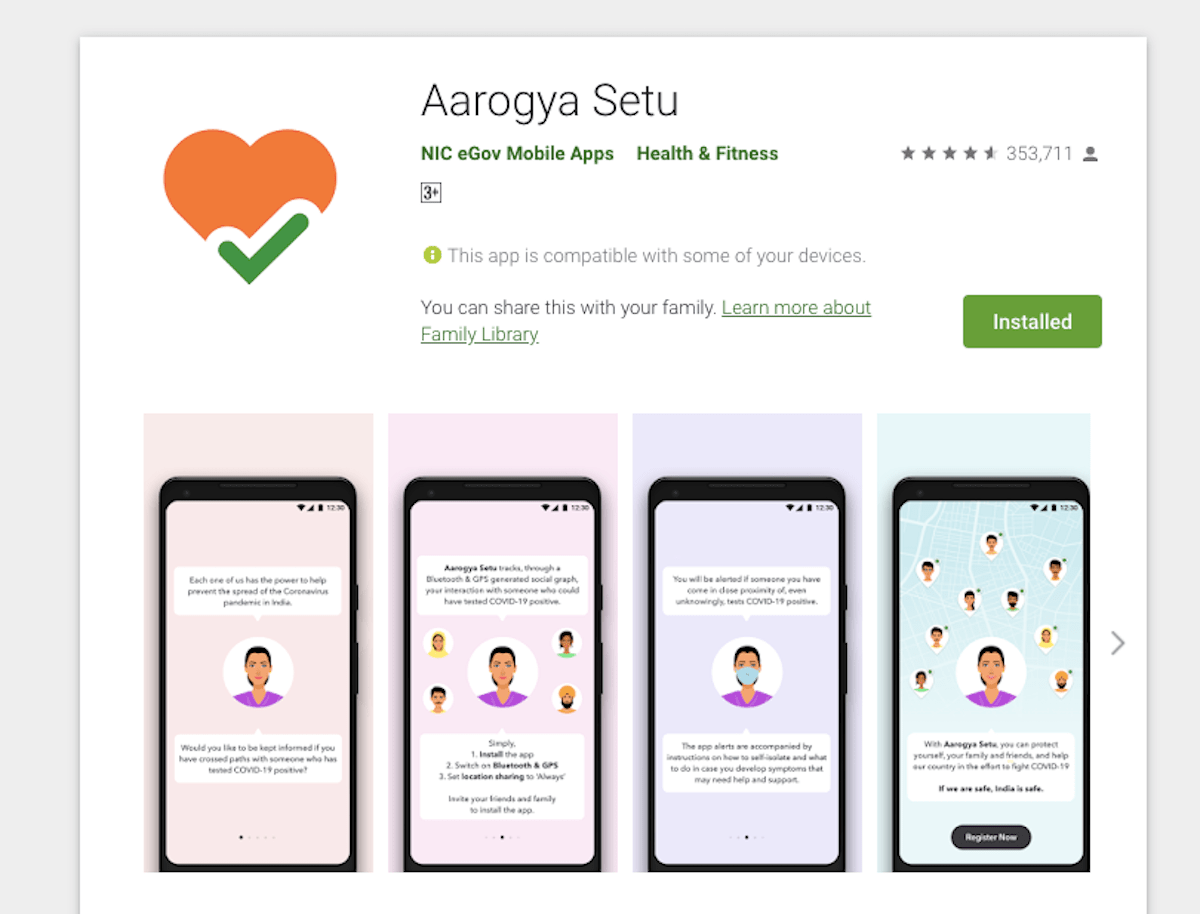
India’s first contact tracing app Aarogya Setu is getting a lot of new features lately. The app has received two new intriguing features which will change the experience of users. Firstly, the users will be able to delete their account along with personal information from the app. Secondly, users will get health data access to third-party apps. The new features have been rolled in both iOS as well as Android platforms. However, the health data access feature will be rolled out in Android soon. Android users will see a Delete My Account option on the app, which will erase all the data whereas, in iOS devices, users will see the option of Delete Account File.
- Make Telecom Talk My Trusted Source



How to Delete Account from Aarogya Setu App?
Aarogya Setu app did not offer such a feature earlier. As the new feature has been released, many users will find it extremely useful. If you an Android user, tap on settings menu that is available in the Aarogya Setu app. Once the menu opens, select the ‘Delete My Account’ option and enter your mobile number. In case you are an iOS, you will have to follow the same steps. iOS users will see ‘Delete Account File’.
Deleted Data Will be Stored in Government Server for 30 Days
Even though the users will delete the account and information from the Aarogya Setu app, the deleted information will be stored in the government server for 30 days. Also, deleting information will cancel the registration of users from the Aarogya Setu app. Users must note that the phone numbers will be mandatory to delete the account from Aarogya Setu app.
Health Data Access Feature is Not Available in Android
Another feature which has been rolled out in Aarogya Setu app is the health data access to third-party apps. The feature has just arrived in iOS devices. It is expected that the feature will be available for Android users soon. To enable the feature, go to settings and tap on approval for Aarogya Setu status. Once you give the approval, the app will list all the third-party apps that have been granted permission to access your health data on the app.






























