Support Telecomtalk







Andrew Bonwick
Vice President of Product Development at Relm Insurance

Madhav Sheth
CEO of Ai+ Smartphone

Stephen Rose
CEO Render Networks



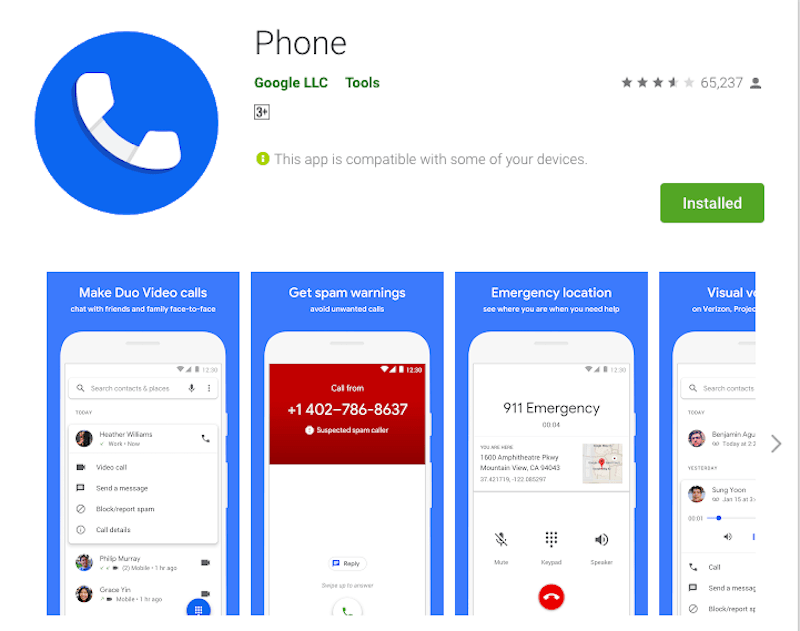
Everyone wants to get the dark mode. Starting from YouTube, to Twitter and also Google, most tech companies are bringing dark mode to their apps. To recollect, Google started the trend and all other tech giants are following the same. Google has been adding the dark mode a lot of its own apps like Google News, Google Contacts, Google Maps, and some of the other apps. If rumours are to be taken serious, Google has been working to bringing the dark theme to its Phone app for a long time now. Rumours have now turned into a reality as Google Phone app has finally received the dark mode with version 26.
- Make Telecom Talk My Trusted Source






Here’s How to Enable Google Phone App Dark Mode
To recall, Google had made the dark mode available to the users unofficially. The dark theme in Google phone was available in version 25 of the app with root or modded APK. But now, the feature is available for all users. Here’s how to enable dark theme on to your Google phone app. First, update your Google Phone app version to the latest one, that is, to version 27. After updating the app to the latest version, you’ll need to head to the “Settings” tab and then go on to the Display option.
You’ll then need to click on the dark theme option to enable it. After enabling it, the background of the phone will turn black while the texts on it will be white in colour. If you are a Pixel user, the dark theme should be enabled in the system settings. Once the updating is done, the Google phone will be automatically get updated to the dark theme. Once the dark theme is enabled in the Google phone, you will not be able to toggle it off.