 Support Telecomtalk







Andrew Bonwick
Vice President of Product Development at Relm Insurance

Madhav Sheth
CEO of Ai+ Smartphone

Varun Kashyap & Sridevi Reddy
Co-Founders, Zithara.ai
Transforming Indian Offline Retail and Customer Engagement Using AI


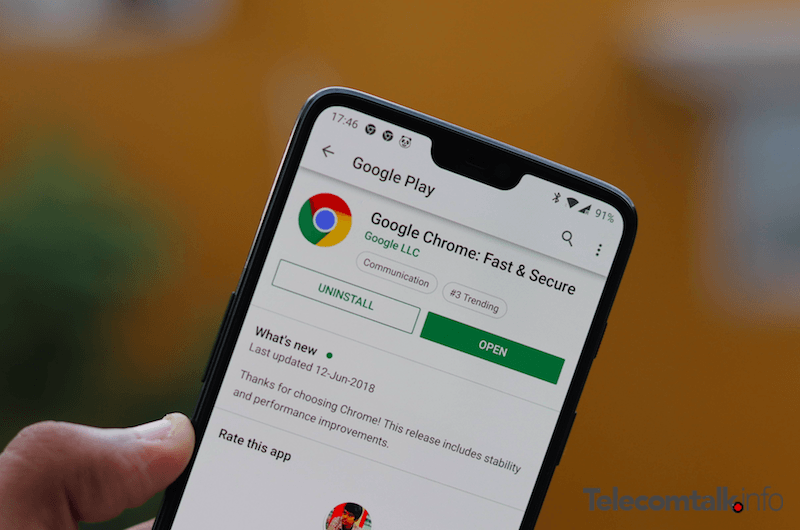
Google Chrome is perhaps the most favourite browser of users around the globe. It is not hard to see anyone who has not installed the Chrome browser and is a regular user of the software. Whether it on Android platform, Mac or PC, Google has claimed its territory in a very spectacular manner, and it is hard to shake Chrome from its top spot. However, if you a Chrome user you will agree that the browser at times falls prey to slow page loading and other technical issues which affects the browsing experience for the users. To fix these issues, Google is working on a “never-slow mode” for Chrome that will cut down technical elements on a web-page to facilitate faster browsing speed for the users.
- Make Telecom Talk My Trusted Source



“Never Slow Mode” to Boost Browsing Experience
As per the latest update on this new feature, the “never slow mode” will not reduce the Chrome memory storage but will only diminish the sluggish elements on a web page to improve the loading times and better the browsing experience. The demo code for the “never slow mode” on Chrome is currently present on Chrome’s open-source project Chromium which revealed that the elements which would be cut down in a webpage would include fonts, stylesheets, scripts, images, and long script tasks.
If you are even a little bit into programming languages, then you would know that the code will also risk breaking some of the web pages and that is what Google has also warned about in its Chromium build. A part of the snippet of code spotted on Chromium reads, “Enables an experimental browsing mode that restricts resource loading and runtime processing to deliver a consistently fast experience. WARNING: may silently break content!.”
As of this writing, Google is still on the task of working towards the completion of this new mode. Although it is worth noting that this is not the first time we will be getting to see an add-on over Chrome which will help boost the browsing speed. On Chrome web store, there are already plenty of extensions which help the users in improving their browsing speeds by blocking ads, conserving bandwidth and more ways, however, the development of an integrated mode on Chrome will do a much better job in improving the web page loading speed on the browser.






























