



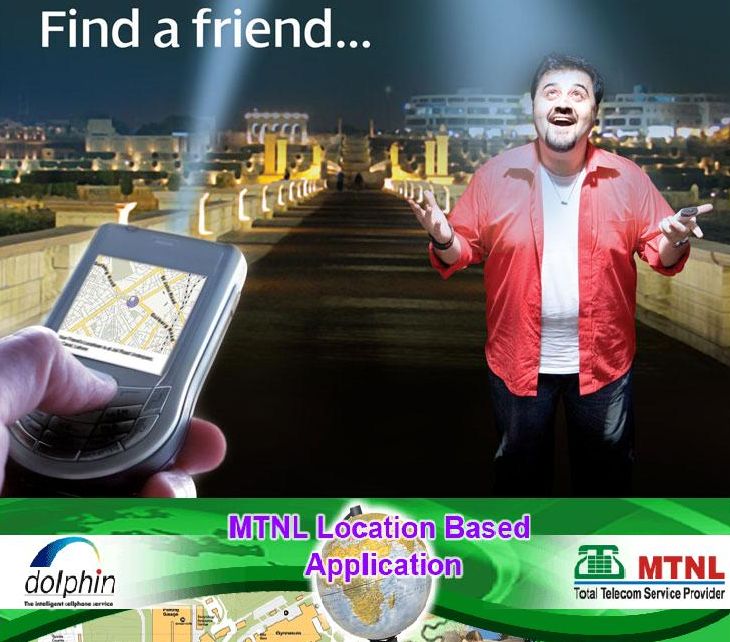
 India’s first 3G Mobile service operator, Mahanagar Telephone Nigam Ltd (MTNL) announced the launch of its "Location Based Application Service" for its Postpaid and Prepaid GSM Mobile (Dolphin/Trump) users of Mumbai.
MTNL’s Location-based application service (LBAs) is an information and entertainment service, accessible through a mobile network which utilises the ability to make use of the geographical position of the mobile device.
The LBS services can be used in a variety of contexts, such as health, work, personal life, etc. The LBS services include services to identify the location of a person or object, such as discovering the nearest banking ATM or the where abouts of a friend or employee.
MTNL’s LBA Service will be free for one week (5th to 11th Septembet’09)
after which it would be charged at Re.1 per request by SMS for all MTNL Mumbai GSM subscribers.
To begin with, this service will be available through both SMS and Website and also from WAP (wap.mtnlmumbai.in). All one needs to do is to SMS or login to the LBA Portal site (Web/Wap). On connecting with the Mobile network, his location is known automatically. All this information is available just by sending an SMS to 50123.
How to Use the LBA service-:
BY SMS-
To get your Geographical Location location send <FDM> to 50123.
Find Friend – Type ‘FDF’ followed by 91xxxxxx* (91 followed by the 10 digit MTNL number of your friend followed by an asterisk sign), send this to 50123.
Find POI – Type ‘FDP hospital’ and send it to 50123.
Find navigation – Type ‘NAVPT bank’ and send it to 50123.
City site seeing – Type ‘CSS temple’ and send it to 50123
To know more click here