Support Telecomtalk







Andrew Bonwick
Vice President of Product Development at Relm Insurance

Madhav Sheth
CEO of Ai+ Smartphone

Stephen Rose
CEO Render Networks



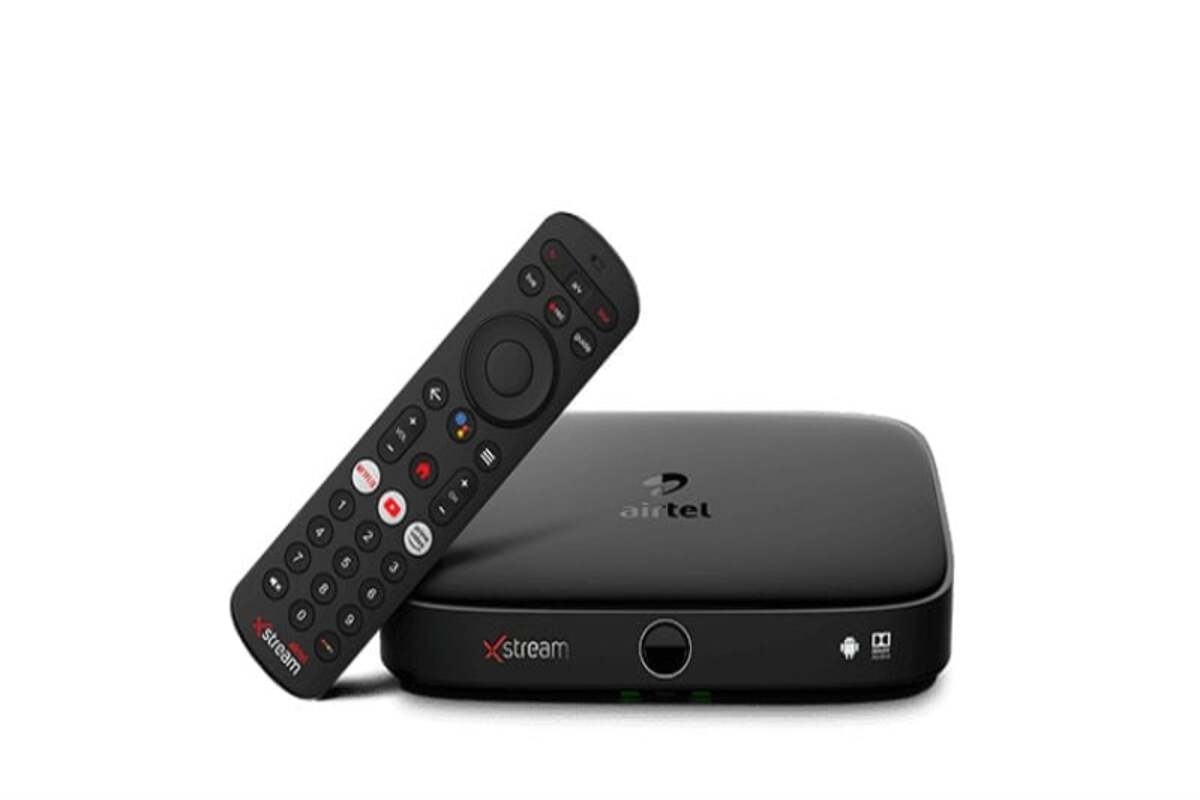
You may enjoy a fantastic TV viewing experience with a flawless DTH connection from Airtel DTH. Even though the company always does its hardest to guarantee your TV connection is ideal, the services occasionally suffer. Now, the company occasionally does have some control over such circumstances, but not always. However, you can be sure that the company will always be on hand to repair or resolve DTH connections for its clients.
- Make Telecom Talk My Trusted Source



Airtel DTH Error Code B001
Error on the TV screen: NO SIGNAL (Error: B001)
Reasons for the error:
- Conditions of heavy rain or very gloomy skies.
- The dish’s alignment is imperfect.
- The issue with the HD set-top box’s connections or connectors.
- Anything blocking the dish’s path.
Troubleshooting Steps:
- Checking the weather should be one of your initial actions. If it appears to be cloudy or raining, wait for the weather to clear up.
- Clear the area surrounding the dish of any impediments.
- If necessary, check and reset each cable connection.
- Restart the Set-Top Box again.
- Contact the call centre if you are unable to view the default channel (099) or recharge information (121).
Airtel DTH Error Code 2
Error on the TV screen: Please check; viewing card is not inserted properly in Set-Top Box (Error Code:4)
Reasons for the error:
This code appears when the viewing card is improperly put into the Set-Top Box or when the Set-Top Box fails to recognise the viewing card.
Troubleshooting Steps:
Very gently remove the viewing card from the Set-Top Box. Re-insert the card after wiping it with a dry cloth. Make sure the arrow is pointing in the direction of the box, and the gold chip is down when inserting. Contact Airtel customer care if the problem persists after this.