Support Telecomtalk







Andrew Bonwick
Vice President of Product Development at Relm Insurance

Madhav Sheth
CEO of Ai+ Smartphone

Stephen Rose
CEO Render Networks



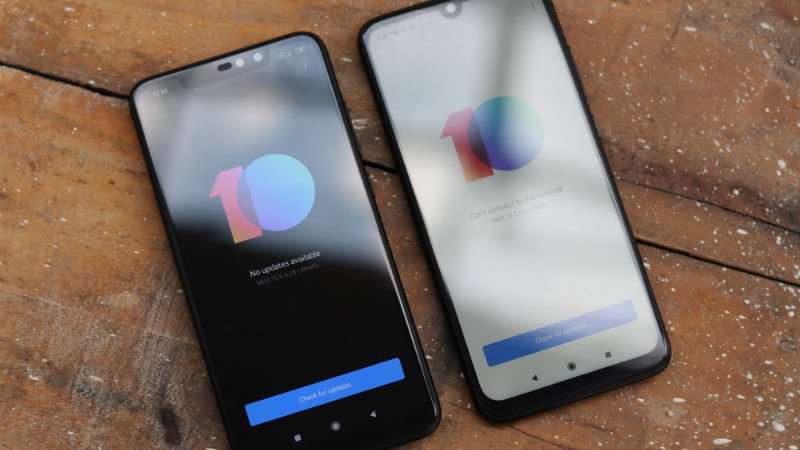
While buying any Android phone right now, one of the biggest things that a customer looks for is the software experience. That is also the reason why Android One phones have become so popular in the last few years in the market. These devices ship a very clean UI and experience to the users. Whereas, some of the phones out there, although offer great features at very attractive pricing, they also come with bloatware applications, unnecessary customisations, and maybe spam notifications too. By this, we think that you already have an idea about the company that we are talking about. Millions of people use Xiaomi phones in India, but these people are also sometimes annoyed by the ads and spam notifications which the MIUI comes with. Hence, this guide will help you solve the issue of ads and spam notifications in MIUI 10 or even MIUI 11. Read this guide to better the experience of MIUI for yourself.
- Make Telecom Talk My Trusted Source





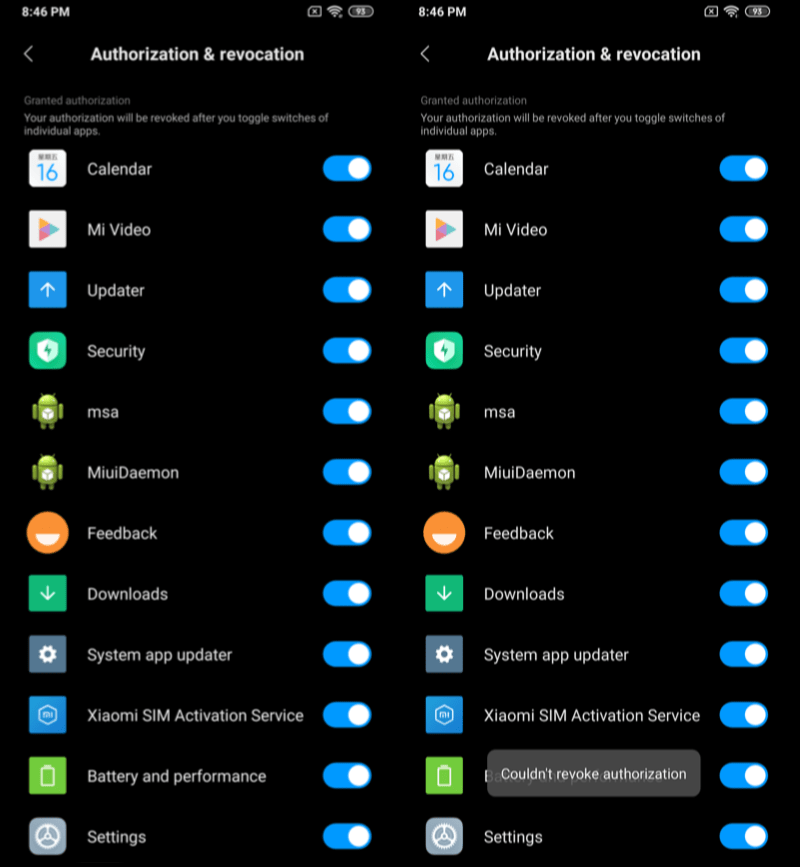
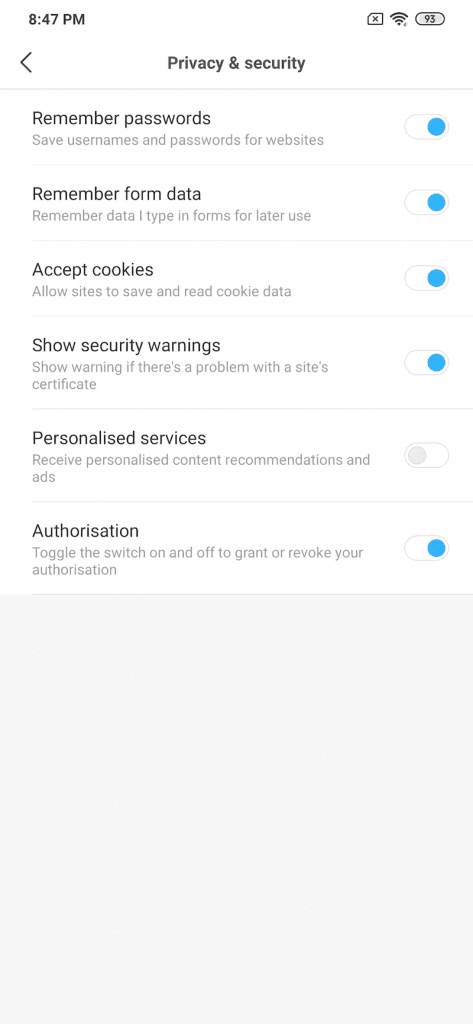
First Step: Disabling msa on Your Xiaomi Phone
One of the most popular phones out there running on MIUI 11 right now is the Redmi Note 7 and the Redmi Note 7 Pro. In case you are one of the users of MIUI 10 or MIUI 11, and you would like to disable ads on your phone, the first step would be to disable msa. Now, if you already know what msa is and you have tried to disable msa only with a failed attempt, then you might be missing an inside trick. It is crucial to note that Xiaomi resists hard for its users to disable msa and thus stop seeing ads on their phones, hence it could be quite tough to disable msa in one go, and you might have to do a few more attempts.